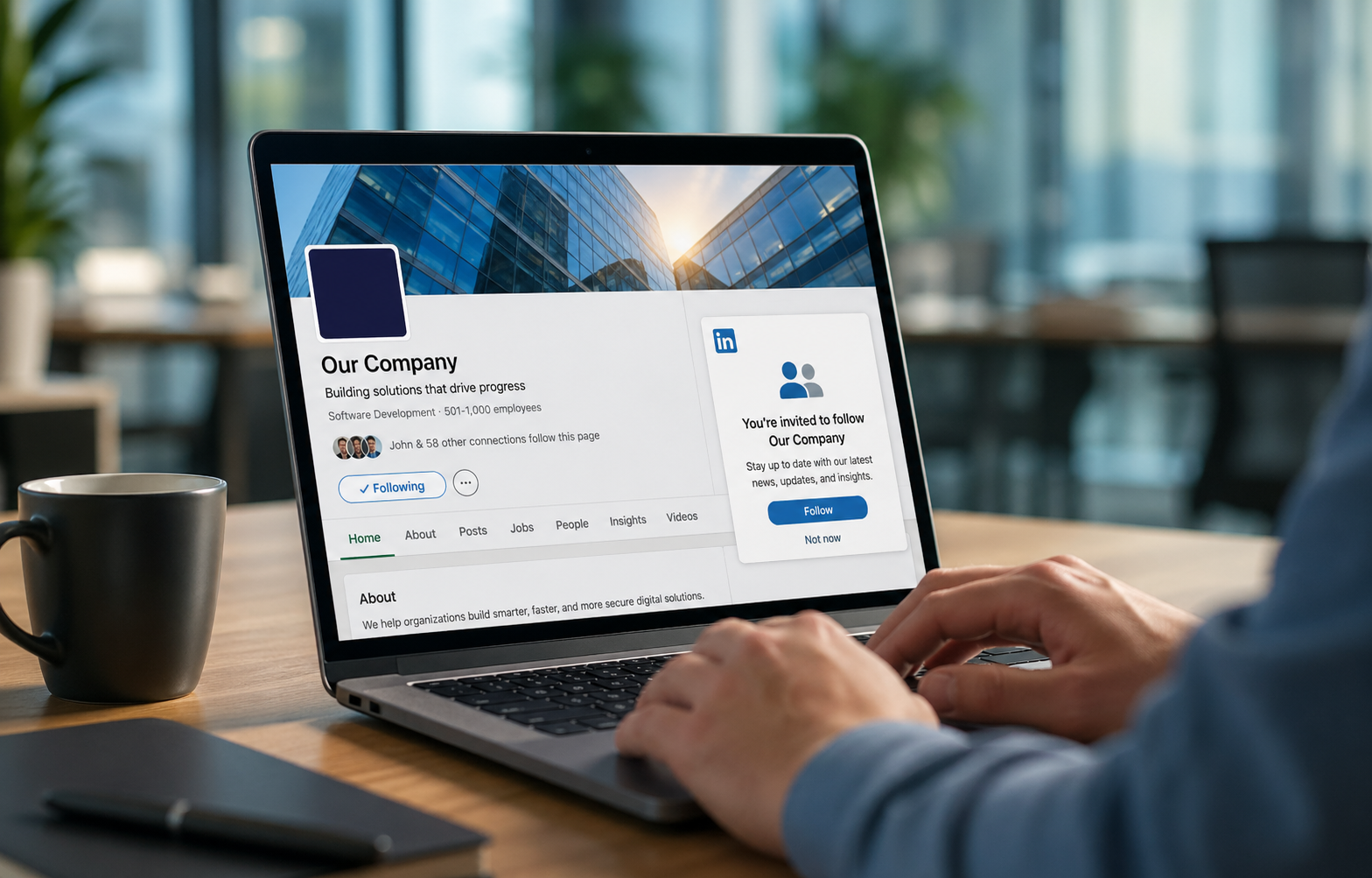
There is a feature sitting inside LinkedIn Premium Company Pages that most businesses are either not using, don't know about, or haven't bothered to turn on — and it's quietly one of the highest-leverage, lowest-effort growth tools available on the entire platform.
It's called the auto-invite feature. And if your company page has LinkedIn Premium and this toggle is not switched on, you are leaving warm, pre-qualified audience growth on the table every single day.
This isn't a hack. It isn't a workaround. It's a first-party LinkedIn feature, built directly into your Premium subscription, designed to do one very specific thing: automatically convert everyone who engages with your content into a follower of your page. No manual outreach. No credit spend. No guesswork about who to invite.
Here's exactly what it is, how it works, and why every company page that has Premium should have this running in the background at all times.
What the Auto-Invite Feature Actually Does
When someone on LinkedIn reacts to your post, comments on it, or shares it, they have done something deliberate. They saw your content in their feed, decided it was worth their attention, and took an action. That is not passive browsing. That is expressed interest — and it's the single strongest signal that someone is a candidate to follow your page.
The auto-invite feature automatically invites members who engage with your content, including members who publicly reacted, commented on, or shared your page's posts in the past 30 days. Critically, auto-invites to content engagers don't use any invitation credits. LinkedIn
That last point deserves emphasis. Standard LinkedIn invitation credits are a limited monthly resource shared across all your page admins. Auto-invites to content engagers sit completely outside that credit system. They are unlimited. Every person who engages with your content gets an automatic follow invitation, at no cost to your credit pool, with zero manual effort required from your team.
This premium LinkedIn page feature is not reliant on your own personal connections — it works solely by targeting those who engage with your company page. It's a valuable feature that saves time and increases your following on auto-pilot. Igniting Business
Why This Is Different From Regular Invitations
To understand why the auto-invite feature is so powerful, it helps to understand what you're working with on a free LinkedIn Company Page.
Without Premium, your invitation options are limited to your first-degree connections — people you're already personally connected to on LinkedIn. Unlike standard LinkedIn pages, which limit invitations to first-degree connections, the Premium Company Page allows businesses to invite users who have interacted with their content, as well as followers of similar pages. Rizzo Young
The difference in reach is enormous. Your first-degree connections are a fixed, finite pool. People who engage with your content are an ever-expanding, continuously refreshing pool of individuals who have already shown they find your content relevant. They might be prospects who discovered you through a shared post. They might be industry peers who stumbled across your content through a hashtag. They might be exactly the decision-makers you've been trying to reach through paid campaigns — finding you organically and telling you so through their engagement.
Without the auto-invite feature, those people engage with your content and float away. They'll probably never see your page again. With it turned on, they get an invitation to stay — immediately, automatically, and while your content is still fresh in their mind.
The Numbers Behind the Feature
LinkedIn's own data on what this feature does to follower growth is not subtle. According to LinkedIn, the auto-invite feature alone can help businesses grow their followers 6.7x faster, and Premium Company Page users can see approximately 7.5x more engagement on their page. Vulse
LinkedIn's Director of Product celebrated the success of Premium Company Pages among small businesses, noting: "Tools like the auto-invite and the ability to invite followers of similar pages help you expand your reach with a relevant audience." Vulse
For context on why follower growth matters beyond the vanity metric: LinkedIn's own data shows that pages posting weekly get 5.6x more follower growth — and 40% of LinkedIn users organically engage with a company page on the platform each week. Buffer A larger following means more people seeing your content organically every time you post, which drives more engagement, which triggers more auto-invites, which grows your following further. The compounding flywheel effect is real, and the auto-invite feature is what keeps it spinning.
Search engines like Google and Bing, as well as AI tools including large language models, may reference your LinkedIn page and follower count as a credibility check. LinkedIn company pages that are robust, post relevant content, and have an engaged following can see an indirect boost in search engines. Igniting Business Your follower count isn't just a LinkedIn metric. It travels.
Who Is Getting Auto-Invited — and Why That Matters
One of the most underappreciated aspects of this feature is the quality of the audience it builds. This isn't a random follower acquisition tool. It's a targeted, behavior-based audience builder.
Every person who triggers an auto-invite has already done something important: they found your content interesting enough to react to publicly. On LinkedIn, where the feed is professionally oriented and users are in a work mindset, that engagement is a meaningful signal. 75% of B2B buyers use social media to make purchasing decisions, and 50% specifically use LinkedIn as a trusted source of information in their decision process. Martal Group
The people engaging with your content on LinkedIn are not passive scrollers. They are professionals, decision-makers, potential clients, and industry peers who are actively consuming business-relevant information. When one of them takes the time to like or comment on your post, they are raising their hand. The auto-invite feature makes sure you don't miss that hand.
This is also why the feature compounds so effectively over time. Every follower you gain through auto-invite is someone who already had a positive first interaction with your brand. They're more likely to engage with future content, which extends your organic reach, which puts your content in front of new people, who engage, who get auto-invited, who become followers. The loop runs automatically in the background while you focus on creating content worth engaging with.
The Other Premium Features Working Alongside Auto-Invite
While the auto-invite feature is the standout reason to have LinkedIn Premium on your company page, it works best as part of the broader Premium toolkit — and understanding the full picture helps you see why the upgrade pays for itself.
Invite followers of similar pages. In addition to content engagers, Premium Company Pages can invite members who follow pages like yours, including pages in your industry, near your location, and with a similar number of employees. LinkedIn This lets you reach an entirely new pool of relevant professionals who have already signaled interest in your type of business by following a competitor or adjacent brand.
Visitor insights. Premium pages give you access to view the profiles of page visitors, providing valuable insights into potential leads. If you notice decision-makers from mid-market companies visiting your page frequently, your sales team can proactively target similar accounts or connect directly via InMail. Cleverly Visitor analytics turns passive page traffic into actionable lead intelligence.
Custom call-to-action button. Premium Company Page gives you a custom call-to-action button featured across your page header, your page posts, and in search results. LinkedIn Free pages have a generic button buried in a menu. Premium puts your specific CTA front and center everywhere your page appears.
Credibility features. Premium pages can display customer testimonials, highlight recent awards and certifications, and carry the gold Premium badge in search results and on the page — all of which contribute to the trust signals that make a prospect more likely to follow, engage, and ultimately reach out.
The Opportunity Cost of Leaving It Off
Here's the practical reality of not having this feature turned on. Every day your company page is producing content — and people are engaging with it — without the auto-invite feature running, you are allowing warm audience members to slip away. They engaged. They found value. They moved on. And your follower count didn't move with them.
High-value customers can slip through generic journeys, churn risks can hide in broad lists, and whole pockets of opportunity stay buried in the data. Braze The same principle applies here. The people engaging with your content are already in your orbit. They've already made the first move. The auto-invite feature is the mechanism that captures that momentum and converts it into a durable audience relationship.
For a business that is investing time and resources into creating content on LinkedIn — which you should be, given that LinkedIn's algorithm prioritizes content from personal profiles 5x more than company page posts, and personal profiles generate dramatically more reach Growwithghost — the company page still serves a critical credibility and discovery function. Every person who engages with your team's personal content and then visits your company page is a potential auto-invite candidate. That bridge only works if the feature is on.
How to Turn It On
If you have LinkedIn Premium on your company page and the auto-invite feature is not yet active, turning it on takes about thirty seconds.
Navigate to Premium Features on the left-hand sidebar of your company page. In the "Grow your Page followers faster with auto-invites" section, turn the toggle on. Tryordinal That's it. From that point forward, every member who publicly reacts to, comments on, or shares your page's posts within the past 30 days will automatically receive an invitation to follow your page — with no credits used and no manual action required from your team.
If you don't yet have LinkedIn Premium on your company page, pricing starts at $99.99 per month or $839.88 per year with annual billing. LinkedIn For a business where LinkedIn is an active part of the marketing and business development strategy, the auto-invite feature alone — running continuously, capturing every engaged visitor, building a warm follower base month over month — makes the investment straightforward to justify.
The Bottom Line
Your company page content is already doing the hardest part of audience building: earning attention in a crowded feed. People are reacting to it, commenting on it, sharing it. The auto-invite feature is how you make sure that attention translates into a lasting connection rather than a one-time interaction you'll never see again.
Turn it on. Keep it on. Let it run while you focus on the content that earns the engagement in the first place. It is the simplest, highest-return action available to any business running a LinkedIn Premium Company Page — and there is no good reason it should be sitting idle.
Want help building a LinkedIn strategy that turns your company page into a lead generation machine?
Let's talk at ritnerdigital.com/#contact
Ritner Digital is a digital marketing agency helping businesses build, grow, and optimize their online presence with strategy-first thinking and data-backed execution.
Frequently Asked Questions
Do I need LinkedIn Premium on my company page specifically, or does a personal Premium subscription unlock this feature?
They are separate products. A personal LinkedIn Premium subscription — whether Career, Business, or Sales Navigator — does not unlock the auto-invite feature for your company page. The auto-invite feature is exclusive to LinkedIn Premium Company Page, which is a distinct subscription attached to the company page itself, not to any individual user's account. If you have personal Premium but haven't upgraded your company page, the feature is not available to you. The good news is that once you do upgrade the company page, every super admin and content admin on the page gets access to all the Premium features — not just the person who purchased the subscription.
Who exactly gets auto-invited — and who doesn't?
Anyone who publicly reacts to, comments on, or shares one of your company page's posts within the past 30 days is eligible to receive an automatic follow invitation. The key word is publicly — private interactions don't trigger the feature. People who simply viewed your post without engaging, clicked a link without reacting, or visited your page without taking any action are not included in the auto-invite pool. That's actually a feature, not a limitation — it means every person being auto-invited has already demonstrated active interest, which makes them a higher-quality audience addition than someone who passively scrolled past your content.
Does the auto-invite feature use up my monthly invitation credits?
No, and this is one of the most important things to understand about how the feature works. Standard LinkedIn page invitations draw from a monthly credit pool shared across all your page admins. Auto-invites to content engagers are completely separate from that credit system and do not consume any credits at all. You can have the auto-invite feature running continuously, capturing every content engager every month, while still using your regular invitation credits to invite first-degree connections and followers of similar pages. They operate as independent systems.
Will people know they were auto-invited, or does it look like a personal outreach?
There is a nuance here worth knowing. LinkedIn's help documentation notes that recipients of auto-invites to content engagers cannot see the name of the specific person who sent the invite — unlike standard manual invitations where the sender is identified. The invitation arrives as a follow request from your company page. From the recipient's perspective, it's a natural, non-intrusive prompt to follow a page whose content they recently engaged with. It doesn't feel like cold outreach because it isn't — it's a follow-up to a genuine interaction they already initiated.
What happens if someone declines the auto-invite?
If a member declines the invitation or opts out of receiving page invitations through their LinkedIn privacy settings, they won't be re-invited. LinkedIn respects user preferences on this, and the system is built to avoid repeatedly prompting people who have indicated they don't want follow invitations. This is also why the quality of the auto-invite audience tends to be high — only people who are receptive to the invitation actually become followers, so you're building a following of people who genuinely want to hear from you.
How quickly will I see results after turning the feature on?
The feature begins working immediately once the toggle is activated. How quickly you see measurable follower growth depends on how much engagement your content is already generating. If your page is posting consistently and earning reactions and comments regularly, you may start noticing follower growth within the first week. For pages that are just beginning to produce content or are still building engagement momentum, the feature will accelerate growth as engagement increases. The important thing is to turn it on before you need it — because every day it's off is a day of engaged visitors who didn't get captured.
Can the auto-invite feature hurt my page's reputation or annoy people?
This concern comes up often, and the honest answer is that the risk is minimal when the feature works as designed. The invitation only goes to people who just engaged with your content — meaning they already found value in what you posted. Receiving a follow invitation from a page you just liked or commented on is contextually appropriate and rarely feels intrusive. It's meaningfully different from cold connection requests or unsolicited outreach. LinkedIn also gives members full control to decline or opt out entirely, so the system is self-regulating. The audience it builds tends to be receptive by definition.
Should I still be manually inviting connections if the auto-invite feature is running?
Yes, and they work best together. Auto-invites capture people who have already engaged with your content — a warm, behavior-based audience. Manual invitations let you proactively reach first-degree connections and, with Premium, followers of similar pages — people who may not have encountered your content yet but are highly relevant to your business. Running both simultaneously means you're covering two distinct growth vectors at once: capturing warm inbound interest through auto-invites, and proactively expanding reach through strategic manual outreach. Neither replaces the other.
How does Ritner Digital help businesses get more out of LinkedIn Premium Company Pages?
We help businesses set up and optimize every element of their LinkedIn company page — from Premium feature configuration like auto-invites and custom CTAs, to the content strategy that generates the engagement the auto-invite feature needs to do its job. A toggle turned on with no content behind it won't move the needle. We build the full system: the page setup, the content calendar, the posting cadence, and the measurement framework that shows you exactly how your LinkedIn presence is contributing to pipeline.
Get your LinkedIn company page working harder at ritnerdigital.com/#contact