Ritner.
Get Started
Bold Digital Results.
Custom websites that convert visitors into customers
Start a Project →
2.4M
Monthly Reach
+18%
Conversions
100
PageSpeed
No templates. No drag-and-drop guesswork. We design and build fast, focused websites on any platform — and they rank on Google while they're at it.
Platforms we build on
What We Build
Whether you need leads, sales, or credibility — we build it around what your business actually needs.
Our Process
A clear, collaborative process so you always know what's happening and what's next.
What's Included
Every web design engagement includes all of the below — no add-on fees, no nickel-and-diming. You get a complete site built the right way.
Start a Project →Platforms
We recommend the right tool for your goals — not the one we prefer to use.
Why Ritner Digital
Most agencies build you a site and disappear. We build relationships that compound over time.
FAQ
Most projects run 4–8 weeks from kickoff to launch, depending on complexity, number of pages, and how quickly you can turn around feedback. Simpler landing pages can move faster — 2–3 weeks. Larger, custom-built sites with e-commerce or complex functionality can take 10–12 weeks. We'll give you a realistic timeline in the scoping call before anything starts.
It depends on what you're building and what platform it's on. A focused landing page starts around $1,500. A full business site typically runs $3,000–$8,000. E-commerce and custom builds go up from there. We scope everything up front so there are no surprises — and we don't take on projects we can't deliver well at the budget you have.
That depends entirely on your business. Squarespace is great for service businesses and creatives who want a clean, managed site. WordPress is the right call if you need aggressive SEO, complex content, or custom functionality. Shopify if you're selling products. Webflow if you want maximum design control. We'll recommend the right fit in the discovery call — not the platform we prefer to use, but the one that actually serves your goals.
We can. Copywriting is available as an add-on and honestly makes a significant difference in how well the site converts. If you already have copy you're happy with, we'll work with what you provide. If you need it written from scratch, we'll handle it — and we'll make sure it's written for search intent, not just to fill space.
Yes — that's a non-negotiable for us. After launch, we walk you through exactly how to manage your own content. Every platform we build on has a user-friendly editor, and we document what you need to know. You shouldn't have to call your web designer every time you want to update a phone number.
We offer ongoing maintenance and marketing retainers if you want us to stay involved — handling updates, SEO, paid ads, and content. Or we hand everything off cleanly if you want to manage it yourself. Either way, you get a post-launch check-in at 30 and 90 days to make sure everything is performing as expected.
From the Blog

You write the post, format it carefully, and hit publish. The editor looks fine. The front end looks like someone removed every line break and compressed your content into a single unreadable block. Here's why it happens — and what it's really telling you about your site.
Read More →
Accordion folds are a favorite in modern web design — sleek, scannable, and mobile-friendly. But does hiding content behind a click hurt SEO? We break down what Google really sees, what still matters, and how to use accordions without sabotaging your rankings.
Read More →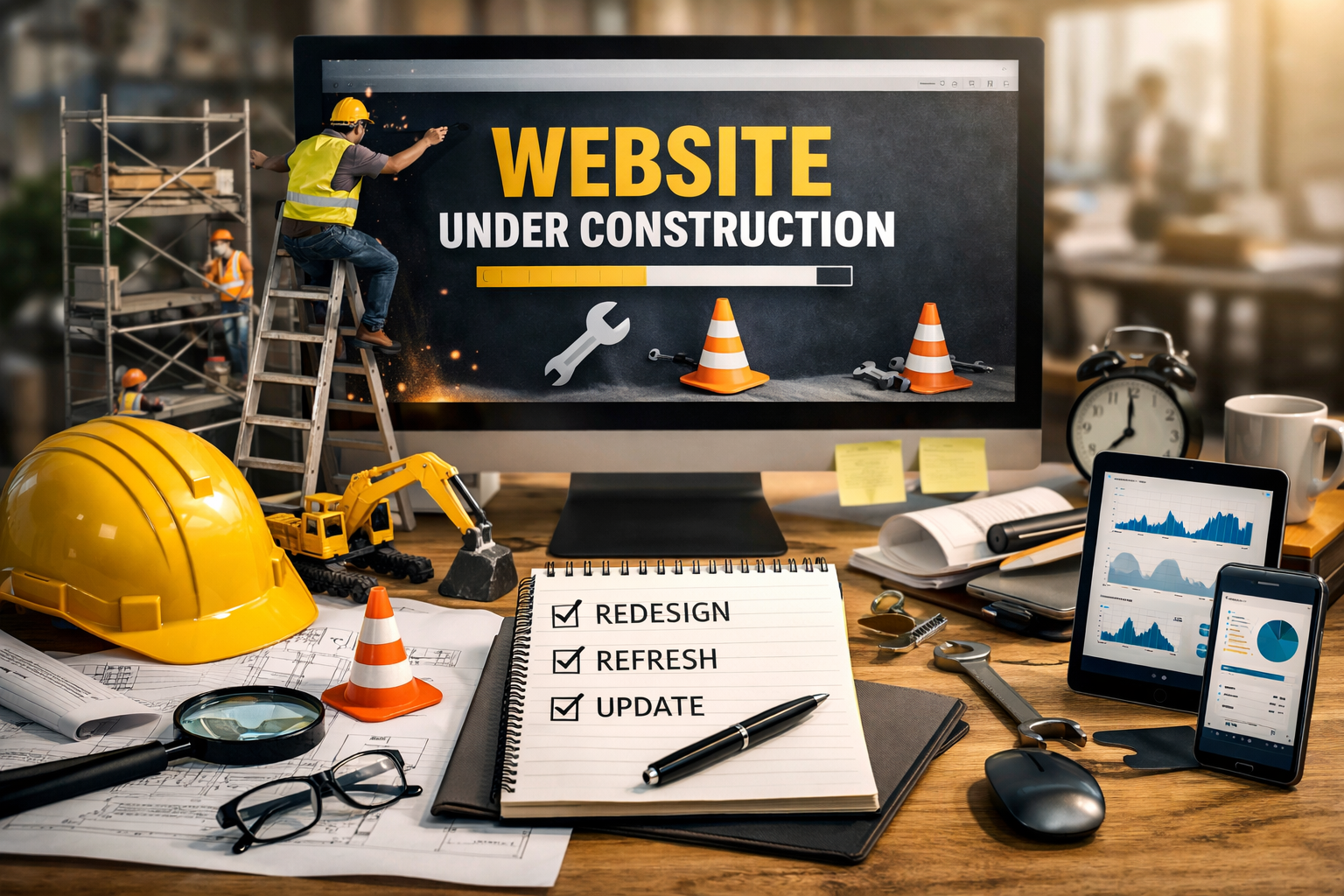
Most businesses treat their website like a construction project — plan it, build it, launch it, move on. This is how you end up with a 2019 website representing a 2026 company. Here's how to think about the right cadence for your site and your industry.
Read More →Get Started
Tell us what you're trying to build. We'll respond within one business day — no pitch decks, no sales pressure until you're ready.