The Drupal FAQ Quirk Nobody Warns You About Before You Build Your First Page
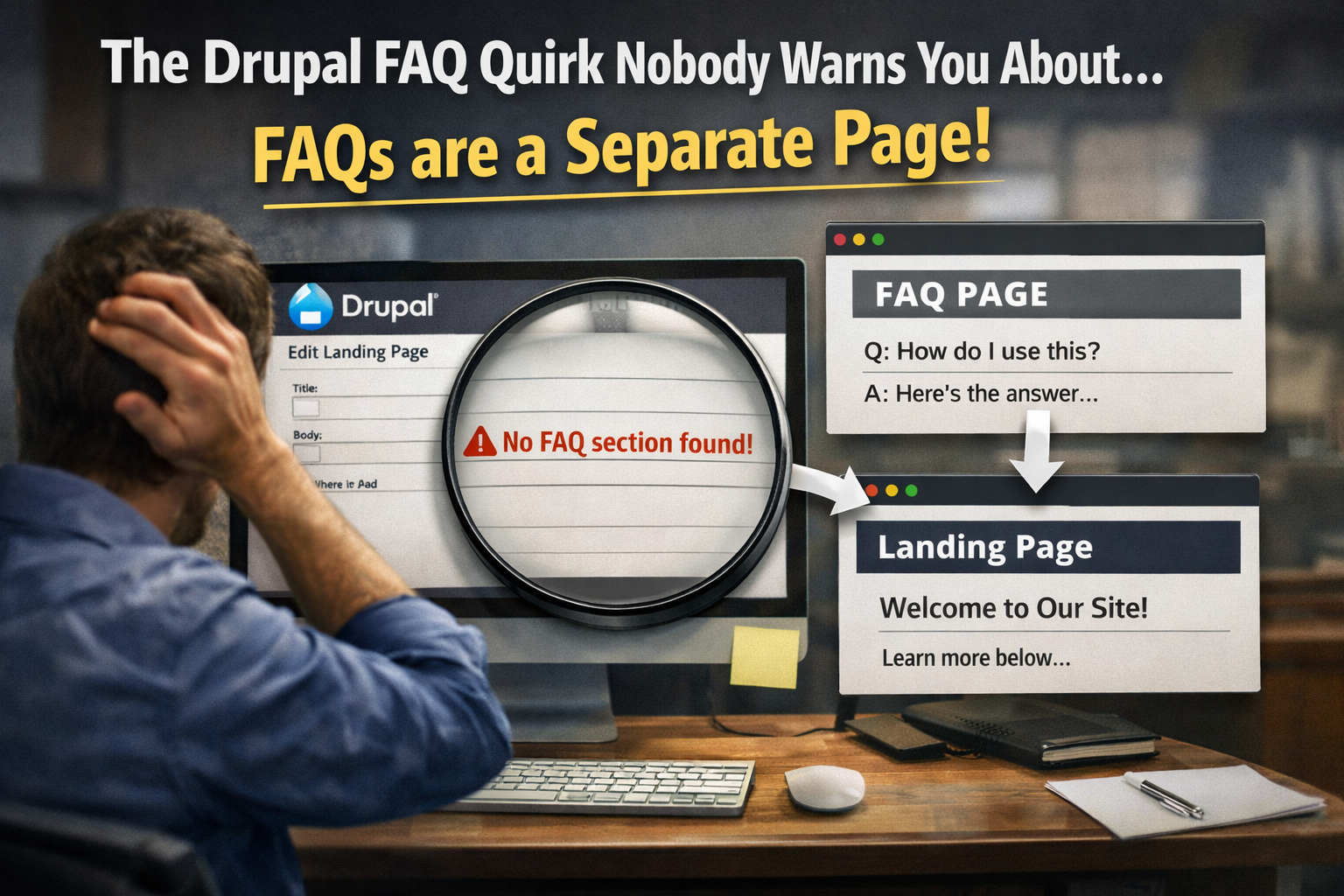
If you've recently started building pages in Drupal and you're trying to add an FAQ section to a landing page, you've probably hit a moment of genuine confusion.
You look for a field to add FAQ content directly to the page you're building. It's not there. You look for an accordion component, a repeating field, a place to just type a question and an answer. Still not there. You Google it. The results are either for a completely different version of Drupal, written for developers, or both.
What you eventually discover — usually through trial and error or through someone more experienced telling you — is that Drupal doesn't work the way you assumed it would.
In Drupal, FAQs are not content you add to a page. They are a page. A separate, standalone page with its own URL, its own content type, and its own existence in the system. And once that page exists, you reference it from your landing page — adding the FAQ page's title to a designated field on the landing page, which then pulls that content in and displays it as part of the page experience.
It's a different mental model than most page builders. And until you understand it, you'll keep looking for something that isn't there.
Here's exactly how it works.
Why Drupal Does It This Way
Before walking through the process, it's worth understanding the logic — because once you get it, the whole thing makes more sense and stops feeling like an arbitrary obstacle.
Drupal is built around a content architecture philosophy called structured content. Rather than building pages as monolithic documents where everything lives in one place, Drupal treats different types of content as distinct entities that can be created independently and then assembled into pages through relationships.
An FAQ isn't just a piece of a page in Drupal's worldview. It's a content entity — something that exists on its own, that can potentially be referenced from multiple pages, that has its own fields and its own structure. By making FAQs their own content type with their own pages, Drupal gives you the ability to reuse FAQ content across multiple pages without duplicating it, to manage FAQ content independently from the pages that display it, and to maintain a clean separation between different types of content in the system.
This is genuinely powerful for large, complex websites. It's genuinely confusing for someone who just wants to add three questions and answers to a service page.
Both things are true simultaneously.
The Process: Step by Step
Here's exactly how to add FAQ content to a Drupal landing page, from start to finish.
Step One: Create the FAQ Page First
Before you touch your landing page at all, you need to create the FAQ content as its own page in the system.
In your Drupal admin, navigate to the content creation section and look for the FAQ content type. Depending on how your specific Drupal instance is configured, this might be labeled "FAQ," "FAQ Page," or something similar — the exact label depends on how the content type was named when the site was built.
Create a new piece of content using this content type. You'll be able to add your questions and answers here — the specific fields available will depend on your site's configuration, but the core function is the same: this is where the actual FAQ content lives.
Give this FAQ page a clear, descriptive title. The title matters for two reasons. First, it's what you'll search for when you need to reference it from your landing page. Second, depending on your site's configuration, it may be publicly accessible at its own URL — so the title should reflect the content and context clearly.
Save the FAQ page. It now exists in the system as its own content entity with its own URL.
Step Two: Find the FAQ Field on Your Landing Page
Now go to your landing page — the one you want the FAQ content to appear on.
Somewhere in the page's field structure, there will be a field specifically designed to reference FAQ content. It might be labeled "FAQ," "FAQ Section," "Related FAQ," or something similar. It's typically a reference field — a field that links to other content in the system rather than containing content directly.
This field is where the connection gets made. It's not a text field where you type content. It's a lookup field where you find and select the FAQ page you just created.
Step Three: Add the FAQ Page Reference
In the FAQ reference field on your landing page, you'll typically either type the name of your FAQ page to search for it, or use a browse/select interface to find it. Either way, you're looking for the title of the FAQ page you created in step one.
Once you select the correct FAQ page, Drupal creates a relationship between the landing page and the FAQ content entity. When the landing page renders, it pulls in the FAQ content from the referenced page and displays it as part of the landing page experience — typically as an accordion section, a list of questions and answers, or whatever display format your site's theme has configured for FAQ content.
Save the landing page. The FAQ content should now appear on the page.
Step Four: Verify the Display
Preview or visit your landing page and confirm that the FAQ content is displaying as expected. Depending on your site's configuration, it may appear exactly where you placed the reference field in the page layout, or it may appear in a fixed position determined by the page template.
If the content isn't appearing, the most common causes are that the FAQ page hasn't been published yet — it may have been saved as a draft — or that the reference wasn't saved correctly on the landing page. Check both.
Common Points of Confusion
A few things trip people up consistently with this process, and knowing them in advance saves time.
The FAQ page has its own URL. This catches people off guard. Because the FAQ content exists as its own page in the system, it's accessible at its own web address — not just embedded invisibly inside your landing page. Depending on your site's URL structure and configuration, this might be something like yoursite.com/faqs/your-faq-page-title. This is generally fine and expected behavior — but if you don't want the FAQ page to be independently discoverable via search or direct navigation, that's a configuration consideration worth raising with your developer or site administrator.
You can reference the same FAQ page from multiple landing pages. This is the power of the structured content approach. If you have FAQ content that's relevant to multiple service pages, you create it once and reference it from each relevant page. You don't duplicate content across pages — you maintain a single source of truth that displays wherever it's referenced.
Editing the FAQ content updates it everywhere it's referenced. Because the FAQ exists as its own content entity, any changes you make to the FAQ page propagate to every landing page that references it. This is useful when you need to update an answer or add a new question — you do it in one place and every page that displays that FAQ reflects the update automatically. It also means you should be deliberate about editing shared FAQ content, since a change affects multiple pages simultaneously.
The FAQ page title is what you search for in the reference field. The reference field on your landing page finds FAQ content by title — not by URL, not by content, not by some internal ID. Give your FAQ pages clear, descriptive titles that you'll be able to find and identify easily when referencing them from other pages. "Services FAQ" is more useful than "FAQ 1" when you're searching through a reference field six months after you created it.
Draft FAQ pages won't display on published landing pages. If you create your FAQ page, reference it from your landing page, and the content isn't showing — check whether the FAQ page is published. Drupal respects publication status when rendering referenced content, so an unpublished FAQ page simply won't appear even if it's correctly referenced.
A Quick Workflow Summary
For anyone who wants the condensed version to refer back to:
One — create a new piece of content using the FAQ content type and add your questions and answers. Give it a clear title. Publish it.
Two — navigate to the landing page where you want the FAQ to appear. Find the FAQ reference field.
Three — in the reference field, search for and select the FAQ page you just created by its title.
Four — save the landing page and verify that the FAQ content is displaying correctly.
That's the full workflow. It takes longer to explain than it does to execute once you've done it once.
The Bigger Picture: Getting Used to Drupal's Content Model
The FAQ process is one specific example of a broader pattern in Drupal that takes some adjustment if you're coming from simpler page builders or CMS platforms.
In WordPress with a standard page builder, you build a page and everything on it — text blocks, image sections, accordions, FAQs — lives inside that page's editor. It's self-contained and intuitive for straightforward use cases.
In Drupal, the architecture is more distributed. Pages are often assemblies of referenced content entities rather than self-contained documents. This creates more powerful reuse and management capabilities for complex sites — but it requires a different mental model and more setup steps for things that feel like they should be simple.
Once that mental model clicks, Drupal's approach starts making sense. The FAQ isn't part of the page. It's its own thing that the page knows about. That distinction — which feels like a quirk when you first encounter it — is actually the feature.
It just requires someone to tell you that before you spend an afternoon looking for a field that was never going to be there.
Building or managing a Drupal site and running into questions about content architecture, page building, or getting your digital presence performing the way it should?
Ritner Digital works with businesses across South Jersey and the Philadelphia region on web strategy, content management, and the digital infrastructure that supports real marketing results. If you want a team that understands both the technical side and the strategic side of making your web presence work, let's talk.
👉🏼 Get in Touch at ritnerdigital.com
Frequently Asked Questions
Why can't I just add FAQ content directly to a landing page in Drupal?
Because Drupal treats different types of content as separate entities rather than building pages as single self-contained documents. FAQs in Drupal are their own content type — they exist as independent pages with their own URLs and their own fields. The landing page doesn't contain the FAQ content directly — it references the FAQ page, which then pulls that content in for display. It feels counterintuitive coming from simpler page builders, but it's the result of a deliberate architectural philosophy around structured, reusable content rather than a bug or an oversight.
What is the correct order of operations for adding FAQs to a Drupal landing page?
Always create the FAQ page first, then reference it from the landing page — never the other way around. Go to your Drupal admin, find the FAQ content type, create a new piece of content with your questions and answers, give it a clear title, and publish it. Then navigate to your landing page, find the FAQ reference field, search for the FAQ page you just created by its title, select it, and save the landing page. Trying to add the reference before the FAQ page exists will leave you with nothing to select — the reference field can only point to content that already exists in the system.
Does the FAQ page have its own URL that people can visit directly?
Yes — and this catches a lot of people off guard. Because the FAQ content exists as its own page in the Drupal system, it's accessible at its own web address independently of the landing page that references it. Depending on your site's URL structure, it will have its own path — something like yoursite.com/faqs/your-page-title. Whether that's desirable depends on your site's content strategy. If you want the FAQ content to be independently discoverable via search or direct navigation, that's a benefit. If you'd prefer it only appear as part of the landing page context, that's a configuration consideration worth discussing with your developer or site administrator.
Can I use the same FAQ page on multiple landing pages?
Yes — and this is one of the genuine advantages of Drupal's structured content approach. Because the FAQ exists as its own content entity rather than being embedded inside a specific page, it can be referenced from as many landing pages as are relevant. Create the FAQ content once and reference it from every page where it makes sense to display it. You maintain a single source of truth rather than duplicating content across multiple pages. This is particularly useful for FAQ content that applies broadly — common questions about your business, your process, or your services that are relevant across multiple sections of your site.
If I edit the FAQ page, will the changes show up everywhere it's referenced?
Yes — automatically, on every landing page that references that FAQ. Because the content lives in one place and landing pages simply reference it, any update you make to the FAQ page propagates immediately to every page displaying it. This is powerful for maintaining accuracy and consistency across a large site — update an answer once and it's updated everywhere. It also means you should be intentional about editing FAQ content that's referenced from multiple pages, since a change affects all of them simultaneously. If you need different FAQ content for different pages, the right approach is to create separate FAQ pages rather than editing a shared one.
Why isn't my FAQ content showing up on the landing page after I added the reference?
The two most common causes are that the FAQ page is not published — Drupal won't display referenced content that's in draft status, so check the FAQ page's publication status first — or that the reference wasn't saved correctly on the landing page. Go back to the landing page, confirm the FAQ reference field shows the correct FAQ page title, and resave. If the content still isn't appearing after confirming both of those things, the issue may be in the page template or display configuration, which is worth escalating to your developer or site administrator.
What should I name my FAQ pages in Drupal?
Give them clear, descriptive, specific titles that you'll be able to identify easily when searching for them in a reference field weeks or months after you created them. The reference field on your landing page finds FAQ content by searching for the title — so "Services FAQ," "Pricing FAQ," or "New Client FAQ" are far more useful than "FAQ 1," "FAQ 2," or just "FAQ." If your site has many pages and many FAQ entities, a consistent naming convention — something like the relevant page or section name followed by "FAQ" — will save significant time and confusion as the content library grows.
Is there a way to have FAQ content that only appears on one specific page and nowhere else?
Yes — just don't reference that FAQ page from any other landing pages. The FAQ page will still exist at its own URL in the system, but it will only appear as part of the landing page experience on the pages that reference it. If you want to be extra careful about the FAQ page not being discoverable on its own, you can work with your developer to configure the FAQ content type so those pages are excluded from the sitemap or set to noindex — but for most use cases, simply not referencing the FAQ from other pages is sufficient to keep it contextually associated with the right landing page.
Is this how all content relationships work in Drupal, or is it specific to FAQs?
FAQs are one specific example of a broader pattern in Drupal's content architecture. Many content types in a well-built Drupal site work this way — testimonials, team members, case studies, related resources, and other content entities are often created as their own content types and referenced from pages rather than embedded directly within them. The FAQ is usually one of the first places people encounter this pattern because adding questions and answers feels like something that should be a simple on-page task. Once you understand how the reference model works for FAQs, you'll recognize the same pattern across other content types in the system and the whole architecture will start to feel more coherent.
Should I be worried that my FAQ pages have their own URLs from an SEO perspective?
Not necessarily — and in some cases it's actually a benefit. FAQ content that's independently accessible at its own URL can be indexed by search engines and potentially rank for question-based queries, which adds an additional discovery channel beyond the landing page. The consideration is whether the standalone FAQ page provides enough context on its own to be useful to someone who finds it directly from search — without the surrounding landing page content, does the FAQ stand on its own as a coherent, valuable resource? If the answer is yes, the independent URL is an SEO asset. If the FAQ content only makes sense in the context of the landing page, it may be worth working with your developer on how the standalone page is configured for indexing.
Is Drupal worth the learning curve compared to simpler platforms like WordPress?
For the right use case, absolutely — and for the wrong one, it adds complexity without proportionate benefit. Drupal's structured content architecture, of which the FAQ relationship model is one example, is genuinely powerful for large, complex websites with diverse content types, significant reuse requirements, and sophisticated publishing workflows. For a small business site with a handful of pages and straightforward content needs, that power comes with a steeper learning curve than the value it delivers. WordPress with a good page builder handles simpler sites more intuitively. Drupal earns its complexity for sites where the structured content model genuinely matters. The FAQ quirk is a useful litmus test — if understanding it feels like a reasonable tradeoff for the capabilities Drupal offers, you're probably on the right platform for your needs.