Why We Use Rella for Social Media Reporting (And Think You Should Too)
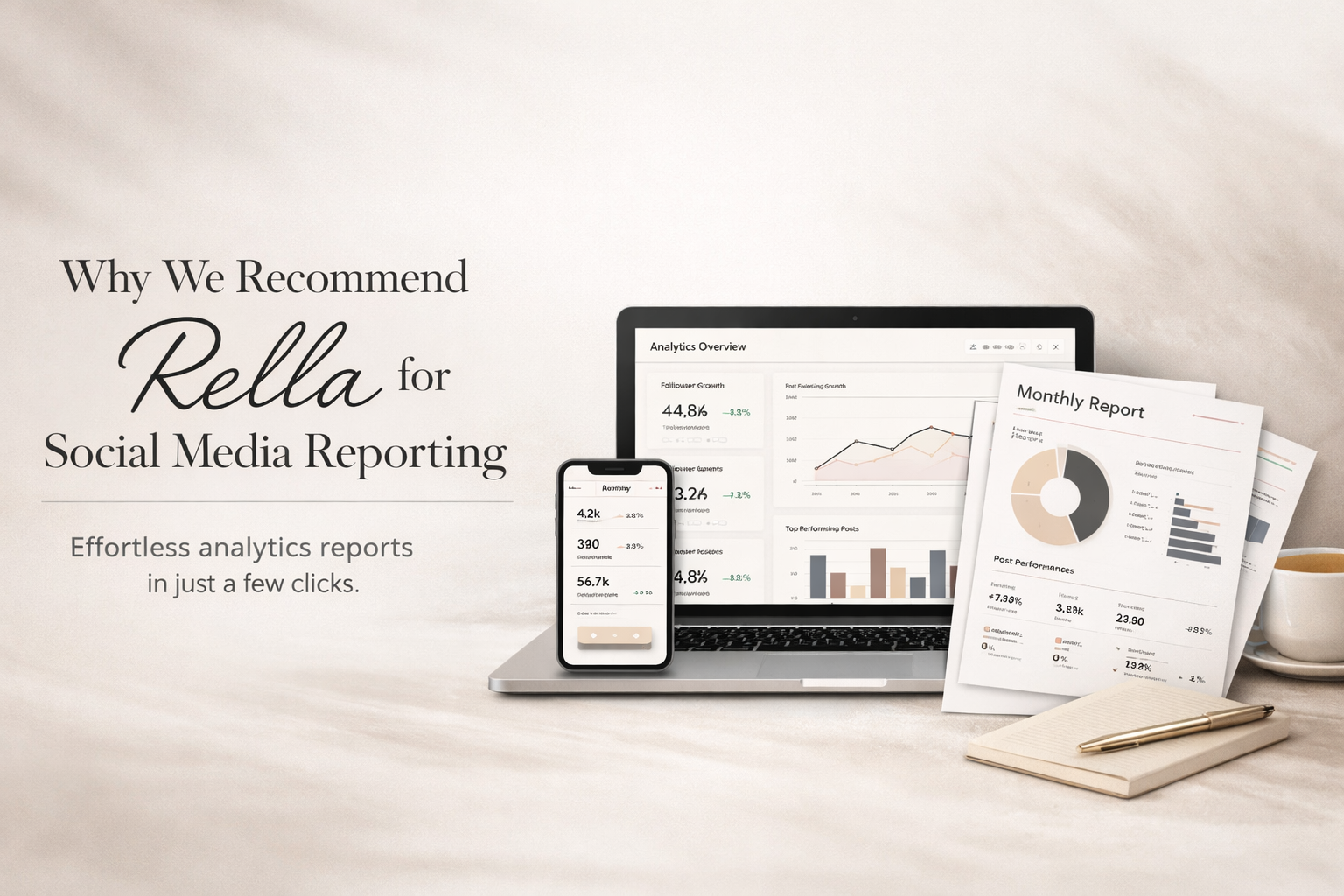
If you manage social media for clients — or even for your own business — you already know the reporting problem. Every month, the same cycle: log into each platform, screenshot the numbers, drop them into a Google Sheet or a Canva template, add context, format it so it doesn't look like a spreadsheet with a logo slapped on top, and send it off. An hour of work — sometimes more — that adds zero strategic value. It just proves you did the work.
We've used most of the social media management tools on the market. Some are great at scheduling. Some are great at analytics. Very few are great at both without charging enterprise prices. And almost none of them make the reporting experience genuinely easy for the person sending the report or the client receiving it.
Rella does. It's the reporting and social media management tool we recommend to clients, and it's become a core part of how we run social media at Ritner Digital. Here's why.
The Reporting Problem Nobody Talks About
Social media reporting shouldn't be hard. The data already exists inside each platform. The challenge is pulling it together, making it readable, and delivering it in a format that a client — who probably doesn't think in impressions and engagement rates — can actually understand and act on.
Most tools approach this one of two ways:
Enterprise platforms like Sprout Social and Hootsuite offer deep analytics and custom report builders, but they're expensive, complex, and built for large teams with dedicated analysts.
Budget-friendly tools like Later or Buffer offer basic analytics, but exporting them into something client-presentable still requires manual work.
The gap in the market has always been a tool that generates clean, professional, shareable reports with minimal effort — at a price point that makes sense for freelancers, small agencies, and growing businesses.
That's exactly where Rella sits.
What Rella Gets Right About Reporting
Rella's analytics dashboard pulls in performance data from your connected social accounts:
Instagram
Facebook
TikTok
LinkedIn
Twitter/X
Pinterest
YouTube Shorts
Threads
You get account-level insights and individual post performance in one view, which is table stakes for any management tool.
Where Rella separates itself is what happens next.
With a few clicks, you can generate a shareable analytics report — a clean, formatted breakdown of key metrics like:
Follower growth
Engagement rate
Reach
Impressions
Top-performing posts
…for any time period you choose.
The report is delivered as a link. The client clicks the link and sees the report.
No login required
No account needed
No PDF to download and lose in their inbox
That last part matters more than it sounds. One of the most common friction points in client reporting is access. Clients don't want to create accounts on your tools. They don't want to learn a new dashboard. They want to click a link, see how things are going, and move on with their day.
Rella's shareable report links solve this completely.
For agencies and social media managers handling multiple clients, this turns a monthly reporting cycle that used to take hours into something that takes minutes. The data is already there. The format is already built. You generate the report, send the link, and move on to work that actually moves the needle.
It’s Not Just Reporting — It’s the Whole Workflow
The reason we recommend Rella over standalone analytics tools is that reporting is integrated into a platform that also handles everything else. Content planning, scheduling, approvals, project management, and analytics all live in the same place.
That integration matters because it means the data in your reports is directly connected to the content you planned, approved, and published — not pulled from a separate tool and reconciled manually.
Rella's content management is built around what they call Social Spaces — essentially workspaces for each client or brand. Each Social Space has its own:
Content calendar
Kanban board
Task lists
File storage
Analytics
You can create as many Social Spaces as you need without affecting your subscription cost, which is a significant advantage over tools that charge per client or per connected account.
The content calendar supports auto-posting to:
Instagram (posts, Stories, Reels)
Facebook (posts, Stories, Reels)
TikTok
YouTube Shorts
Pinterest
Twitter/X
LinkedIn
Threads
For platforms where auto-posting isn't supported due to API limitations, Rella downloads your media and copies your captions so you can post manually with minimal friction.
Client Approvals (Without the Back-and-Forth)
The approval workflow is especially well-designed for client-facing work.
You share a link — again, no login required — and the client can:
View the content calendar
Preview how posts will look once published
Leave feedback
Approve content
The communication loop stays inside the tool instead of being scattered across email threads and Slack messages.
Ella — The AI Assistant That’s Actually Useful
Rella includes an AI assistant called Ella, available on Premium and Premium Plus plans.
We’re generally skeptical of AI features bolted onto existing tools — most are thin wrappers around a language model that don’t add meaningful value.
Ella is more thoughtful than most.
You can ask Ella to:
Draft captions based on uploaded media
Generate monthly content strategies
Repurpose a short-form video into a text-only post
Compile task lists
Analyze which content is still in progress
Recommend posting times
It’s integrated directly into the workspace, so it has context on your content, your calendar, and your workflow. It’s not a generic chatbot — it’s trained on your brand voice and operates within the context of what you’re actually working on.
Is it going to replace a human strategist? No.
But it is a time-saver for the repetitive parts of content management — first drafts, brainstorming, repurposing — and it keeps getting better as Rella develops it.
Pricing That Doesn’t Punish Growth
This is where Rella makes the strongest case for itself: pricing is per member seat, not per client or per connected account.
That’s a fundamental difference from most competitors.
Rella Pro — $24 per member/month
Includes:
Unlimited Social Spaces
Auto-posting
Content calendar
Kanban boards
Content approvals
Analytics reporting
Task management
Instagram feed planner
For a freelancer or small agency managing five, ten, or twenty clients, that’s everything you need at a price that doesn’t scale with your client roster.
Rella Premium — $36 per member/month
Adds:
Public-facing communication
White-label branding on shared content and reports
Social inbox (Instagram comments + DMs)
Workflow automation
Ella AI assistant
Rella Premium Plus — $48 per member/month
Adds:
1:1 onboarding
Prioritized support
Unlimited Ella usage
Custom branding
Compare that to enterprise tools like Sprout Social or Hootsuite, which start above $200/month and scale quickly with users and profiles. Or tools like Later that charge by the number of social sets.
Rella’s pricing is built for how agencies and managers actually work: many clients, small teams, tight margins.
Every plan includes a 14-day free trial with no credit card required, so you can test the full workflow before committing.
What Rella Doesn’t Do
No tool is perfect — and being honest about limitations is part of a real recommendation.
Analytics depth: Solid for reporting and tracking, but not as advanced as dedicated analytics platforms like Metricool or Sprout Social. If you need deep attribution, competitive analysis, or custom formulas, you may need a supplemental tool.
Platform coverage: Covers major networks, but not YouTube long-form video and some newer platforms. You can create custom platforms to manage unsupported channels (without auto-posting).
No API: Limits integrations for teams with complex tech stacks.
No native mobile app: Works in mobile browser and can be saved to your home screen, but there isn’t a dedicated iOS/Android app.
For most small to mid-size agencies, freelancers, and in-house social media managers, these are trade-offs — not dealbreakers.
Who Rella Is Best For
Rella is built for people who manage social media as a service:
Freelance social media managers
Small agencies
In-house marketing teams
Creators managing multiple brand partnerships
It’s ideal if you need planning, client collaboration, approvals, and reporting in one platform — without enterprise pricing.
If you’re a solo business owner managing your own social media, Rella still works, but you may not need all the collaboration features that make it shine.
If you’re an enterprise team with 50 users and custom reporting requirements, you’ll likely need something more robust.
For everyone in between, Rella is the sweet spot.
Why We Recommend It
We recommend Rella because it solves the pain point most teams face every month: turning social media management from a disorganized, time-consuming process into a streamlined workflow that looks professional and runs efficiently.
The reporting alone would justify it.
But the combination of:
Reporting
Content management
Approvals
AI assistance
Growth-friendly pricing
…makes it the tool we point people toward most often.
Social media management is only as effective as the system behind it. A great strategy executed through a messy workflow produces mediocre results.
Rella gives you the system — and the reports to prove it’s working.
Frequently Asked Questions
Is Rella Free?
Rella offers a 14-day free trial on all plans with no credit card required.
After the trial, paid plans start at $24 per member per month for Rella Pro. There’s no permanently free tier, but the trial gives you full access to test the platform before committing.
Can My Clients See Reports Without Creating an Account?
Yes — this is one of Rella’s best features.
Analytics reports are shareable links. Clients click and view in their browser:
No login
No account creation
No software install
The same applies to content approval workflows — clients can view, comment on, and approve content through a shared link without signing up.
What Social Media Platforms Does Rella Support?
Rella supports auto-posting to:
Instagram (posts, Stories, Reels with cover photos)
Facebook (posts, Stories, Reels)
TikTok
YouTube Shorts
Pinterest
Twitter/X
LinkedIn
Threads
You can also create custom platforms for unsupported channels, though auto-posting won’t be available for those.
How Does Rella Compare to Sprout Social or Hootsuite?
Sprout and Hootsuite are enterprise platforms with deeper analytics, more reporting customization, and broader integrations — and significantly higher pricing (Sprout starts above $200/month).
Rella is built for freelancers, small agencies, and growing teams that need planning, collaboration, and reporting without enterprise complexity or pricing.
If unlimited Social Spaces and client collaboration at a flat per-member rate matter, Rella is typically better value.
How Does Rella Compare to Later or Metricool?
Later is strong for Instagram-focused visual planning but charges based on social sets and doesn’t offer the same depth of project management and approvals.
Metricool excels at analytics dashboards but lacks the all-in-one planning and approval workflow.
Rella’s advantage is combining scheduling, project management, approvals, and reporting in one tool — with unlimited clients at a flat rate.
Can I White-Label Reports With My Branding?
Yes — on Rella Premium and Premium Plus plans.
You can customize the public-facing experience (shared content, reports, projects) with your branding — logo, colors, and custom URL. This is especially valuable for agencies.
Does Rella Work for Managing Influencer Campaigns?
Yes.
Rella supports influencer campaign management — outreach workflows, content submissions, approvals, and performance reporting — all in one platform.
For agencies and brands running influencer programs alongside organic social, it eliminates a lot of the spreadsheet-and-email chaos that typically comes with campaigns.
Related Reads
〰️
Related Reads 〰️
What Should a Monthly PPC Report Actually Look Like? And the Best Reporting Tools in 2026
You're paying your agency every month. You get a PDF full of graphs and numbers. But do you actually know what any of it means — or whether your money is working? A real monthly PPC deliverable should tell a clear story: what happened, why it happened, and what's being done about it. Here's what to look for and the tools that make honest reporting possible.

Social Media Management for Plumbing Contractors
You didn't become a plumber to post on Instagram. But social media works for plumbing contractors — not with trends and memes, but by showing up, doing the job right, and proving it. Here's what to post, which platforms matter, and when it's time to hand it off to a team that understands the trades.

How to Tie Marketing Spend to Revenue
Marketing teams spend money. Finance wants proof. This guide breaks down how to tie marketing spend to real revenue using clean tracking, attribution models, and data your leadership team will actually trust.