What Should a Monthly PPC Report Actually Look Like? And the Best Reporting Tools in 2026
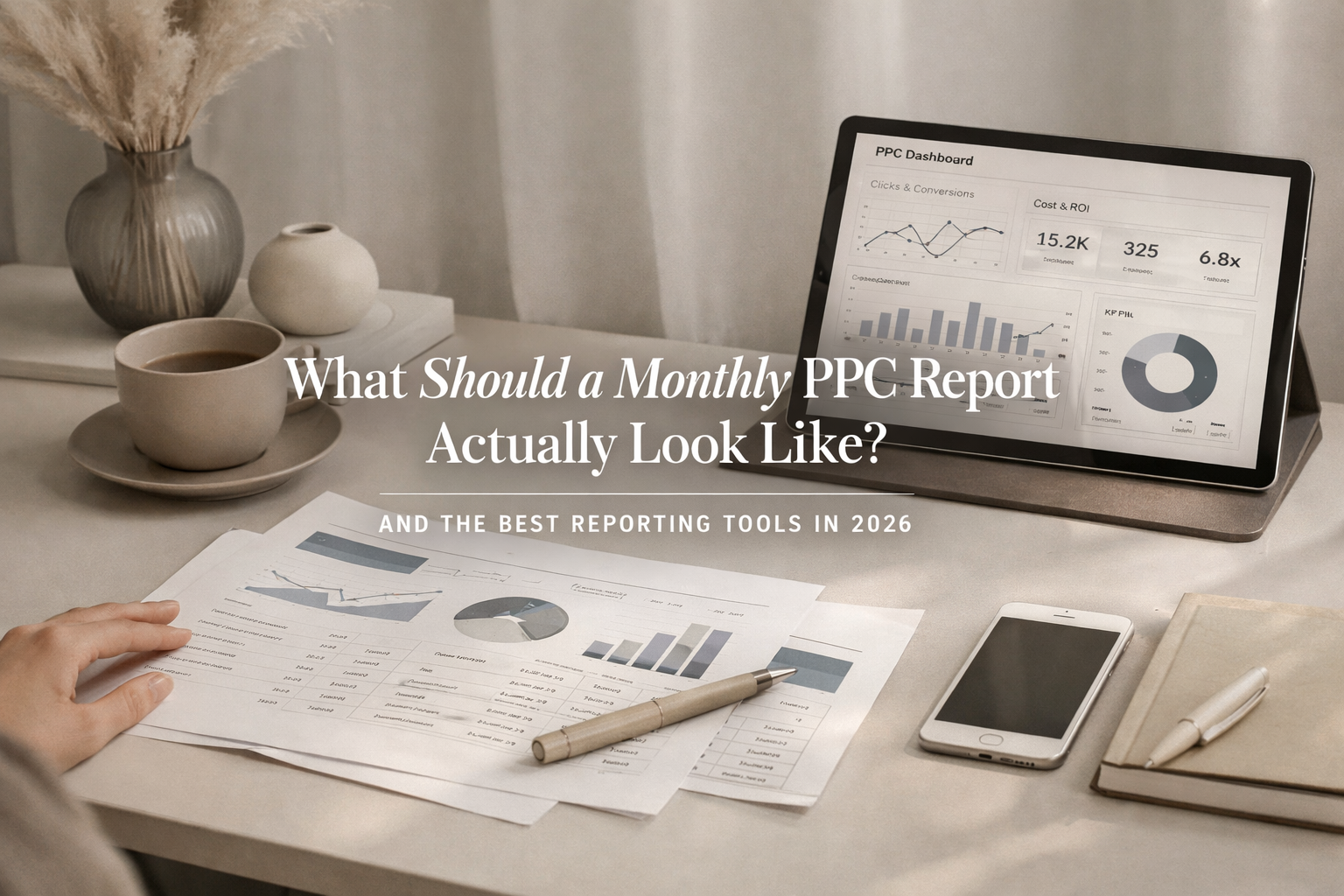
If your monthly report doesn't answer "is my money working?" in plain English, it's not a report — it's a smokescreen.
Every month, the same routine plays out at thousands of businesses across the country. The agency sends over a report. It's a nice-looking PDF or a link to a dashboard. There are charts. There are numbers. There are arrows pointing up. It looks professional.
And the business owner glances at it, has no idea what any of it actually means, and goes back to running their company.
That's not reporting. That's decoration.
If you're paying someone to manage your PPC campaigns — Google Ads, Local Service Ads, Meta, whatever the platform — you deserve a monthly deliverable that tells you exactly what happened with your money, why it happened, and what's being done next. Anything less than that is a red flag.
What Most Agencies Send vs. What You Actually Need
Most monthly PPC reports are built around platform metrics: impressions, clicks, click-through rate, cost per click, maybe conversions. These metrics are fine as data points, but on their own they don't answer the question every business owner is really asking: did this make my phone ring?
A report full of impressions and clicks without context is like a mechanic telling you they rotated your tires without mentioning your engine is about to fail. It's technically accurate and completely useless.
Here's the difference between a report that exists to check a box and a deliverable that actually serves your business.
What a Real Monthly PPC Deliverable Should Include
An Executive Summary in Plain Language
The first page of your report should be a written summary — not a chart, not a graph — that tells you in plain English what happened this month. What worked. What didn't. What changed. And what's being done about it next month.
This is the part most agencies skip entirely, and it's the most important part of the whole document. If your ads person can't summarize the month in a few clear sentences, they either don't understand the account well enough or they don't have much to report.
Where Your Money Went
You should see a clear breakdown of your total spend, broken out by campaign, platform, and geographic area. If you're spending $4,500 a month, you have every right to know that $2,000 went to Google Search in your primary county, $1,200 went to Local Service Ads, $800 went to a secondary market, and $500 went to display or retargeting.
If the report just says "total spend: $4,500" with no breakdown, that's not transparency — that's a summary of your credit card statement.
Actual Lead and Conversion Data
Clicks are not leads. Impressions are not customers. Your report should tell you how many actual conversions came in — phone calls, form submissions, appointment requests — and which campaigns and keywords drove them. Even better, it should distinguish between quality leads and junk. A hundred clicks that generated three spam form fills and one tire-kicker phone call isn't a win. It's a problem.
Search Terms Report
This one is critical and almost nobody includes it. The search terms report shows you the actual words people typed into Google before clicking your ad. If you're an HVAC company and your budget is being eaten by people searching for "HVAC technician jobs" or "how to fix my own AC unit," you're paying for clicks that will never become customers. Your report should show these terms and explain what's being done to filter them out.
Geographic Performance
If you serve multiple areas, your report should show how each area is performing individually. Not every county or zip code converts the same way, and your budget allocation should reflect that. If one area is producing leads at $30 each and another is producing them at $150 each, that should be visible — and your campaign manager should be adjusting accordingly.
Month-Over-Month Comparison
Data in isolation means nothing. Your report should compare this month to last month, and ideally to the same month last year if you have the history. Are things trending up or down? Is cost per lead improving? Is the budget being spent more efficiently? Without comparison, you have no idea whether the campaign is actually progressing.
Competitive Context
A good report should include at least a high-level view of what your competition is doing. Are new competitors bidding on your keywords? Has auction competition driven up your cost per click? This kind of context helps explain shifts in performance and shows that your campaign manager is paying attention to the broader landscape, not just your account in a vacuum.
Actionable Next Steps
This is the part that separates a real partner from an autopilot agency. Your report should close with specific recommendations for next month: budget adjustments, new keywords to test, underperforming campaigns to pause, landing pages to improve, or new geographic areas to explore. If the "next steps" section of your report says something like "continue to monitor and optimize," that's not a plan — that's filler.
The Best PPC Reporting Tools in 2026
Whether you're an agency building reports for clients or a business owner who wants to know what tools your team should be using, the reporting landscape has matured significantly. Here are the tools worth knowing about right now.
Looker Studio (formerly Google Data Studio)
Still one of the most widely used reporting platforms, and it's free. Looker Studio lets you create interactive dashboards by connecting various data sources, and it's ideal for marketers who prefer flexibility and have time to design reports manually. Optmyzr It integrates natively with Google Ads, GA4, and Google Sheets, making it a strong starting point for any PPC reporting setup. The tradeoff is that it requires real setup time and customization to look polished and tell a clear story — out of the box, it's a blank canvas.
AgencyAnalytics
AgencyAnalytics is purpose-built for marketing agencies and integrates with top ad platforms, offers white-labeled dashboards, and automates delivery. AgencyAnalytics It connects with over 80 platforms and lets you combine PPC, SEO, and social data into a single client-facing interface. For agencies managing multiple accounts, it's one of the most efficient ways to deliver professional, branded reports without rebuilding them from scratch every month.
Whatagraph
Whatagraph is an AI-powered marketing intelligence platform built for performance marketers running Google Ads, Meta Ads, LinkedIn Ads, and more, with over 55 native integrations. Whatagraph It's particularly strong for teams that want reports that combine visual dashboards with AI-generated summaries and observations — useful for adding that narrative layer without writing everything manually.
Optmyzr
Optmyzr is not a reporting-only tool — teams typically adopt it when basic dashboards stop being enough, especially once they're managing multiple accounts, platforms, or clients and need reporting that reflects what's actually happening inside the accounts. Optmyzr It combines reporting with optimization, monitoring, and account analysis, so you can review performance alongside alerts, trends, and recent account activity without switching between tools. It's a strong choice for agencies that want their reporting layer to live alongside their actual campaign management workflow.
Supermetrics
Supermetrics automates the time-consuming parts of the process, letting you track clicks, conversions, and return on ad spend with frequent automated updates. TapClicks It doesn't come with its own dashboards — instead, it feeds data into the tools you're already using like Google Sheets, Looker Studio, Excel, or Power BI. Think of it as the data pipeline that powers your reporting, not the report itself.
DashThis
DashThis plays a client-ready dashboarding role in the reporting workflow and is best suited for recurring reports and high-level performance overviews, rather than deep PPC analysis or investigation. Optmyzr It's drag-and-drop simple, looks great out of the box, and is a solid option for agencies that want polished client-facing dashboards without a steep learning curve. Just know it's better for presentation than for deep diagnostic work.
Swydo
A white-label-focused tool that makes it easy to deliver branded, automated reports on a schedule. Swydo offers a base fee of $49 per month including 10 data sources and unlimited clients, users, and reports, making it one of the more cost-effective options for growing agencies. Swydo It's particularly popular with smaller agencies that need professional output without enterprise pricing.
Funnel.io
Best for agencies or in-house teams that need to centralize data from a large number of sources before it ever hits a dashboard. Funnel.io connects PPC data, CRM information, and analytics from across platforms into a single data layer that you can then push into whatever visualization tool you prefer. It's less of a reporting tool and more of a data infrastructure tool — powerful for complex, multi-channel operations.
GA4 (Google Analytics 4)
Not a PPC reporting tool by itself, but an essential piece of the puzzle. GA4 is the backbone of PPC attribution, with event-based tracking and cross-channel reporting that shows how ad clicks translate into tangible business outcomes. Vidi Corp The catch is that GA4 doesn't pull in platform-level PPC metrics like cost, impressions, or CPC natively — so it needs to be paired with another tool to give you the full picture.
What to Do If Your Report Doesn't Look Like This
If your current agency is sending you a monthly PDF that's mostly auto-generated charts with no written analysis, no search terms breakdown, no geographic detail, and no clear next steps — you're not getting what you're paying for.
That doesn't necessarily mean the work behind the scenes is bad. But it does mean the communication is failing, and in a client-agency relationship, communication is half the value. You're not just paying for someone to push buttons in Google Ads. You're paying for a partner who can explain what's happening with your money and make smart decisions with it on your behalf.
If that conversation isn't happening, it might be time to find a partner where it does.
Your Budget Deserves Better Reporting
You work hard for the money you put into marketing. The least your agency can do is show you — clearly, honestly, and in plain language — what that money is doing every single month. No jargon. No vanity metrics. No filler. Just the truth about what's working, what isn't, and what comes next.
Let's Talk About Your PPC Reporting →
Frequently Asked Questions
How often should I receive a PPC report from my agency?
At minimum, monthly. Some agencies also provide weekly snapshot updates for high-spend accounts or during the early stages of a new campaign when things are changing quickly. But a comprehensive, written monthly deliverable with analysis and next steps should be the baseline expectation for any paid engagement.
What's the most important thing to look for in a PPC report?
Real lead data and a clear explanation of what happened and why. Impressions and clicks are supporting metrics, but what you really need to see is how many actual leads came in, what they cost, which campaigns drove them, and what's being adjusted for next month. If the report can't answer those questions, it's incomplete.
Should my agency be sharing the search terms report with me?
Yes. The search terms report is one of the most revealing pieces of data in any PPC account. It shows you exactly what people typed before they clicked your ad. If your agency isn't reviewing this regularly and sharing it with you, there's a good chance budget is being wasted on irrelevant searches without anyone catching it.
What's the difference between a dashboard and a monthly report?
A dashboard is a live, real-time view of your campaign data — useful for quick check-ins but usually light on context and analysis. A monthly report should go further: it includes written commentary, month-over-month comparisons, strategic observations, and specific recommendations. Think of a dashboard as the speedometer and a monthly report as the full vehicle inspection.
Do I need to understand all the metrics in my PPC report?
No, and a good agency won't expect you to. But they should be able to explain every metric in plain terms if you ask. The point of the report isn't to make you a PPC expert — it's to give you enough clarity to feel confident about where your money is going and whether the strategy is working.
Are free tools like Looker Studio good enough for PPC reporting?
Looker Studio is a capable platform, but it's only as good as the person building the reports. Out of the box, it's a blank canvas. With proper setup, custom templates, and someone who knows how to present data clearly, it can produce excellent reports. For agencies managing many clients, paid tools like AgencyAnalytics or Swydo add automation and white-labeling that save significant time.
What's a red flag in a PPC report?
Any report that shows only positive metrics without acknowledging challenges is a red flag. So is a report that has no written analysis — just auto-generated charts. Other warning signs include no search terms data, no geographic breakdown, no month-over-month comparison, and a "next steps" section that says nothing specific. If the report could apply to any business in any industry, it's not customized to your account.
I don't think my current reports are telling me the full story. What should I do?
Start by asking your agency direct questions: what did you specifically do this month, what search terms are eating my budget, and what's the plan for next month? If the answers are vague or defensive, that tells you something. And if you'd like a second set of eyes on your account and reporting, that's exactly the kind of conversation we're here for.
Related Reads
〰️
Related Reads 〰️

How to Tie Marketing Spend to Revenue
Marketing teams spend money. Finance wants proof. This guide breaks down how to tie marketing spend to real revenue using clean tracking, attribution models, and data your leadership team will actually trust.
Why We Use Rella for Social Media Reporting (And Think You Should Too)
Social media reporting shouldn't take an hour every month. Rella generates clean, shareable analytics reports in clicks — no client login required. Here's why it's the reporting and social management tool we recommend most, and how it fits into a workflow that actually scales.
Spending $150 a Day on HVAC PPC and Still Not Showing Up? Here's Why
You're writing the checks. You're spending $150 a day on Google Ads across every county in your service area. But when you type "HVAC" and the name of the town you're literally sitting in, your company is nowhere to be found. That's not bad luck — that's a campaign that isn't built right, and it's burning your money while your competitors answer the phone.