LEADS THAT DON'T SLIP.
We build and manage CRM systems that keep your pipeline organized, your follow-ups automatic, and your revenue on track — no more contacts falling through the cracks.
CRM platforms we work with
What We Do
The right CRM for the right goal.
Whether you need to organize leads, automate follow-ups, or get visibility into your pipeline — we build it around what your business actually needs.
Our Process
From messy spreadsheets to clean pipeline.
A structured onboarding process so your CRM is built right and your team actually uses it.
Platforms
We build on any CRM.
We recommend the right platform for your team size, sales process, and budget — not the one we prefer to use.
What's Included
Everything your pipeline actually needs.
Every CRM engagement includes all of the below — we don't charge extra for integrations, training, or automation builds. You get a complete system built the right way.
Start a Project →Why Ritner Digital
What makes us different.
Most agencies set up your CRM and hand you a login. We build systems your team will actually use — and stick around to make sure they do.
FAQ
Questions we always get.
Which CRM should I use?
It depends on your team size, budget, and sales process. HubSpot is our most common recommendation for small and mid-size businesses — it has a strong free tier, great automation, and your team will actually use it. Salesforce makes sense for larger organizations with complex multi-team pipelines. If you're e-commerce, Klaviyo. If you want everything in one platform, GoHighLevel. We'll make a clear recommendation in the first call based on your actual situation.
What does CRM setup cost?
A standard CRM setup — pipeline configuration, contact migration, basic automations, and training — typically runs $1,500–$4,000 depending on complexity and the platform. Larger Salesforce implementations or multi-team builds go higher. Ongoing management is available as part of a monthly retainer. We'll scope everything up front so there are no surprises.
Can you migrate our existing contacts?
Yes — and we clean them up in the process. Whether your contacts are in a spreadsheet, another CRM, a business card pile, or scattered across your team's inboxes, we handle the import. We deduplicate, standardize formatting, and map the right fields before anything goes in. You won't start with a mess.
How long does setup take?
A standard setup typically runs 2–4 weeks from kickoff to a trained team. More complex builds — Salesforce with custom objects, multi-team pipelines, or deep integrations — can take 6–10 weeks. We set a realistic timeline in the scoping conversation and hit it. You'll know exactly what's happening and when.
What if our team won't use it?
This is the real problem most CRM projects run into, and it's usually a design problem — the system is too complicated, doesn't match how the team actually sells, or nobody was trained properly. We build for adoption from day one: simple pipelines, clear field names, automation that removes friction rather than adding steps. And we do real training — not a recording — so your team understands the why, not just the how.
Do you offer ongoing CRM management?
Yes. A CRM isn't set-it-and-forget-it. Contacts go stale, automations break, your process changes, and your team's questions don't stop at launch. We offer ongoing CRM management as part of a monthly retainer — covering system hygiene, automation updates, reporting reviews, and team support. Most clients who do a setup end up staying on for management.
From the Blog
Latest Insights

Lead Scoring: Who It's Actually For (and Who Can Skip It)
Lead scoring sounds impressive, but it's not always necessary. In this guide, we break down who lead scoring is really for, when inbound or outbound scoring makes sense, and why lead volume matters more than most businesses think.
Read More →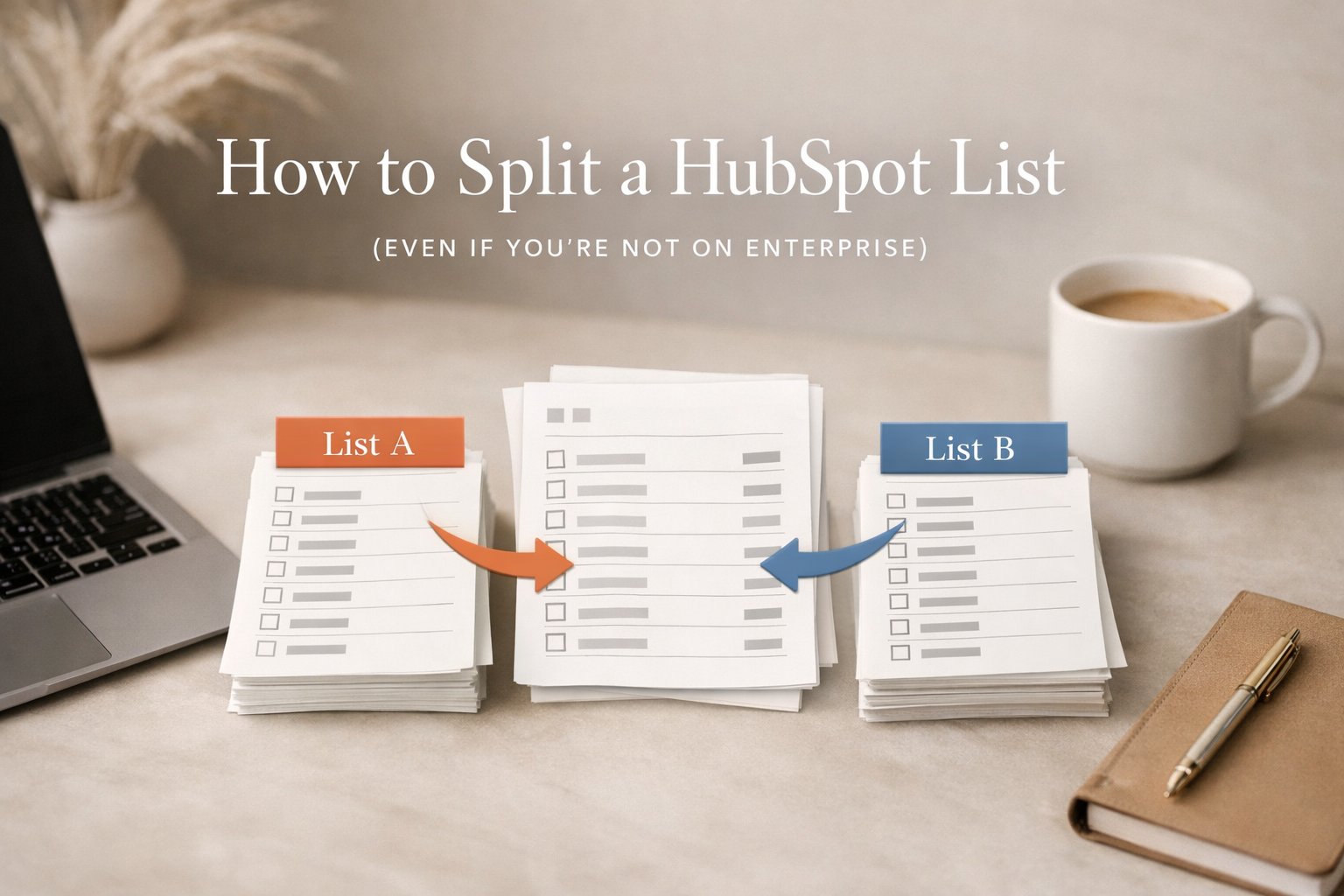
How to Split a HubSpot List (Even If You're Not on Enterprise)
Need to split a HubSpot list for testing or campaign pacing? Here's how to divide lists evenly — both with Marketing Enterprise and without paying for an upgrade.
Read More →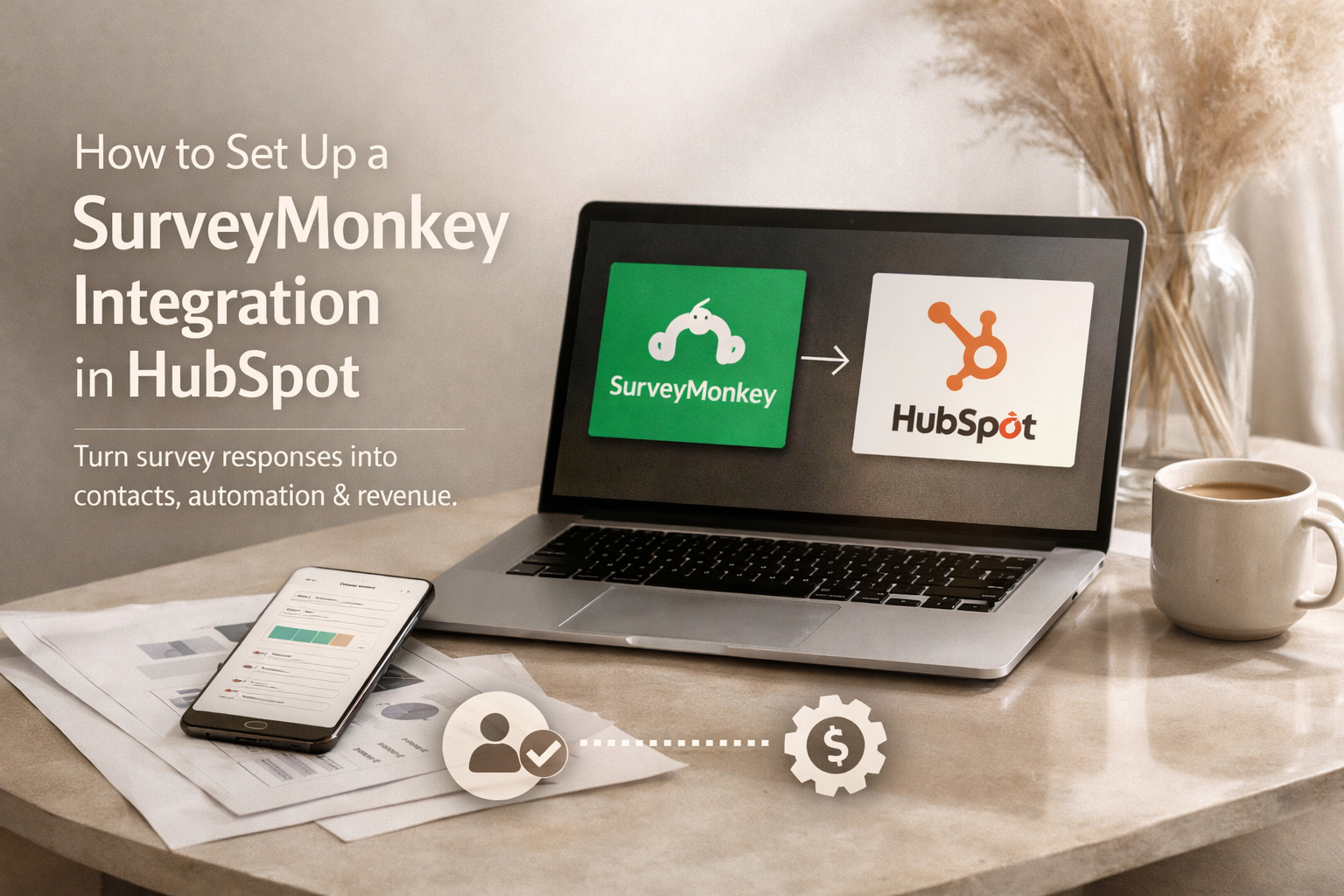
How to Set Up a SurveyMonkey Integration in HubSpot (as a Connected App)
Survey data is only valuable if it actually goes somewhere. Learn how to connect SurveyMonkey to HubSpot as a native app — and turn survey responses into contacts, automation, and real revenue.
Read More →Get Started
Ready to stop losing leads?
Tell us about your business and your current process. We'll respond within one business day — no pitch decks, no sales pressure until you're ready.