Template Shop · Fitness coach · Cobalt edition
The Rep: Cobalt
The Rep in crisp cobalt and white, with a soft blue ombre, for fitness coaches who sell workout guides. Your programs, credentials and story in one place, installed and supported by me.
$500 + $250/mo · See pricing
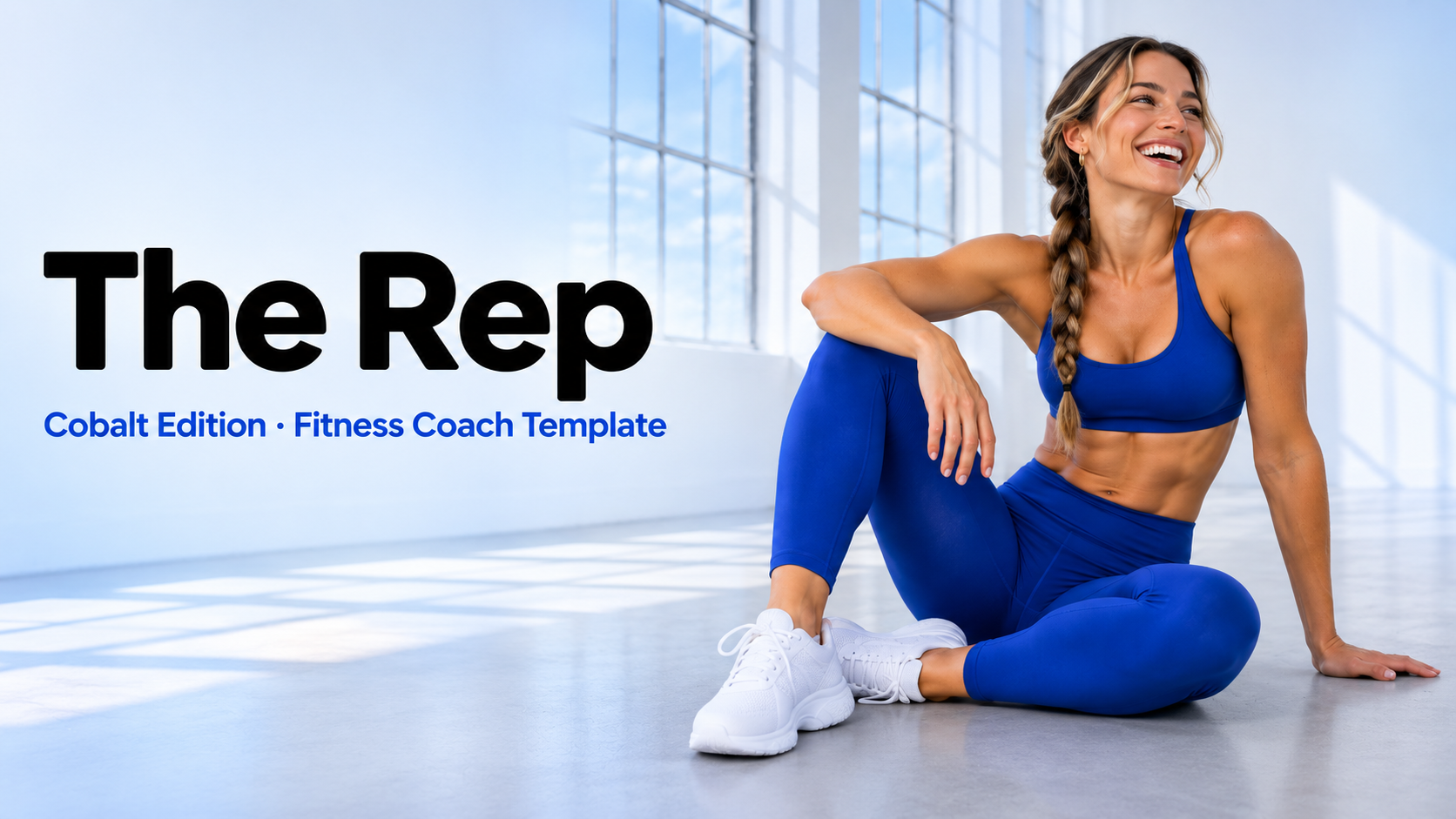
The whole homepage
One page, top to bottom.
This is the real demo site, not a screenshot. Scroll inside the window, click through the programs and tap around, just like your buyers would.
The walkthrough
Every section, up close.
First impression
01
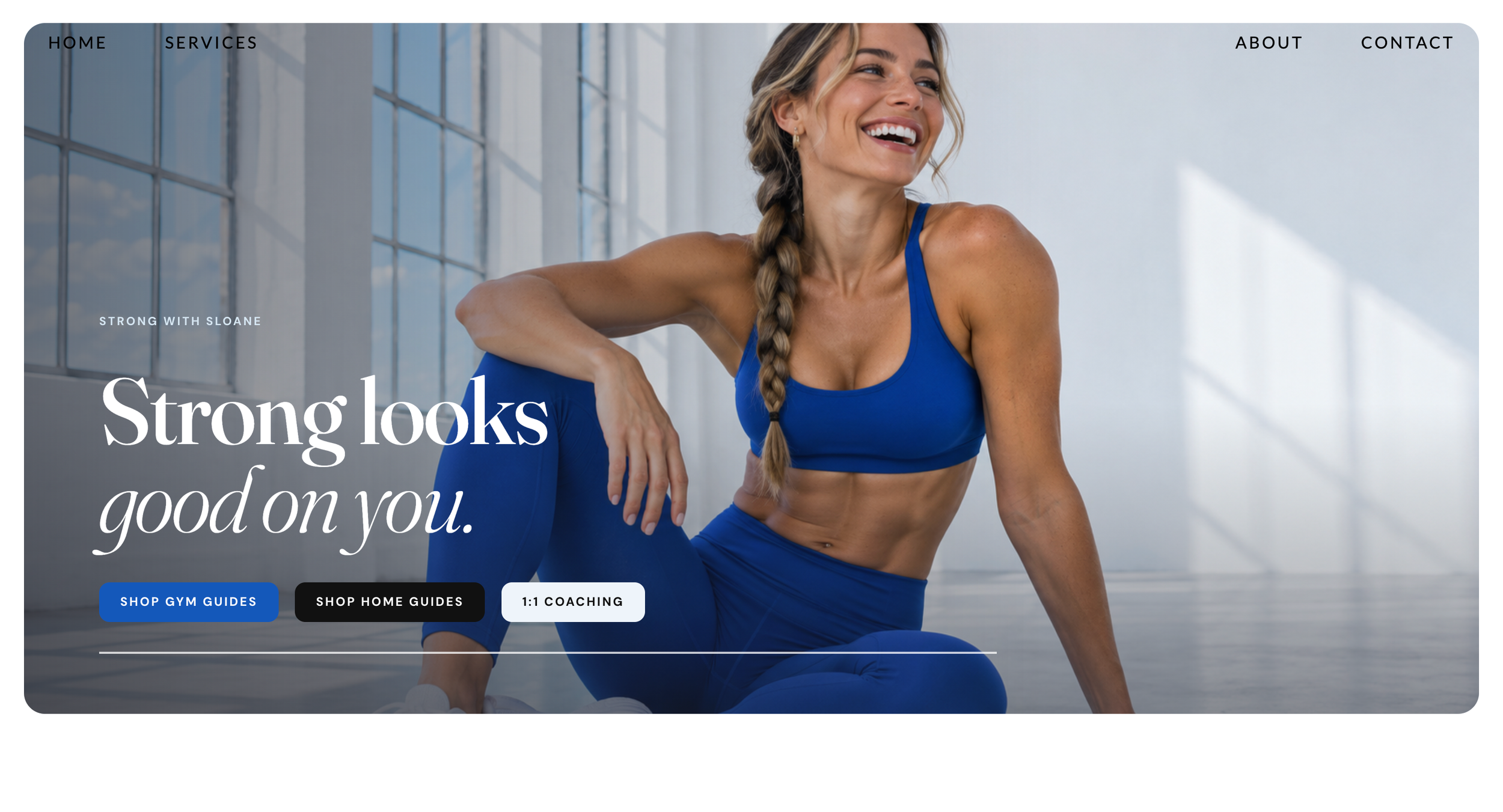
Announcements, nav and hero
A scrolling launch bar, a centered name with shop and social links, then a rounded hero photo with a big headline and three buttons.
02
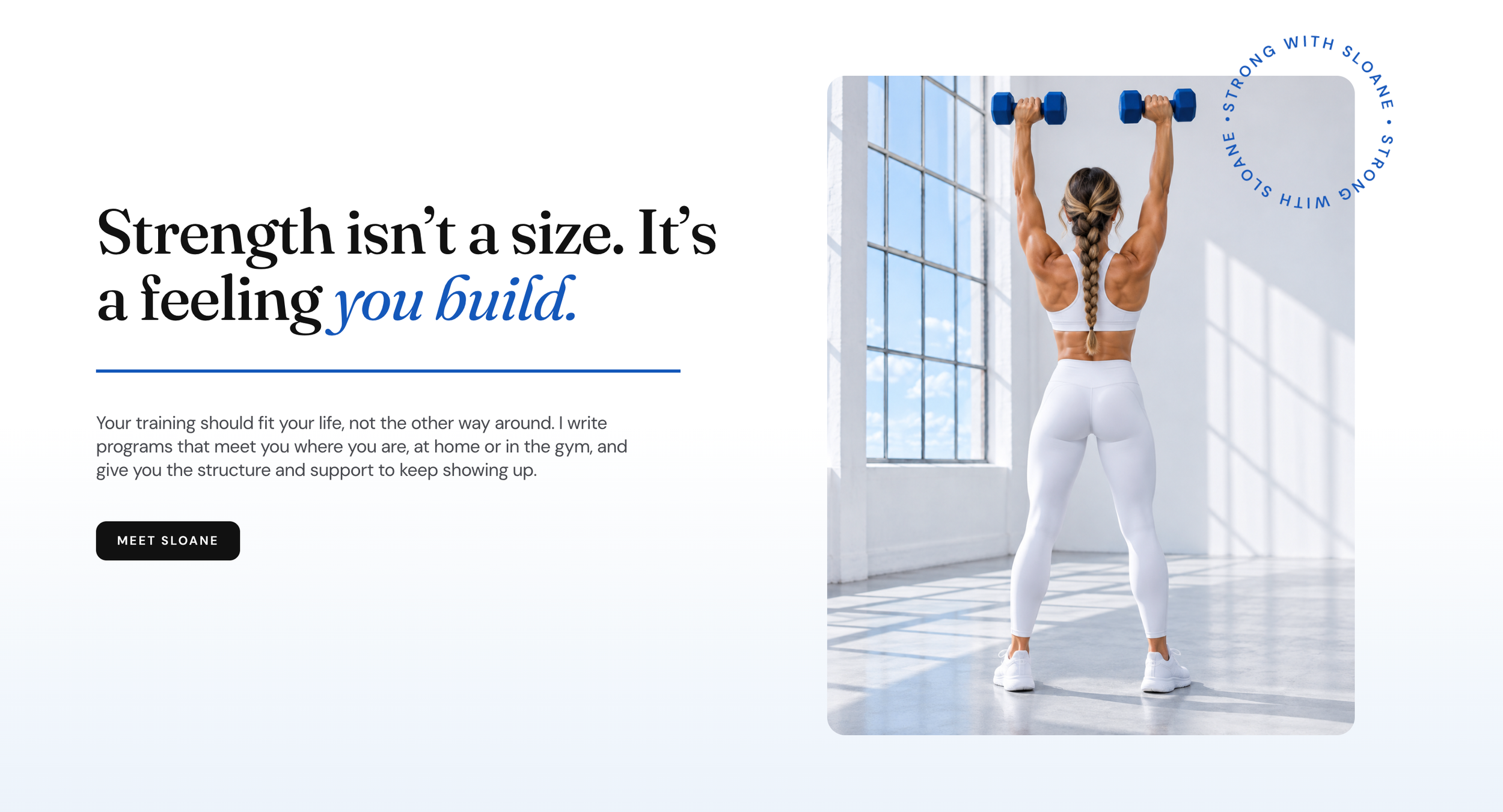
Philosophy
A bold statement with an accent line and button, beside a portrait with a slowly rotating ring of text.
The programs
03
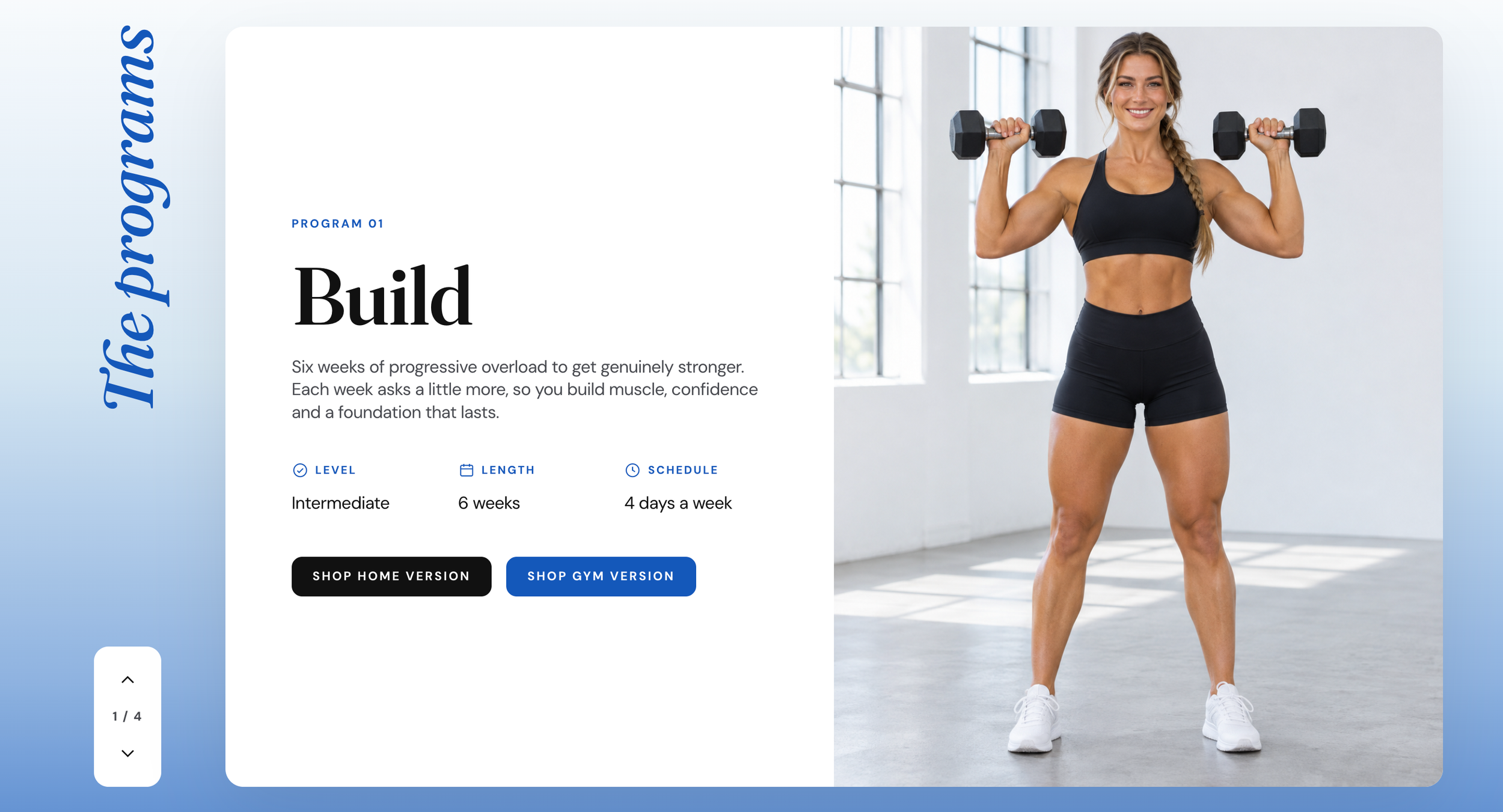
Program carousel
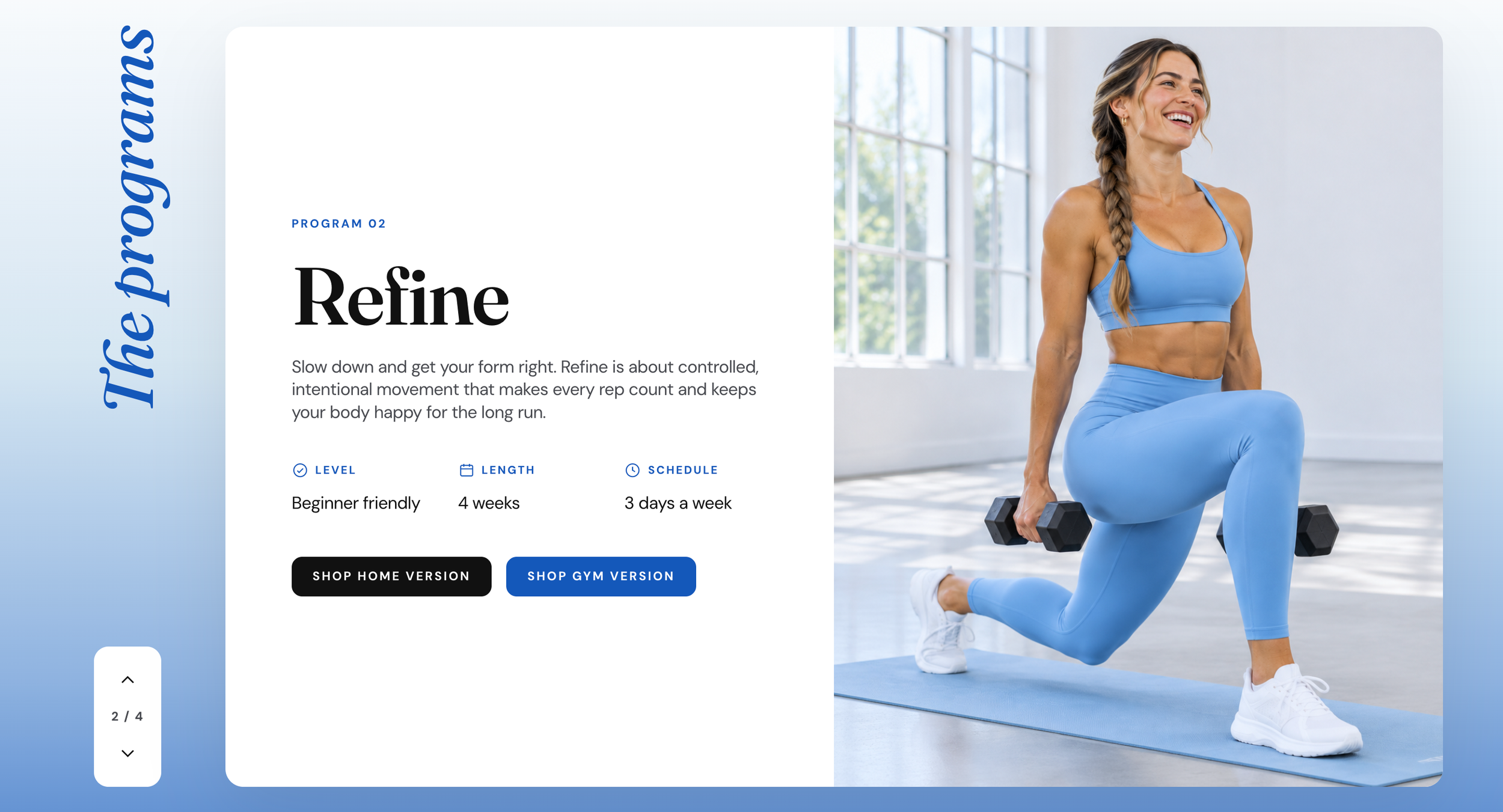
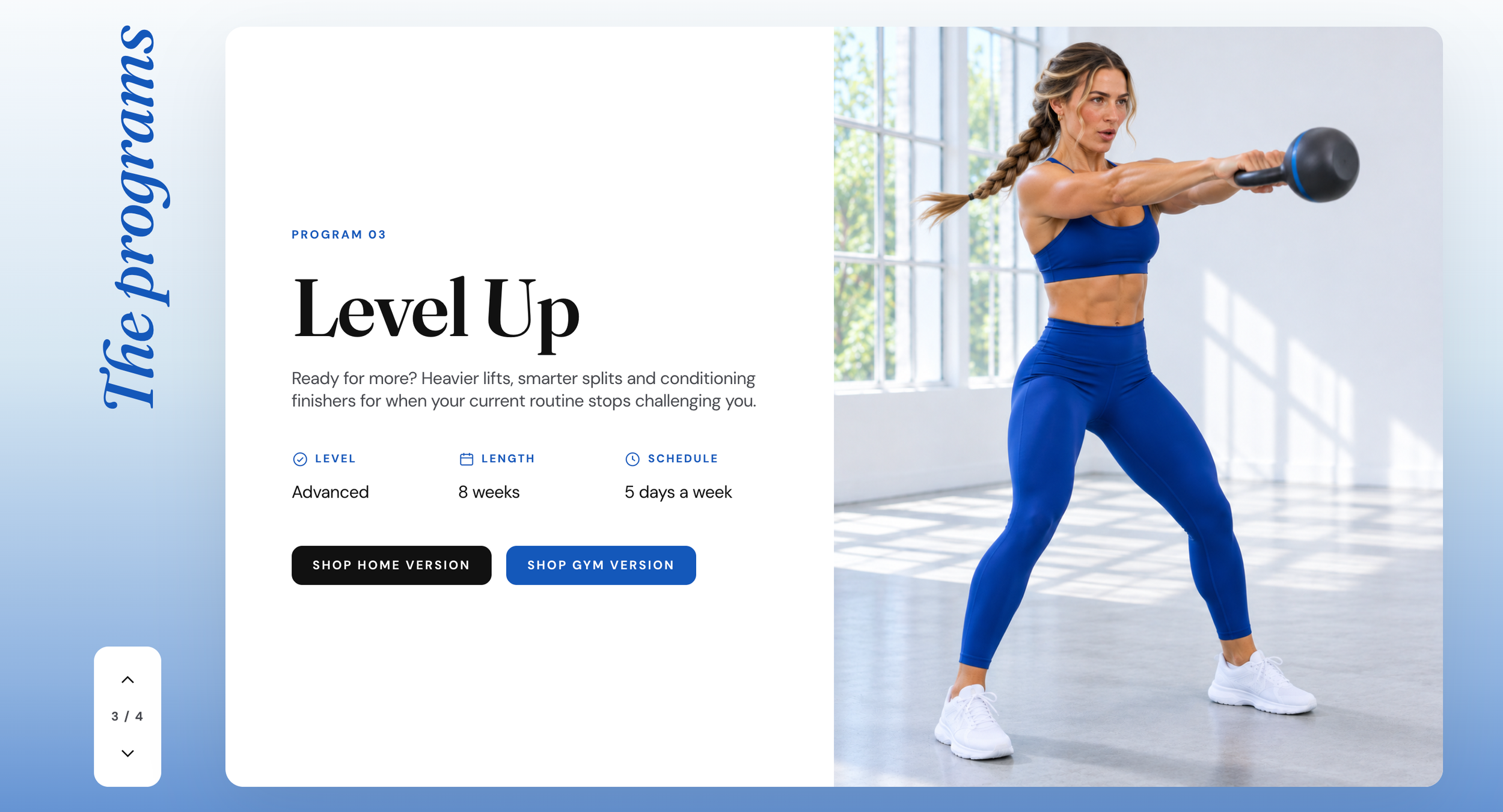
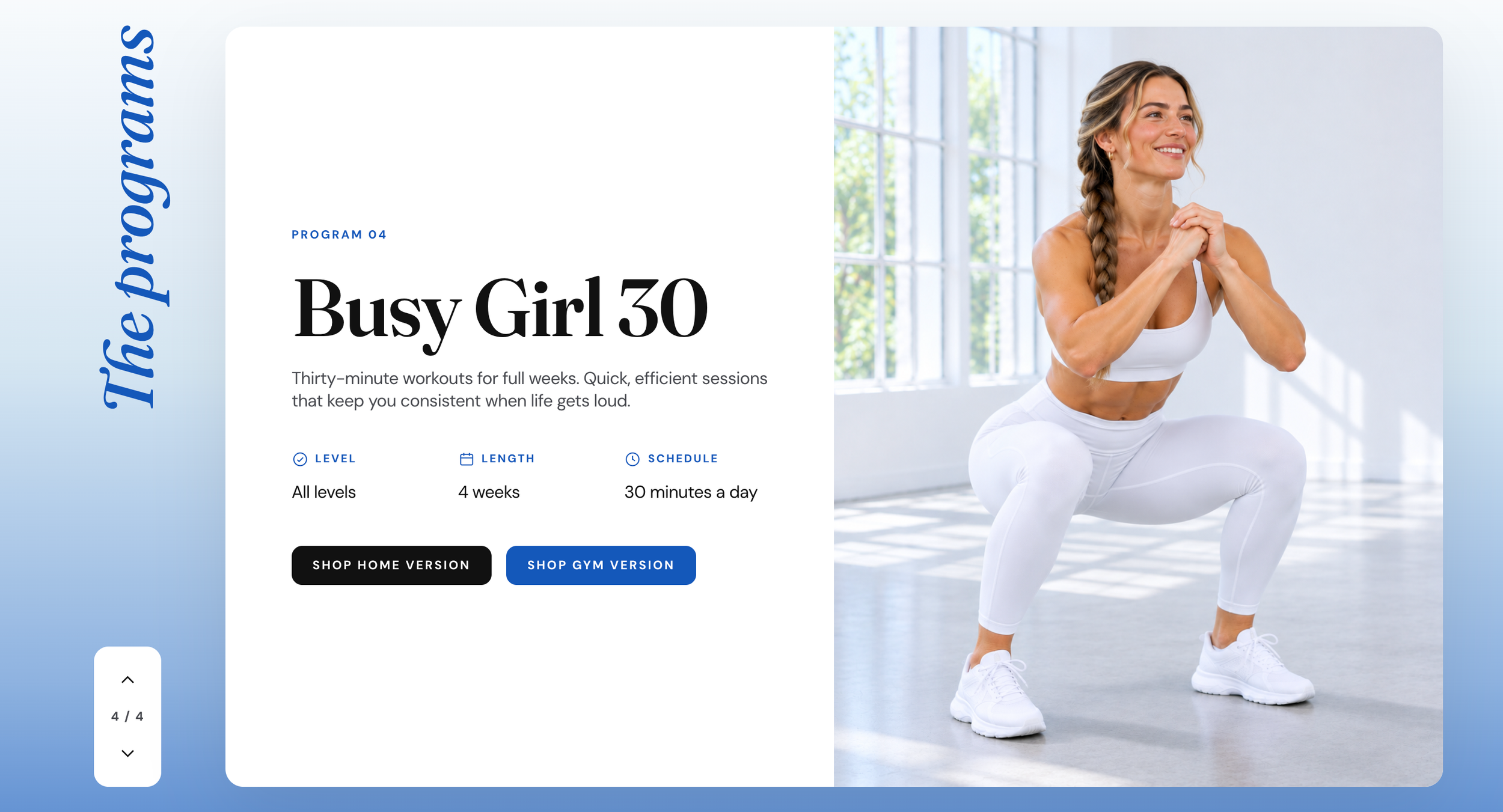
Each program gets its own card with level, length, schedule and home and gym buttons, with arrows to click through.
04
How it works
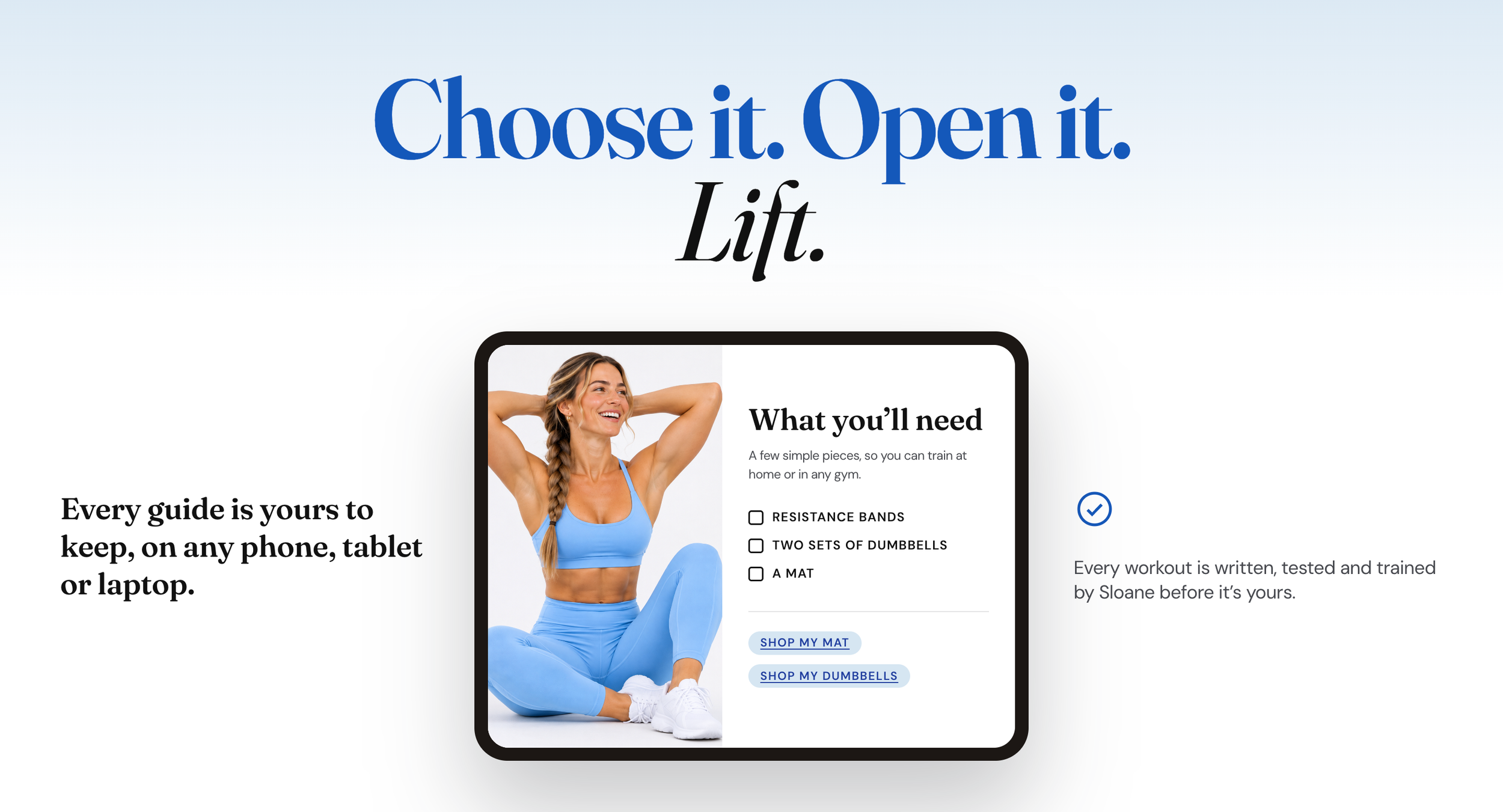
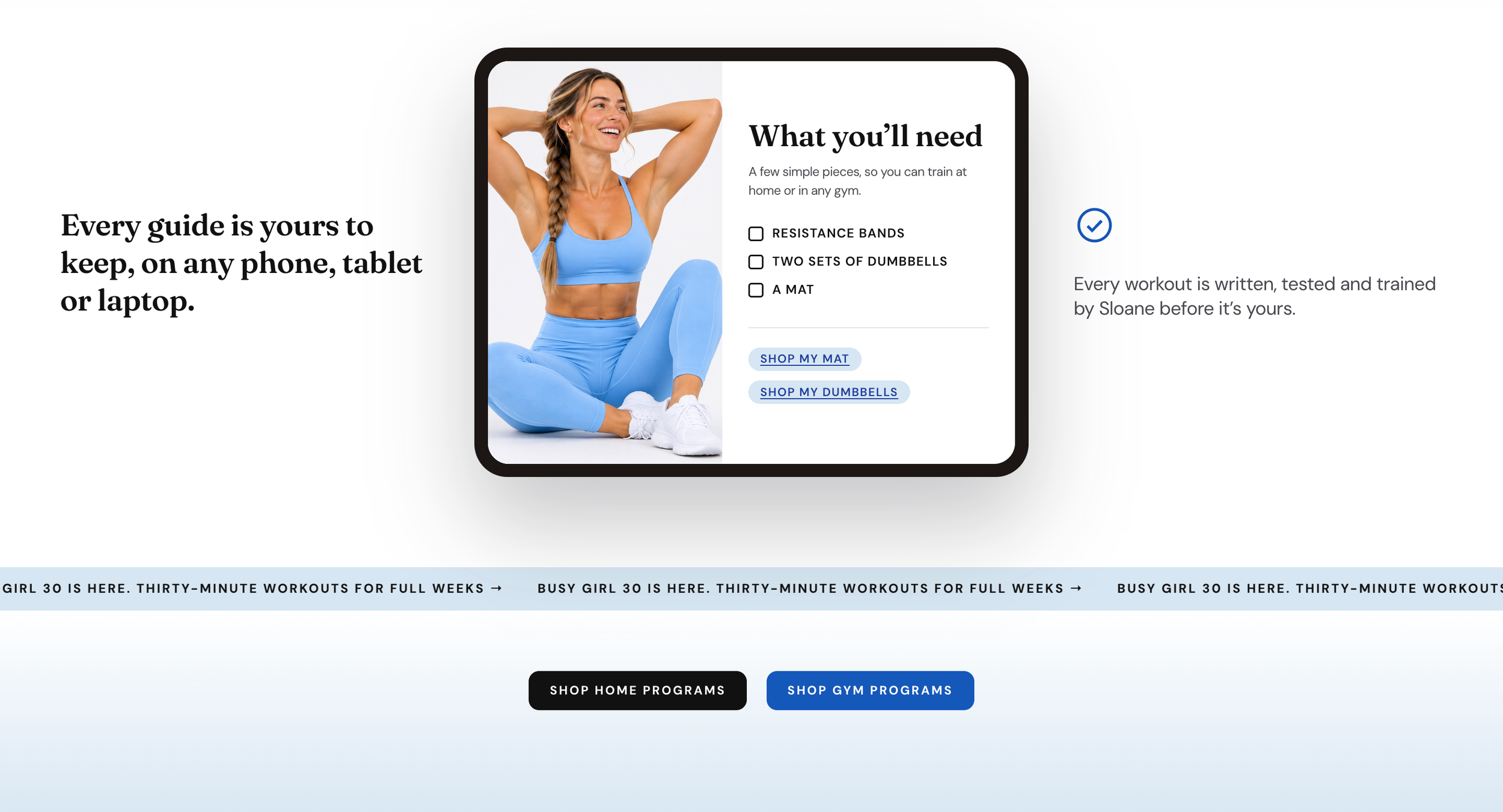
A three-word headline over a tablet mockup of an equipment checklist from inside a guide, then a second scrolling bar and shop buttons.
Trust and footer
The Rep: Cobalt, built for Squarespace.
What is the Rep: Cobalt Template?
It’s a crisp cobalt-and-white website for online fitness coaches who sell workout guides: scrolling launch announcements, a hero with shop buttons, a program carousel with home and gym versions, a how-it-works section, your certifications and a photo strip, all built as custom code on Squarespace. I set it up with your photos, programs and words.
Why it matters
Most coaches sell guides through a link-tool page or a cluttered shop. This one puts your programs front and center with the details buyers want, shows your credentials, and is built by an SEO practice so people searching for workout guides and coaches can find you.
01 · See what’s inside
What’s inside
Everything a fitness coach needs.
One homepage, nine sections: two scrolling announcement bars, a nav with shop and social links, a hero with three buttons, your philosophy, a program carousel, a how-it-works section with a tablet mockup, a certifications band and a photo strip that runs into the footer.
Section counts are from the demo site.
02 · See what’s inside
Program carousel
Every program, one at a time.
Each program gets a full card with its name, a short pitch, level, length and schedule, and separate home and gym buttons. Visitors click through with the arrows or swipe on a phone, so four programs, or fourteen, never crowd the page.
Programs are examples from the demo site.
03 · Built to sell programs
How it works
Show them what they’re buying.
A big three-word headline sits above a tablet mockup that shows a page from inside your guide, like an equipment checklist with your gear links. Two short promises on either side answer the questions buyers have before they check out.
Illustrative example.
04 · Built to sell programs
Credentials and photo strip
Proof, then personality.
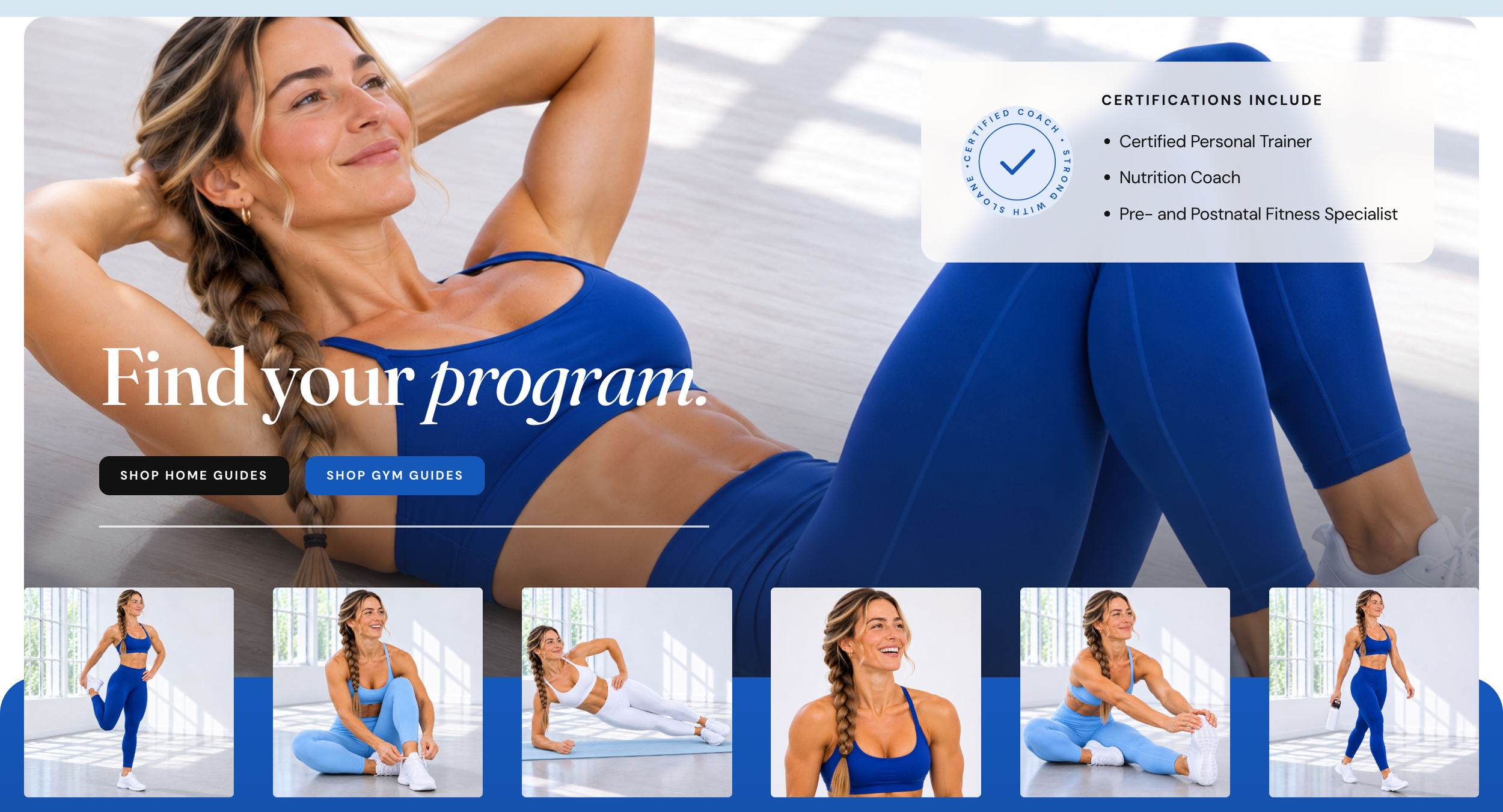
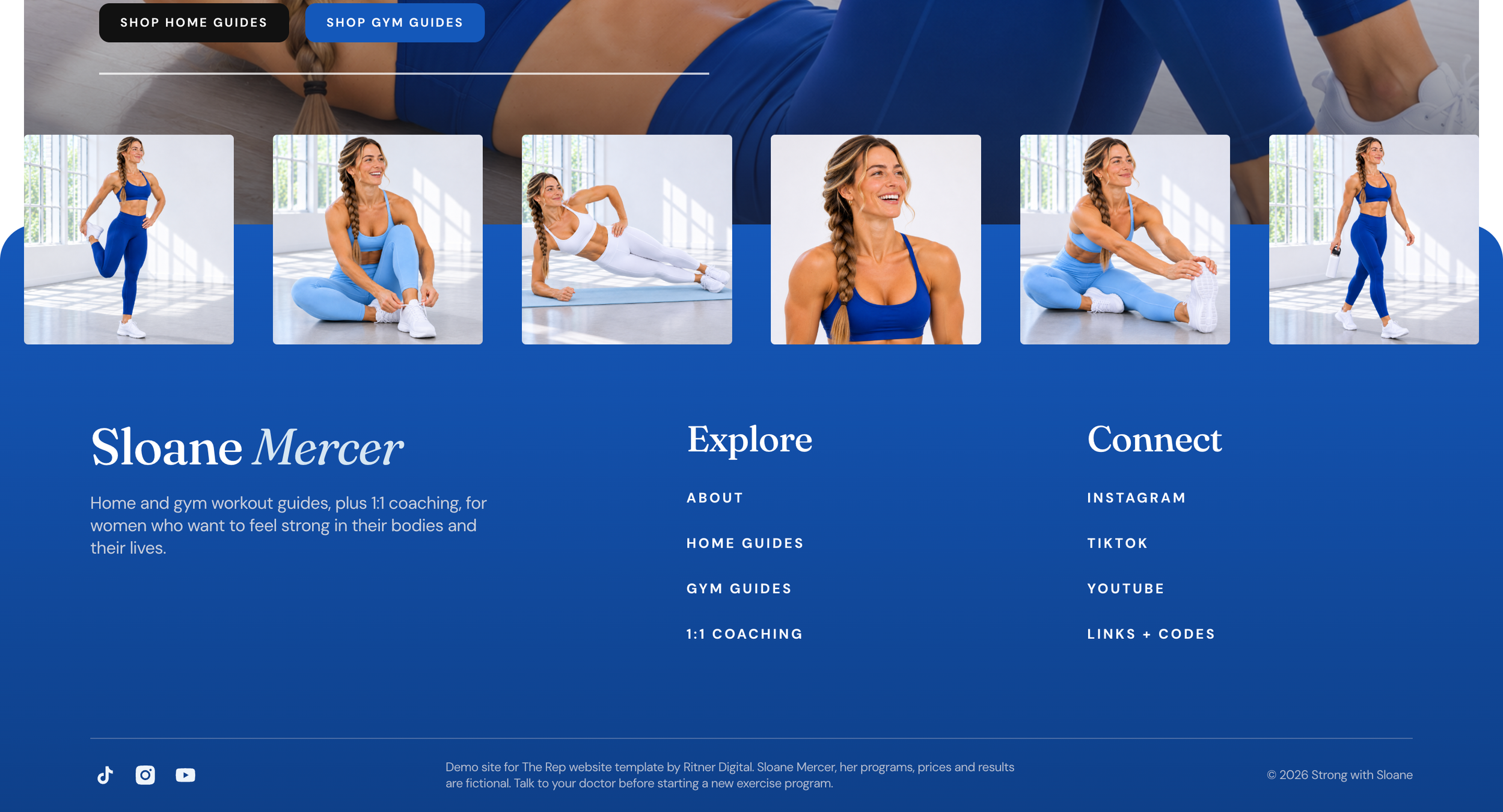
A full-width photo band carries your certifications in a frosted card beside one more call to shop. Then a strip of six photos runs into the footer, linking to your feed and giving the page a last look at you in action.
Illustrative example.
05 · Done for you
Setup and support
I set it up. You keep training.
This is a done-for-you template. I gather your photos, programs, links and copy, set up every section, connect your shop links, review it with you and launch, with 30 days of fixes after. Then monthly support keeps it current: new launches, new programs and changes whenever you need them.
Illustrative timeline.
Pricing
Simple, done-for-you pricing
Every template in the shop is $500 to set up, then $250 a month for ongoing management and support. I build it with your photos and programs, launch it and keep it running.
-
One-time
Template + setup
$500
- Installed on your Squarespace site
- Your photos, programs, links and copy
- Homepage with every section
- Shop and checkout links connected
- Meta titles and descriptions
- 30 days of fixes after launch
-
Ongoing
Management + support
$250 per month
- Content changes and updates
- New blog posts featured on your homepage
- Small design tweaks
- Fixes when Squarespace changes
- One person to call when something needs doing
Requires a Squarespace plan that allows custom code: Core, Plus or Advanced (or legacy Business and Commerce plans). One purchase covers one website. Program buttons link to wherever you sell your guides, such as Squarespace Commerce, Stan, Shopify or your coaching app. Have your own exercise and health disclaimers reviewed for your business.
Questions
Is the demo a real coach?
No. Sloane Mercer, her programs, prices and results are fictional, made to show how the template looks with real content. Your site launches with your photos, your programs and your credentials.
Where do I sell the programs?
Wherever you already do. The home and gym buttons link to your checkout, whether that’s Squarespace Commerce, Stan, Shopify, a coaching app or a PDF delivery service.
Can I feature more than four programs?
Yes. The carousel takes as many programs as you sell, each with its own card, level, length and schedule.
Can you match my brand colors?
Yes. The demo uses cobalt, white and a pale blue ombre, but colors, fonts and photos are all set to your brand during setup.
Do I need professional photos?
They help a lot, since the page is built around them. If you don’t have a shoot yet, I can help you plan one or create polished placeholder images to start.
Which Squarespace plan do I need?
One that allows custom code: Core, Plus or Advanced, or a legacy Business or Commerce plan. Basic and Personal plans don’t support it.
Ready when you are
Let’s make itYours
Tell me about your business and what you need from your website. I’ll reply personally and let you know if the template is the right fit.
Ask about the template
Socialize
@RitnerDigital
If you’re into SEO advice that doesn’t put you to sleep, AI search news in plain English, and the occasional plate of pasta, you’ve come to the right place.
Same-day brake repair, with strong reviews from local fleets.