How to Appear in Microsoft Copilot Search Results
Most businesses optimizing for AI search are focused on ChatGPT and Google AI Overviews. That makes sense — they're the platforms generating the most conversation. But there's a third AI platform with a scale that rivals both, embedded directly into the tools hundreds of millions of people use for work every single day. And most businesses haven't started optimizing for it yet.
That platform is Microsoft Copilot.
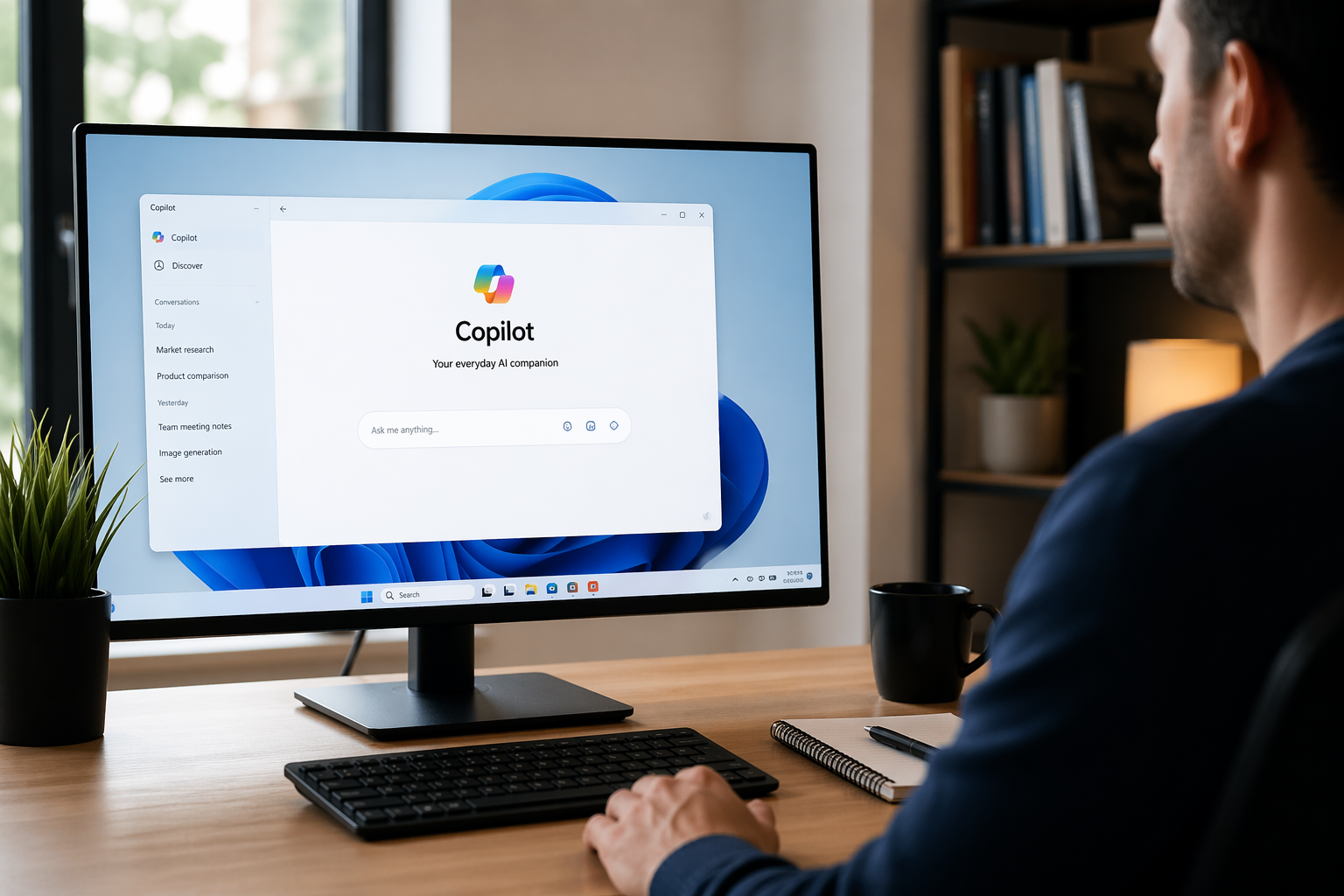
Microsoft Copilot reaches over one billion Windows users, 300 million-plus Edge users, and 400 million-plus Microsoft 365 users. AI Search Rankings It's not a standalone chatbot people have to seek out — it's built into Windows 11, embedded in the Edge browser sidebar, integrated across Word, Excel, PowerPoint, Teams, and Outlook, and accessible as a standalone assistant on mobile. When someone in that ecosystem asks a question, Copilot answers — and it cites the sources it drew from.
Copilot handled an estimated one billion-plus queries in 2025 across its various integration points, and that number is growing as Microsoft pushes Copilot deeper into Windows and Office workflows. Lawrence Hitches For B2B companies especially, this is one of the most underoptimized visibility opportunities in AI search today.
This guide explains how Copilot selects sources, why it's different from other AI platforms, and exactly what to do to start appearing in Copilot search results.
Understanding the Microsoft Copilot Ecosystem
Before diving into optimization tactics, it helps to understand what "Microsoft Copilot" actually covers — because it's not a single product. It's a family of AI experiences unified by a common intelligence layer.
Copilot on the web and in Edge is the consumer-facing AI assistant accessible at copilot.microsoft.com, embedded in the Edge browser sidebar, and available on iOS and Android as a standalone app. This version functions most like a general AI search tool — users ask questions, Copilot synthesizes answers from the web, and it cites its sources.
Copilot in Microsoft 365 is the enterprise version, integrated into Word, Excel, PowerPoint, Teams, and Outlook. It helps users draft documents, summarize emails, analyze data, and answer work-related questions. It draws from both the organization's internal data through Microsoft Graph and from the broader web through Bing.
Copilot Search in Microsoft 365 is a newer addition — an AI-powered universal search experience that delivers comprehensive insights by interpreting content across Microsoft 365 applications and beyond, with over 100 connectors supporting both Microsoft and non-Microsoft data sources. Microsoft Learn
The critical insight for optimization is that all web-facing Copilot surfaces use the same Bing search index as their knowledge source for external content. AI Search Rankings This is the foundation everything else builds on.
The Core Insight: Copilot Runs on Bing
If there is one thing to internalize before any other optimization tactic, it's this: Microsoft Copilot uses Bing's search index to ground its web responses. Not Google's index. Not a proprietary crawl. Bing's.
Optimizing for Copilot starts with optimizing for Bing. Copilot doesn't just pick the top Bing result — it evaluates multiple factors when choosing which sources to reference — but pages ranking in Bing's top ten are far more likely to be cited. If you're not visible in Bing, you're not visible in Copilot. Lawrence Hitches
This matters because most businesses treat Bing as an afterthought. They submit sitemaps to Google, monitor their Google Search Console data, and optimize for Google's ranking signals — while Bing sits unmonitored and underoptimized. That gap is your opportunity. Your competitors are almost certainly not prioritizing Bing visibility right now, which means the path to Copilot citations is significantly less competitive than the path to Google AI Overview citations.
Copilot responses now include prominent, clickable citations showing users exactly where the information comes from — clearly displayed inline and accessible in a consolidated source list. Microsoft When your site earns a Copilot citation, it's visible, clickable, and associated with a trusted AI recommendation in a platform your target audience uses throughout their workday.
Step 1: Claim and Optimize Your Bing Presence
The starting point for all Copilot optimization is Bing Webmaster Tools — and if you haven't set it up, you need to do that today.
Submit your sitemap through Bing Webmaster Tools, monitor crawl stats, and use Bing's URL submission tool to ensure your priority pages are indexed. AI Search Rankings Many sites have subtle Bing indexing gaps that would never show up in Google Search Console, because the two crawlers behave differently and index sites at different rates.
Check that Bingbot is explicitly allowed in your robots.txt file. If Bingbot can't crawl your site, your content won't appear in Copilot's answers. Lawrence Hitches This sounds obvious, but it's a surprisingly common issue — particularly for sites that have added broad bot-blocking rules to manage server load or protect against scraping.
Once you're confirmed indexed in Bing, audit your Bing rankings for your priority queries. Many site owners are surprised by how different their Bing rankings are from Google. Lawrence Hitches A page ranking #1 on Google may be on page two in Bing for the same query — and since Copilot draws from Bing's index, that Bing ranking gap is a direct Copilot visibility gap.
Bing weighs certain signals differently than Google, including social media engagement, exact-match domains and anchors, page age and freshness, and quality backlinks. AI Search Rankings Your Bing optimization strategy isn't identical to your Google strategy — it requires its own analysis and its own attention.
Step 2: Structure Content for AI Extraction
Getting into Bing's index is necessary but not sufficient. Copilot also evaluates how easy it is to extract a clear, citable answer from your content — and pages that are well-structured for AI extraction are significantly more likely to be cited than pages that rank well but bury their answers.
Copilot's AI processes content differently than traditional search crawlers. It looks for clear hierarchy with well-structured headings and subheadings, self-contained sections where each part is understandable in isolation, explicit relationships between related concepts, and direct answers positioned prominently at the top of each section. Texta.ai
The practical implementation: use question-phrased H2 and H3 headings that reflect the queries your customers are asking. Place a direct, 40–60 word answer immediately beneath each heading — before any supporting context or explanation. Keep those answer passages clean and free of internal links. Structure your most important claims as clear, declarative statements with specific data rather than vague qualifications.
Use question-based H2 headings, provide direct answers first, include formatted lists and tables, and ensure comprehensive topic coverage that Copilot can synthesize effectively. AI Search Rankings Lists and tables are particularly valuable for Copilot because they're easy to extract and present in a structured AI response without requiring rewriting.
Step 3: Implement Schema Markup — Bing Relies on It Heavily
Schema markup is more important for Bing than it is for Google — and since Bing is Copilot's foundation, this is a higher-leverage tactic for Copilot optimization than most marketers realize.
Bing relies heavily on structured data for understanding content context and featured snippet selection. The most valuable schema types for Copilot visibility include Article, FAQPage, HowTo, Organization, and Person schema. AI Search Rankings
FAQPage schema is particularly powerful here. When your page explicitly marks up question-and-answer pairs, Copilot can extract them directly and present them in its responses with high confidence. This is one of the clearest signals you can send about what questions your content answers and what the direct answers are.
Person schema with author credentials — including the sameAs property linking to professional profiles — signals to both Bing and Copilot that your content comes from a real, verifiable expert. Organization schema with consistent NAP data anchors your brand entity in Bing's understanding of who you are. These aren't optional extras — they're the technical signals that make your content machine-readable in the ways Copilot's extraction layer requires.
Step 4: Build E-E-A-T Signals for Bing and Copilot
Experience, Expertise, Authoritativeness, and Trustworthiness matter for Copilot citation selection just as they do for Google — and in some ways more so, because Copilot's integration into professional workflows means users are relying on it for consequential decisions.
Expert authorship with credentials, organizational authority, and trust signals significantly impact both Bing rankings and Copilot citation likelihood. Author pages are essential. AI Search Rankings Every piece of content on your site should have a named author with a dedicated author page including their credentials, professional links, and evidence of domain expertise. Generic "staff writer" bylines are a disadvantage in both Bing's ranking algorithm and Copilot's source selection.
Cite your sources with links to authoritative research. Include original data, case studies, and firsthand experience in your content. These signals communicate to Copilot's selection system that your content is grounded in real expertise — not assembled from generic information.
Security signals matter too. Microsoft's emphasis on security and trust means HTTPS implementation, proper security headers, and prominently displayed trust signals all factor into Copilot's source evaluation. Texta.ai An HTTP site or one with mixed content warnings sends a trust signal that works against you in Microsoft's ecosystem specifically.
Step 5: The B2B Opportunity in Microsoft 365 Copilot
For B2B businesses, there is a dimension of Copilot visibility that goes beyond web search entirely — and it's one of the most underexplored opportunities in AI marketing today.
Microsoft 365 Copilot is embedded in the tools your business customers use every single day: Word, Excel, PowerPoint, Teams, and Outlook. When a B2B buyer is drafting a proposal in Word and asks Copilot to help research a topic, or when a procurement manager asks Copilot in Teams to summarize findings on a vendor category, Copilot draws from both the web and the organization's internal data.
Microsoft Graph serves as the nervous system connecting Microsoft 365 Copilot to organizational data. It connects information from emails, documents, calendars, chats, meetings, and collaboration artifacts into a single queryable data layer — and Copilot uses this map to find relevant information when users ask questions. Stackmatix
What this means for B2B content strategy: your white papers, technical guides, case studies, and industry research that get shared inside organizations become discoverable by Copilot within that organization's Microsoft 365 environment. Content formats that work natively in Microsoft ecosystems — well-structured Word documents, clear PowerPoint presentations, properly formatted PDFs — are more likely to be found and surfaced by Copilot when buyers are doing research in their daily workflows.
This is a fundamentally different visibility surface than web search. A case study that a prospect's colleague shared in Teams, or a technical guide that ended up in a company's SharePoint, can be surfaced by Copilot when that prospect asks a relevant question — entirely outside the traditional SEO and paid search funnel.
Step 6: Build Social Signals That Bing Weights
Bing places more weight on social media engagement signals than Google does — and since Copilot runs on Bing's index, social presence is a more direct Copilot visibility factor than most businesses account for.
Bing-specific signals include social media engagement, page freshness, and quality backlinks. AI Search RankingsLinkedIn engagement in particular is directly relevant — LinkedIn is a Microsoft property, which gives LinkedIn signals a structural advantage in Bing's and Copilot's source evaluation. Consistent, high-quality LinkedIn activity — publishing articles, sharing expertise, earning engagement — feeds directly into the authority signals Bing and Copilot use to evaluate your brand.
Active presence on platforms that Bing indexes well — LinkedIn, YouTube, industry forums, authoritative publications — creates a web of consistent brand signals that strengthen your entity's visibility in Bing's index and therefore in Copilot's responses.
Step 7: Keep Content Fresh and Monitor Your Visibility
Content freshness matters for Copilot the same way it does for other AI platforms. Perplexity and Copilot favor recent content — always show publish and update dates prominently, and update strategic content at least quarterly. OSP Add new statistics, refresh examples, update outdated claims, and revise the last-modified date on priority pages. This signals to Bing's crawlers and to Copilot's extraction system that your content is current and trustworthy.
For monitoring: Bing Webmaster Tools shows some Copilot-related traffic data. You can also manually test by asking Copilot questions related to your content and checking if your site appears in the citations. Third-party tools like SEOtesting.com track LLM page visits including from Copilot. Lawrence Hitches
Manual testing is straightforward — open Copilot at copilot.microsoft.com or in the Edge sidebar and ask the questions your customers are most likely to ask. Note whether your brand appears in the citations. Track this regularly across your most important query clusters and treat citation share — the percentage of relevant Copilot answers that cite your domain — as your headline KPI for this channel.
The Competitive Advantage of Moving Now
Here is the honest opportunity: most businesses have not started optimizing for Microsoft Copilot. They're focused on Google, and to a lesser extent on ChatGPT and Perplexity. The Bing foundation that Copilot requires is severely underinvested across almost every industry.
Copilot optimization is largely additive — most of what helps with Copilot, including structured content, schema markup, and fast page speeds, also helps with Google. Lawrence Hitches There is almost no downside to doing this work. You're not trading off Google optimization for Copilot optimization. You're adding a visibility layer on top of what you already have, accessing an AI platform with over a billion potential users, and doing it while your competitors are still ignoring Bing.
The window for establishing early citation authority in Copilot is open right now. The brands that build this foundation today will hold compounding advantages as Copilot's usage continues to grow and as Microsoft deepens its integration across the world's most widely used productivity software.
Ready to Start Appearing in Microsoft Copilot?
At Ritner Digital, we help businesses build the Bing foundation, content structure, schema implementation, and authority signals needed to show up in Microsoft Copilot's answers — across web search, Edge, and the Microsoft 365 ecosystem.
If your brand isn't visible in Copilot today, your competitors are filling that space in front of the exact professionals you're trying to reach.
Contact Ritner Digital today to schedule a free AI visibility audit and find out exactly where your brand stands in Microsoft Copilot — and what it will take to get cited.
Sources: Microsoft Learn, Lawrence Hitches, AI Search Rankings, Texta.ai, Stackmatix, Microsoft Copilot Blog, Office 365 IT Pros
Frequently Asked Questions
What is Microsoft Copilot and how does it differ from ChatGPT or Perplexity?
Microsoft Copilot is an AI assistant built into the Microsoft ecosystem — Windows 11, Edge browser, Microsoft 365 applications including Word, Excel, PowerPoint, Teams, and Outlook, and available as a standalone app on iOS and Android. Unlike ChatGPT, which operates primarily as a standalone interface, Copilot is embedded directly into the tools hundreds of millions of people use for work every day. It's powered by GPT-4 and grounded with real-time web data from Bing's search index for external queries. The key distinction for marketers is that Copilot surfaces content inside professional workflows — not just when someone opens a separate AI tool to search.
Why does Bing matter so much for Microsoft Copilot optimization?
Because all web-facing Copilot surfaces — the consumer assistant, the Edge sidebar, and the Microsoft 365 web integration — use Bing's search index exclusively as their source for external web content. If your content isn't indexed by Bing, or if it ranks poorly in Bing's results for your target queries, it is effectively invisible to Copilot regardless of how well it performs on Google. Most businesses have never audited their Bing presence or set up Bing Webmaster Tools, which means Bing optimization is one of the most underinvested and therefore highest-opportunity areas in AI search visibility right now.
Is optimizing for Bing and Microsoft Copilot worth the effort if Google has most of the search market?
Yes — for two reasons. First, Copilot optimization is largely additive. The tactics that improve Copilot visibility — structured content, schema markup, fast page speeds, strong E-E-A-T signals — also improve Google performance. You're not trading one off against the other. Second, the competitive landscape in Bing is significantly less crowded than in Google. Most businesses are ignoring Bing, which means the path to top Bing rankings and Copilot citations is meaningfully less competitive than the equivalent effort on Google. For B2B businesses especially, where Microsoft 365 is the dominant workplace productivity platform, Copilot visibility has direct access to decision-makers during their working hours.
How is Microsoft 365 Copilot different from the consumer Copilot assistant?
The consumer Copilot assistant — accessible at copilot.microsoft.com, in the Edge sidebar, and on mobile — primarily searches the web using Bing's index and generates answers for general queries. Microsoft 365 Copilot is the enterprise version integrated into Word, Excel, PowerPoint, Teams, and Outlook. It draws from both the open web via Bing and from an organization's internal data through Microsoft Graph — documents, emails, Teams conversations, SharePoint content, and connected third-party apps. For B2B businesses, this internal dimension is significant: content that ends up inside a prospect's organization through shared documents, Teams channels, or connected tools can be surfaced by Copilot when employees ask relevant questions, creating a visibility surface entirely outside of traditional SEO.
What is Microsoft Graph and why does it matter for B2B content visibility?
Microsoft Graph is the unified data layer connecting all Microsoft 365 applications — it indexes emails, documents, calendars, Teams chats, meetings, SharePoint content, and connected third-party data into a single queryable knowledge base. Microsoft 365 Copilot uses Graph to retrieve context-aware answers when users ask questions inside their work applications. For B2B businesses, this means that content shared inside a prospect's organization — a white paper forwarded in Teams, a case study saved to SharePoint, a PDF distributed after a sales conversation — becomes part of the knowledge base Copilot can surface when that prospect or their colleagues ask relevant questions. It's a distribution channel that bypasses traditional search entirely.
Does schema markup really make a meaningful difference for Copilot citations?
Yes — and arguably more so than for Google. Bing relies more heavily on structured data for understanding content context and determining featured snippet eligibility than Google does, which makes schema implementation a higher-leverage tactic for Copilot visibility specifically. FAQPage schema explicitly marks up question-and-answer pairs that Copilot can extract and present directly. HowTo schema maps step-by-step processes in a format AI systems can easily synthesize. Article schema with author markup signals content credibility. Organization schema anchors your brand entity consistently. These aren't optional refinements — they're direct signals to the AI systems powering Copilot about what your content contains and whether it can be trusted.
How does social media activity affect Microsoft Copilot visibility?
More than it does for Google. Bing places greater weight on social engagement signals than Google does, and since Copilot draws from Bing's index, social signals feed directly into Copilot citation likelihood. LinkedIn is particularly relevant — it's a Microsoft property, which gives LinkedIn activity a structural advantage in Bing's and Copilot's authority assessment. Consistent, high-quality LinkedIn publishing, article engagement, and professional presence builds the entity authority that Bing and Copilot use to evaluate your brand's credibility. Active presence on YouTube, industry forums, and authoritative publications that Bing indexes well also strengthens the web of brand signals that support Copilot visibility.
How do I track whether my content is being cited in Microsoft Copilot?
The most direct method is manual testing — open Copilot at copilot.microsoft.com or in the Edge browser sidebar and ask the questions your customers are most likely to ask. Note whether your domain appears in the citations and track this regularly across your most important query clusters. Bing Webmaster Tools provides some Copilot-related traffic data and is the essential starting point for monitoring your Bing indexing and ranking health. Third-party tools like SEOtesting.com can track LLM page visits from Copilot specifically. In your analytics, look for referral traffic from Bing and from Copilot's various surfaces as a proxy for citation-driven visits. Citation share — the percentage of relevant Copilot answers that cite your domain across your tracked query set — is the headline KPI to measure and improve over time.
Is Microsoft Copilot more important for B2B or B2C businesses?
Both benefit, but the opportunity is particularly significant for B2B businesses. Microsoft 365 is the dominant productivity platform in enterprise and professional services environments, which means Copilot is embedded directly in the daily tools of the exact buyers B2B businesses are trying to reach — procurement managers, executives, researchers, and decision-makers. When those users ask Copilot questions while working in Teams, Outlook, or Word, they're in an active research or decision-making mode. Being cited in that context carries more weight than a passive search result. For B2C businesses, the consumer-facing Copilot assistant and Edge integration still represent meaningful reach — particularly for categories where users ask research questions before purchasing — but the B2B workflow integration is where Copilot's competitive advantage over other AI platforms is most pronounced.