Squarespace vs. WordPress for Cincinnati Small Businesses: The Honest Comparison From a Shop That Picked a Side
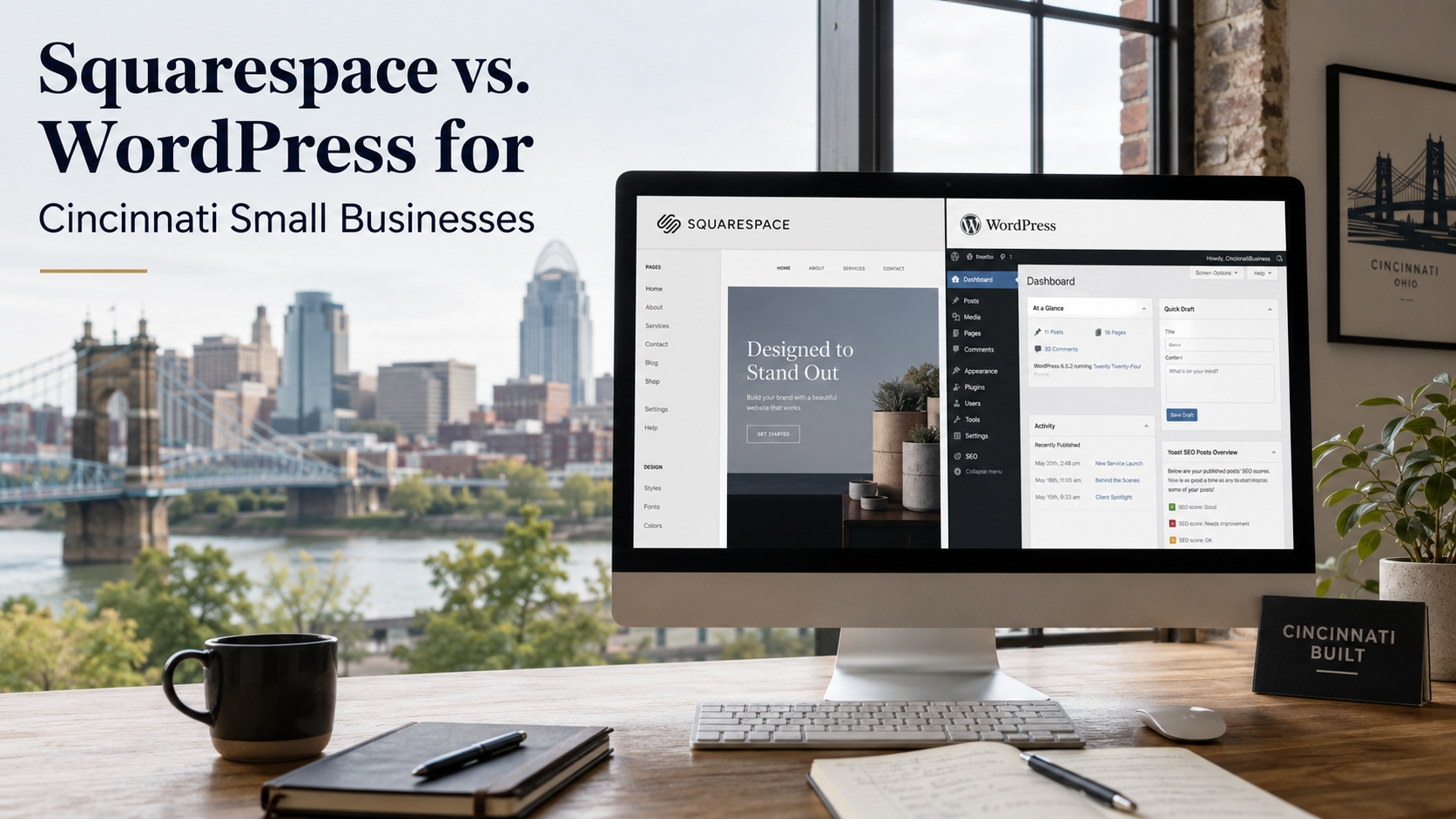
Full bias up front: we build client sites on Squarespace, and our own site — the one that earned 375 backlinks and record traffic weeks — runs on it too. So you'd expect this comparison to be rigged. Instead, here's the version we'd want if we were the buyer: the real total costs of both platforms, the security data, what actually decides SEO (spoiler: not the platform), and the specific situations where WordPress genuinely wins — including the ones where we'd tell you to hire someone else.
Somewhere in Cincinnati today, a small business owner is staring at the website decision: the roofer whose site was built by a nephew in 2017, the new med spa in Oakley launching from zero, the Mason accountant whose WordPress install just showed its fourteenth "update required" notice this month.
They all end up Googling the same question — Squarespace or WordPress? — and landing in a swamp of comparisons written by people selling one of them. Which, disclosed immediately, includes us: website builds on Squarespace are one of our services, and we maintain a whole platform-comparisons section because clients ask constantly. What we can offer that the swamp mostly doesn't: named data on every claim, the honest case for the platform we didn't pick, and the same scope note we put on our own homepage — if your project genuinely needs what we don't build, we'll say so and point you to the right people.
The short answer, then the evidence: for most Cincinnati small businesses — service companies with sites of five to thirty pages, no IT staff, and a phone that needs to ring — Squarespace's all-in-one model wins on total cost, security, and owner sanity. WordPress wins when you need things Squarespace genuinely can't do. The interesting part is knowing which side of that line you're on.
First, disarm the market-share stat
Every WordPress pitch opens the same way: WordPress powers about 42% of all websites — roughly 60% of every site built on a known CMS — while Squarespace holds around 2.5%. Sounds like a verdict.
It isn't, for one reason: market share measures everything on the internet — newspapers, universities, e-commerce empires, and twenty years of accumulated sites — not your use case. WordPress's dominance is real and structurally earned (the ecosystem of developers, hosts, and plugins is genuinely unmatched), but "the New York Times and 400 million other sites use it" tells a five-page Cincinnati service business almost nothing about which platform will cost less, break less, and rank fine. Notably, even that share has plateaued and slipped from its peak as all-in-one builders improved — the market itself is sorting sites toward the tool that fits them.
Total cost of ownership: the sticker lies in both directions
Squarespace looks more expensive at the sticker — $16 to $139 a month versus "free" WordPress software — and is usually cheaper in reality, because the stickers measure different things.
Squarespace's price is the whole bill: hosting, SSL, security, templates, updates, support, all bundled into a predictable $192–$780 a year depending on plan. WordPress's free software sits on top of a stack you assemble and maintain: hosting, premium theme, plugin licenses, and — the line everyone forgets — maintenance, whether that's your time or a retainer. Realistic all-in WordPress costs run anywhere from $60 to $5,000+ a year depending on the stack, and comparison audits of properly managed setups have found the WordPress route costing roughly 4.5x more than Squarespace over three yearsonce real hosting and upkeep are counted.
And the biggest cost never hits an invoice: attention. A WordPress site is a small IT responsibility — updates, plugin conflicts, backups, the vigilance — that either consumes owner hours or gets neglected. And neglected is the norm: Cincinnati is full of what we've called zombie channels, and the un-updated WordPress site with the expired plugin is their patron saint.
Security: the data is genuinely lopsided
This is the section where the comparison stops being close, so here are the numbers plainly. WordPress's core software is solid — the problem is the ecosystem that makes it powerful: roughly 90–97% of WordPress vulnerabilities originate in plugins and themes, with more than 11,000 new plugin vulnerabilities logged in a single year and Wordfence data putting about 6% of WordPress sites hacked in 2024. None of this is fatal — minimal plugins, disciplined updates, and a security layer keep a WordPress site perfectly safe. But that sentence contains three ongoing jobs, and the question for a small business is always whose jobs are they?
On Squarespace, they're Squarespace's. Patching, SSL, DDoS defense — handled at the platform level, invisibly. For a business with no IT budget, "there is no update button" is not a small feature. It's the feature.
SEO: the argument that's mostly a proxy war
Here's where the debate gets religious, so let's be empirical. Rankings are decided by the things we write about constantly — content worth citing, entity clarity, earned authority, and local signals — and both platforms deliver the technical table stakes those ride on: clean URLs, titles and metas, sitemaps, schema, mobile rendering. WordPress offers more fine-grained control (and a famous plugin for everything), which matters at the advanced end; Squarespace counters with performance out of the box — its Core Web Vitals pass rates substantially beat the WordPress average, because it can't be bloated with nineteen plugins.
Rather than argue it, we'll point at receipts, since publishing them is the whole way we operate: this site is Squarespace. It went from a zero-history domain to 375 backlinks, national citations from other firms, and record traffic weeks in under a year — every number published monthly, dips included. Whatever's been limiting your rankings, it wasn't the platform. It's almost never the platform.
When WordPress genuinely wins
Now the section a Squarespace shop is supposed to skip. WordPress is the right call — sometimes the only call — when the project needs what the 60,000-plugin ecosystem exists for: serious e-commerce at scale (WooCommerce territory, with catalogs and workflows Squarespace's commerce tier can't touch), membership sites, learning platforms, custom booking or quoting logic, deep CRM integrations, multilingual builds, or any genuinely custom workflow. It also wins on circumstance: if you have in-house technical capability or a trusted developer relationship, WordPress's flexibility is an asset instead of a liability — and if you have a large, healthy WordPress site already, migration for its own sake is usually money down a hole.
That's the honest scope note, same as the one on our homepage: if your project is in that list, you don't need us — you need a good WordPress or custom-build shop, and we'll happily say so in the first call rather than on an invoice.
When Squarespace wins — which is most of the businesses reading this
Flip the list and you get the typical Cincinnati small business: a service company whose site's entire job is to look credible, load fast, describe the work, showcase reviews, host the content that earns rankings and AI citations, and convert a visitor into a call. Five to thirty pages. No dev on staff. An owner whose time belongs in the business, not in a plugin changelog. For that profile, Squarespace's bundle — predictable cost, handled security, fast defaults, an editor an owner can actually use — beats assembling and babysitting a stack, and it isn't close.
The Cincinnati-specific version of the argument is the maintenance question, because we see how this movie ends in the diagnostics we run: the nephew-built WordPress site works fine until the nephew moves, the plugin lapses, the form silently breaks — and the first symptom anyone notices is the phone going quiet. A platform is a ten-year relationship, and the right question isn't "which is more powerful?" It's "who, specifically, will be maintaining this in year three?" If the honest answer is "probably nobody," you've already chosen.
Frequently asked questions
Is Squarespace or WordPress better for a small business website?
For most service-based small businesses — modest page counts, no technical staff, a site whose job is credibility and conversion — Squarespace: predictable all-in cost, platform-handled security, and strong performance defaults. WordPress is better when you need its ecosystem: large-scale e-commerce, memberships, custom workflows, deep integrations, or when you have real developer capability in-house. The line is need, not power.
Is WordPress cheaper than Squarespace?
At the sticker, yes; in total cost, usually no. Squarespace runs a predictable $192–$780 a year all-in; WordPress's free software sits on hosting, themes, plugins, and maintenance that total $60 to $5,000+ annually, with properly managed setups audited at roughly 4.5x Squarespace's three-year cost — before counting owner hours, the invoice nobody sends.
Is Squarespace bad for SEO?
No — that's the debate's most durable myth. Both platforms handle the technical table stakes; rankings are then decided by content, authority, entity clarity, and local signals, which are platform-agnostic work. Squarespace actually posts stronger Core Web Vitals pass rates than the WordPress average, and our own Squarespace site's published numbers — 375 backlinks and record weeks inside a year — are the standing counterexample.
Is WordPress insecure?
The core software isn't; the ecosystem requires management. 90–97% of WordPress vulnerabilities come from plugins and themes, with 11,000+ new ones logged yearly and roughly 6% of sites hacked in a recent year. Disciplined maintenance keeps WordPress safe — the honest question for a small business is whether anyone will actually be doing that maintenance in year three.
Should I migrate my existing WordPress site to Squarespace?
Only if the pain is real: chronic maintenance neglect, security incidents, an unmaintainable stack, or a redesign moment anyway. A large, healthy, well-maintained WordPress site should usually stay put — migrations carry the same re-evaluation turbulence any major site change does, and platform-swapping for its own sake buys risk without return. Migrate at natural inflection points, with redirects done properly.
Who should build and maintain the site either way?
Whoever will still be answering the phone in year three. Squarespace's pitch is that an owner genuinely can self-maintain after a professional build — that's why we build there and handle the plumbing: domain, DNS, analytics, structure. WordPress's pitch requires a standing developer or maintenance relationship as part of the real budget. Either answer works; "the nephew, hopefully" is the one that ends in our quiet-phone diagnostic.
The bottom line
Squarespace versus WordPress isn't a battle of good and bad software — it's a matching problem, and the data draws the line cleanly. WordPress earns its 42% of the web with an ecosystem that can build anything, at the price of a stack someone must competently maintain forever. Squarespace trades that ceiling for a bundle — predictable cost, handled security, fast defaults — that fits the actual shape of most Cincinnati small businesses: a credible, fast, well-maintained site whose owner never thinks about it, hosting the content and signals that do the real ranking work on any platform.
Pick by the year-three question, not the feature grid. And if you're staring at this decision right now — new build, dying nephew-site, or a WordPress install you're afraid to touch — send us what's going on. The visibility check will show you what your current site is actually doing for you, and we'll give you the straight platform answer for your situation, including "stay on WordPress and hire these people instead" when that's the truth.
Get your free visibility check →
Sources
Digital Applied: WordPress statistics 2026 — 43.5% market share; 97% of vulnerabilities from plugins/themes
Colorlib (W3Techs data): Squarespace statistics — market share and Core Web Vitals comparison
Elementor: Squarespace vs. WordPress 2026 — total cost of ownership and security models
Studio Slate (Wordfence/W3Techs data): The honest comparison — 3-year cost audit, hack rates
SaaSGoodies: WordPress statistics — market plateau; 11,334 plugin vulnerabilities logged
Maypop Creative: Squarespace pricing and small-business feature comparison
Ritner Digital: Webflow vs. WordPress — platform comparisons