Why Community Bank Websites Are Stuck in the Past (And How to Modernize Without Giving IT a Heart Attack)
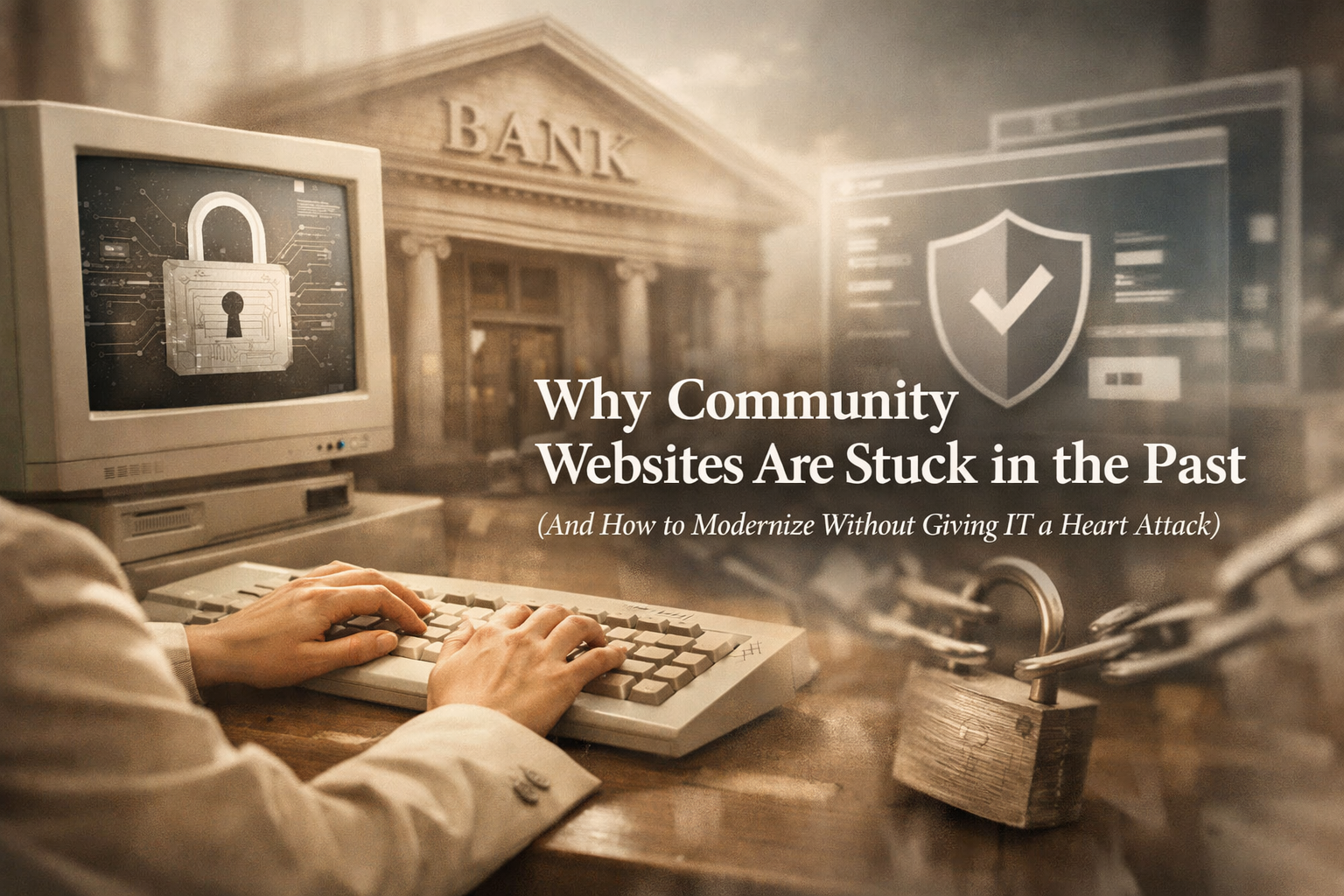
Community banks are some of the most trusted institutions in their towns.
They sponsor the little league team.
They know customers by name.
They’ve been around longer than most SaaS startups will ever survive.
So why do so many community bank websites still feel like they were designed during the dial-up era?
It’s not a lack of ambition.
It’s not budget blindness.
And it’s definitely not because banks don’t care about user experience.
It’s because security changes everything.
The Security-First Reality No One Talks About
For most businesses, a website redesign means:
Pick a platform
Hire a designer
Hand over access
Ship it
For banks? Not so much.
Community banks operate under intense regulatory oversight and strict internal security protocols. Every system, vendor, and permission level is scrutinized. Rightfully so—customer data and financial systems are not playgrounds.
That means websites often live in environments that are:
Heavily locked down
Built on legacy infrastructure
Managed by third-party vendors with limited flexibility
Closely tied to compliance and risk management teams
So when a modern agency shows up asking for backend access, the response is usually less “Sounds great!” and more “Absolutely not.”
And honestly? That caution is a feature, not a flaw.
Why “Just Modernize It” Isn’t That Simple
A lot of redesign conversations fail before they start because they frame modernization as a cosmetic exercise.
New colors.
New fonts.
New layouts.
But for banks, the real concern is what lives behind the design.
Questions that come up immediately:
Who has access to what?
Where is the site hosted?
How does this integrate with existing systems?
What happens if something breaks?
Who’s liable if there’s a security issue?
If those questions aren’t answered clearly and early, the project stalls—or never gets approved at all.
This is how banks end up with websites that technically function but quietly frustrate customers every day.
The Hidden Risk of Doing Nothing
Here’s the irony:
Playing it safe online isn’t actually safe anymore.
An outdated website creates risk in quieter, harder-to-measure ways:
Customers struggle to find basic information
Mobile users bounce immediately
Forms are clunky or inaccessible
The brand feels behind the times
And perception matters. A lot.
When users land on a bank website, they subconsciously ask one question:
“Do I trust this institution?”
A dated digital experience can undermine decades of real-world credibility—especially when customers are comparing you to national banks and fintech apps with sleek, intuitive interfaces.
Security protects your systems.
Experience protects your reputation.
You need both.
Modern Banking Websites Don’t Mean Open Access
One of the biggest myths in bank redesigns is that modern websites require wide-open permissions and risky integrations.
They don’t.
Smart modernization is about architecture, not shortcuts.
That looks like:
Separating design layers from sensitive systems
Restricting backend access to essential roles only
Using modern front-end frameworks that don’t touch core banking data
Designing within compliance and accessibility standards from day one
In other words, modernization doesn’t mean tearing everything down. It means upgrading intentionally—without touching what doesn’t need to be touched.
Why the Right Process Matters More Than the Right Design
For community banks, the success of a redesign often comes down to how it’s done, not what it looks like.
The best projects:
Involve IT and compliance early
Respect internal review timelines
Communicate clearly with non-marketing stakeholders
Avoid surprise requests for access or control
When agencies understand the realities of regulated environments, projects move smoother, approvals come faster, and internal teams feel like partners—not roadblocks.
That’s when modern design actually becomes possible.
Community Banks Deserve Better Digital Experiences
Community banks already win where it matters most: trust, relationships, and local impact.
Their websites should reinforce that—not quietly undermine it.
You don’t need to chase trends.
You don’t need risky overhauls.
You don’t need to hand over the keys to the vault.
You just need a modernization approach that respects your constraints while moving your digital presence forward.
Ready to Modernize Without Compromising Security?
Ritner Digital works with community banks that want modern, user-friendly websites without sacrificing security, compliance, or internal control.
We design within real-world constraints, collaborate with IT and compliance teams, and help banks evolve their digital presence safely and confidently.
If your website feels outdated—but your standards are non-negotiable—we should talk.
👉🏼 Get in touch with Ritner Digital and start a smarter redesign.
Frequently Asked Questions
Will a website redesign compromise our security?
Short answer: no—if it’s done correctly.
A modern website redesign does not require access to core banking systems, customer data, or sensitive internal infrastructure. At Ritner Digital, redesigns are structured to keep security boundaries intact, with access limited to only what’s necessary for design and performance improvements.
Modernization should reduce risk—not introduce it.
Do we need to give an agency full backend or admin access?
Absolutely not.
Most community bank redesigns can be completed with:
Restricted CMS permissions
Staging or sandbox environments
Read-only access where possible
Collaboration with your internal IT or hosting provider
If an agency insists on full admin access “just to get started,” that’s usually a red flag—not a requirement.
Can we modernize our website without changing our hosting or CMS?
Often, yes.
While some legacy platforms limit flexibility, many banks are able to significantly improve design, navigation, accessibility, and performance without migrating systems. When a platform change is recommended, it’s done strategically and only when the benefits clearly outweigh the risk.
No forced migrations. No unnecessary disruption.
How does a redesign work with compliance and regulatory requirements?
Compliance isn’t an afterthought—it’s part of the process.
Effective redesigns account for:
Accessibility (ADA/WCAG considerations)
Clear disclosures and legal language
Consistent branding and messaging
Internal approval workflows
By involving compliance and risk teams early, redesigns move forward with fewer surprises and smoother approvals.
Will a modern website slow down approvals or create more internal work?
Actually, the opposite—when done right.
A structured redesign process reduces last-minute revisions, access issues, and internal friction. Clear documentation, predictable timelines, and respect for review cycles help internal teams stay comfortable and in control.
The goal is to make life easier for IT, compliance, and marketing—not harder.
How long does a community bank website redesign usually take?
Timelines vary based on size, complexity, and review processes, but most projects fall into a measured, realistic rangerather than rushed sprints.
The biggest variable isn’t design—it’s approvals. A thoughtful approach that aligns with internal processes tends to move faster overall than one that tries to rush past them.
Can a redesign improve mobile experience without risking stability?
Yes—and this is one of the highest-impact upgrades.
Many bank websites technically “work” on mobile but aren’t optimized for real users. Improving mobile navigation, page speed, and accessibility can dramatically improve user experience without touching sensitive systems.
This is modernization with minimal risk and maximum upside.
What’s the biggest mistake banks make when redesigning their website?
Treating the website as just a marketing asset.
For community banks, a website sits at the intersection of:
Brand
Trust
Compliance
Security
Customer experience
Ignoring any one of those creates friction—or failure. Successful redesigns balance all five.
Why work with Ritner Digital specifically?
Ritner Digital specializes in redesigns for organizations that can’t afford shortcuts.
We understand:
Regulated environments
Security-first decision making
Multi-stakeholder approvals
The difference between “modern” and “risky”
Our approach is collaborative, transparent, and built for institutions that take trust seriously.
What’s the first step if we’re considering a redesign?
Start with a conversation—not a commitment.
A discovery discussion helps clarify:
What’s working
What’s holding the site back
What’s realistically possible within your constraints
From there, modernization becomes a strategy—not a gamble.
Related Reads
〰️
Related Reads 〰️

Why Most Dental Practice Websites Lose Patients Before the First Appointment
A potential patient finds your practice online, lands on your website, and leaves within 10 seconds. Not because the dentistry is bad — because the website is. Here's what's costing dental practices patients they'll never know they lost, and how to fix it.

What to Expect From a Website Redesign: Timeline, Process, and What Most Agencies Won’t Tell You
A website redesign can either drive measurable growth or become an expensive visual upgrade. This guide breaks down the real timeline, process, SEO considerations, and what most agencies don’t disclose before a redesign begins.

Your Homepage Has ~5 Seconds to Work. Here’s How to Win Them.
Your website homepage has one job: convince visitors they’re in the right place. In this guide, we break down what should be on your homepage, best practices that actually convert, and a simple outline you can steal.