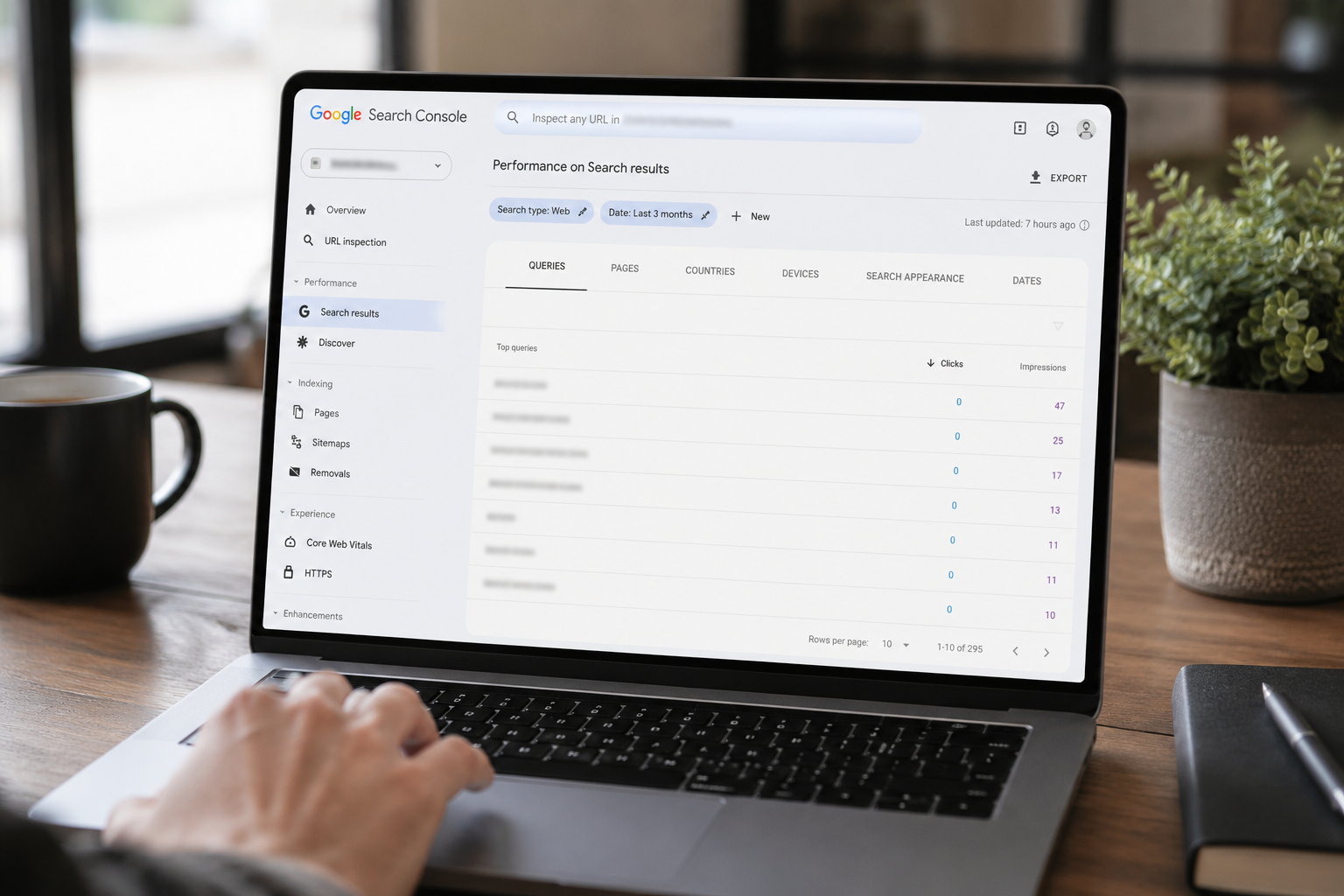
Why Google Search Console Shows Zero Clicks on a Query But the Pages Tab Shows Clicks
You switch from the Queries tab to the Pages tab in Google Search Console and the click counts don't match. The Queries tab shows zero. The Pages tab shows real traffic. This isn't a bug — it's a documented feature of how Google handles user privacy, and it's hiding nearly half of your search data. Here's why it happens and how to work around it.
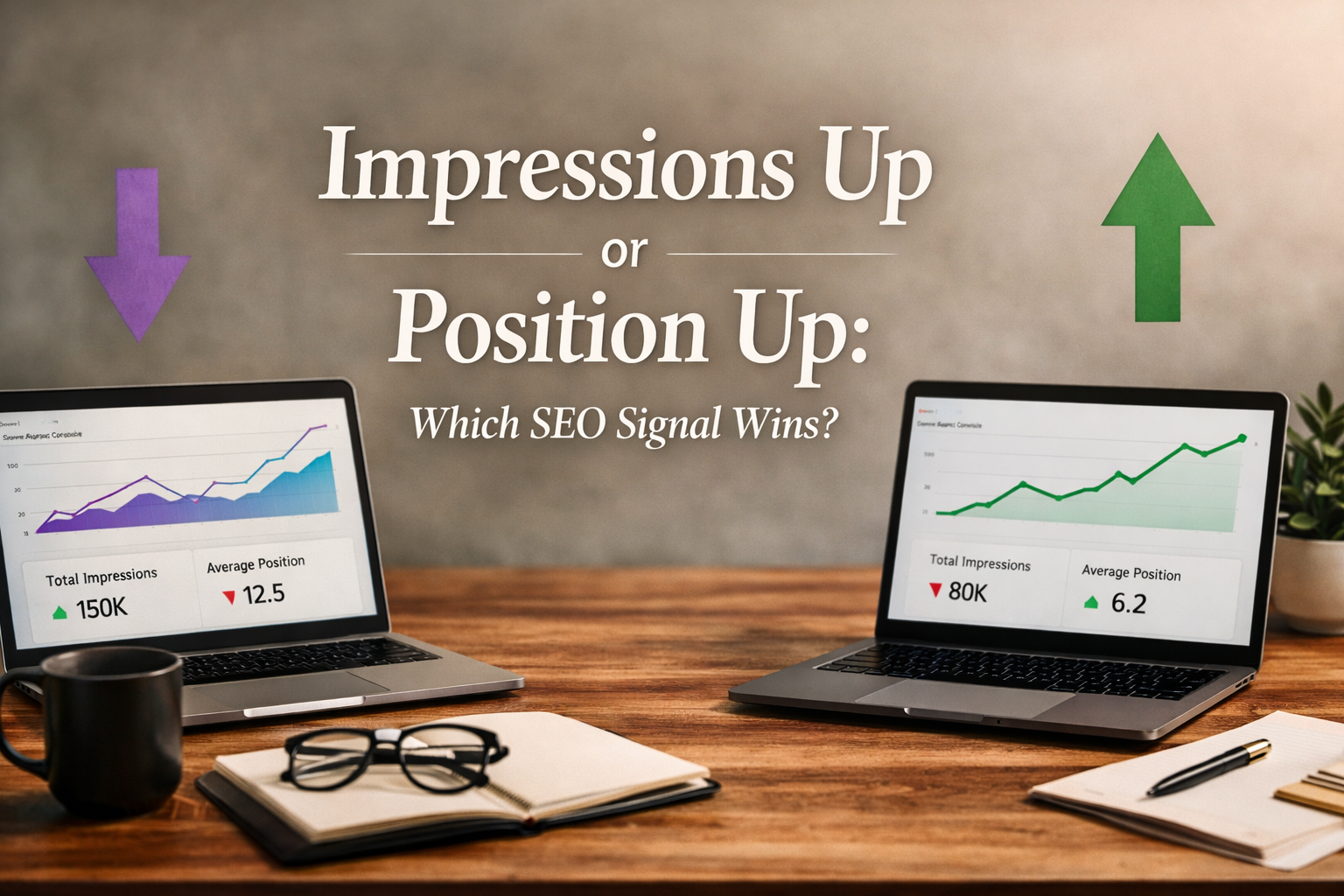
Impressions Up and Position Down — Or Position Up and Impressions Down? What Your Search Console Data Actually Says About Your SEO Maturity
If you've spent any real time in Google Search Console, you've heard both sides of this argument — usually from different SEOs, usually within the same week. "Impressions are up, position is down — that's great." Or the opposite: "Impressions are down, position is up — that's great." Both are technically defensible. Both are also how agencies quietly reframe flat performance as a win. So which one is actually better, and what does each pattern tell you about where your SEO program really sits on the maturity curve? Here's the honest breakdown.
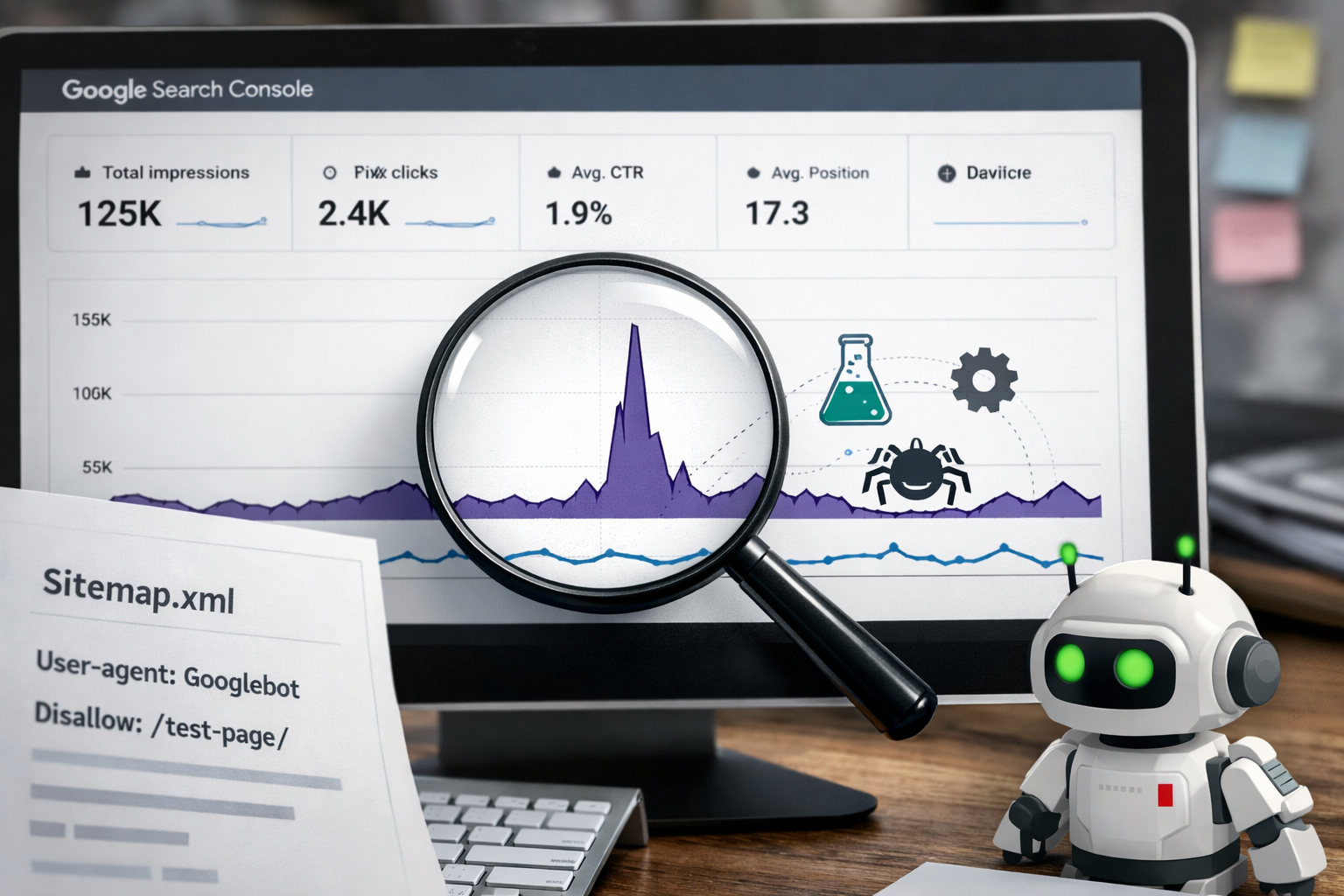
What Causes Those Sudden Impression Spikes in Google Search Console?
Everything is moving along at its normal pace in Google Search Console — relatively flat impressions, predictable click patterns — and then suddenly, on a single day, impressions spike dramatically. Sometimes it's a 200% jump. Then just as quickly, the graph normalizes again. Most people assume something has gone very right. By the third or fourth time it happens, a better question emerges: what is Google actually doing during these spikes? The answer involves several distinct mechanisms — sitemap batch processing, Googlebot testing behavior, algorithm experiments, and more — and correctly identifying which one is behind any given spike is what determines whether it's good news, neutral information, or something worth investigating.
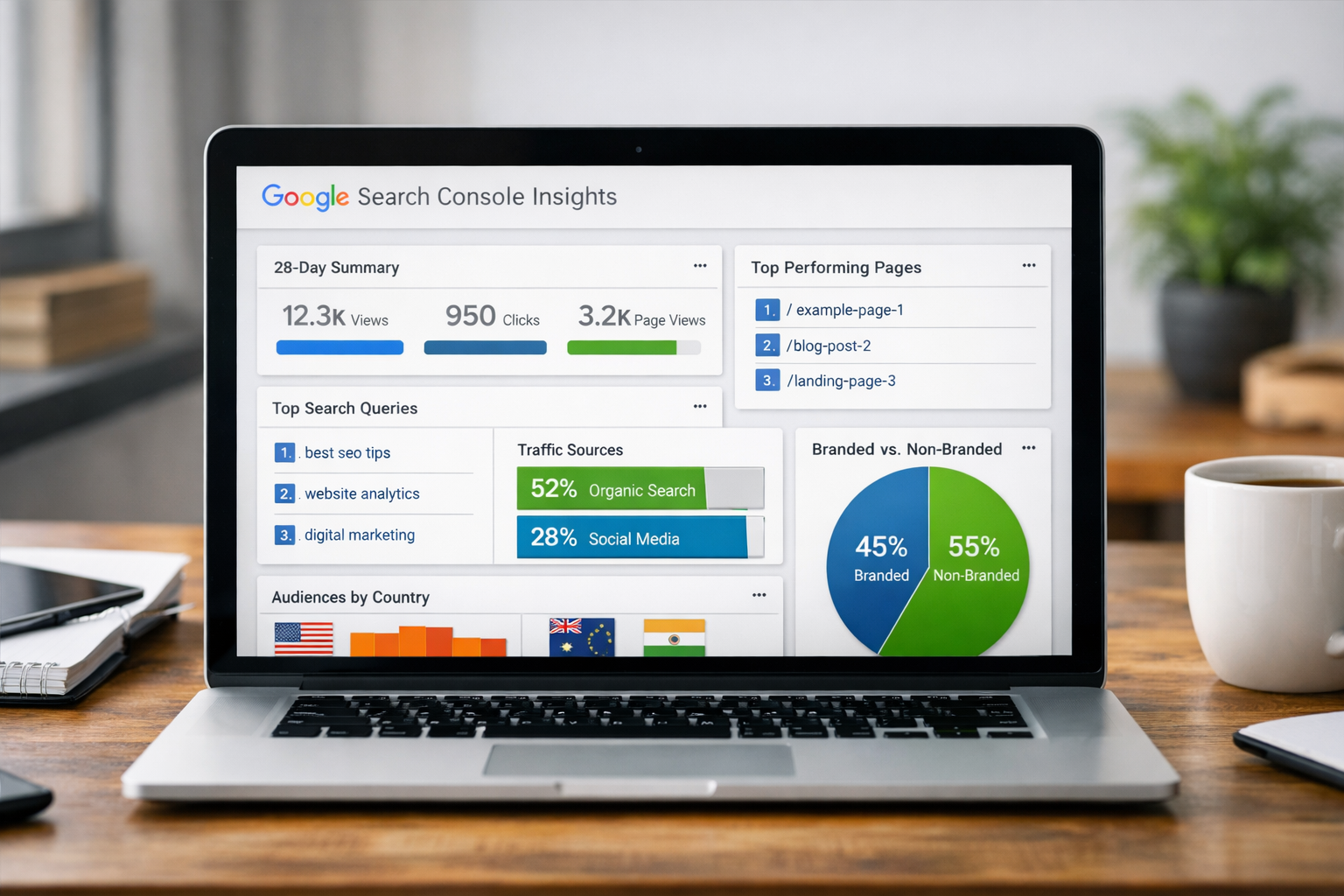
What Is Google Search Console Insights — And What Does Your Data Actually Mean?
If you've ever logged into Google Search Console and clicked on the "Insights" tab, you've seen a dashboard that looks deceptively simple. A handful of numbers. A few top-performing pages. Some queries. A country breakdown. A branded versus non-branded traffic split. It's easy to glance at it, feel vaguely good or vaguely concerned, and move on without extracting anything actionable from it. That's a mistake — because Search Console Insights, read correctly, is one of the most honest performance reports your website produces. It tells you exactly how the internet is finding you, what content is resonating, and where your search visibility is growing. This post breaks down what every metric means and what your data is actually saying about your growth trajectory.

Why SEO Impressions Spike, Drop, and Never Seem to Hold — And What's Actually Going On
If you've spent any time inside Google Search Console, you've seen the pattern. Impressions climb by a thousand or two thousand in a single week, then fall back down to a new baseline a short time later. It feels like three steps forward, one step back — and if you watch it long enough, it starts to feel like SEO is just unpredictable. It isn't. There's a specific set of mechanisms driving this pattern, and once you understand them, the chart becomes a much more readable story.