HUBSPOT YOUR TEAM WILL USE.
We set up, clean up, and manage HubSpot so it actually fits how you sell — not how a template assumes you do. Pipelines, automations, reporting, and training included.
HubSpot hubs we work in
What We Do
Every way we work inside HubSpot.
Whether you need a fresh setup, a cleanup of what you've already got, or someone to run it for you — we handle it.
Our Process
From messy to running clean.
A clear five-step process so your HubSpot is built right — and your team is actually set up to use it on day one.
What's Included
No add-on fees.
No surprises.
Every HubSpot engagement includes all of the below — integrations, training, and automation builds are not extras. You get a complete system that works from day one.
Start a Project →Who It's For
Right for some. Not for everyone.
We'll tell you upfront if HubSpot isn't the right tool for your business. Here's who it works well for — and who it doesn't.
Why Ritner Digital
What makes us different.
A lot of people can set up HubSpot. Fewer can build it in a way your team will actually use six months from now.
FAQ
Questions we always get.
Do I need a paid HubSpot plan?
Not necessarily. HubSpot's free CRM is genuinely capable — pipeline management, contact tracking, deal stages, email templates, and basic reporting are all available without a subscription. Paid plans (Starter, Professional, Enterprise) unlock advanced automation, sequences, custom reporting, and more. We'll help you figure out what tier makes sense for your actual needs before you spend anything, and we can work with whatever plan you're already on.
How long does HubSpot setup take?
Most standard setups — pipeline configuration, contact migration, core workflows, and team training — run 2–4 weeks from kickoff to a live system. More complex builds involving custom integrations, multi-team pipelines, or large data migrations can run 6–8 weeks. We set a realistic timeline upfront and stick to it. You'll always know what's happening and what's next.
Can you migrate our data from another CRM?
Yes — this is a core part of what we do. Whether your contacts are in Salesforce, Pipedrive, a spreadsheet, or scattered across your team's inboxes, we handle the import. We clean and deduplicate the data, map it to the right HubSpot fields, and validate everything before it goes live. You won't start with a polluted database.
What if we already have HubSpot but it's not set up well?
This is actually the most common situation we walk into. Bad pipelines, unused workflows, duplicate contacts, broken automations, and dashboards nobody looks at — we've seen it all. We start with an audit, identify what's worth keeping, and rebuild the rest. You don't need to start from scratch, but some things are faster to redo than repair.
What's the difference between HubSpot Sequences and Workflows?
Sequences are one-to-one — they're for sales reps to enroll individual contacts in a series of personalized emails and tasks, and they pause when the contact replies. Workflows are automated — they fire based on criteria and don't require manual enrollment. Both have their place. We build both as part of every HubSpot engagement and make sure your team understands when to use which.
Do you offer ongoing HubSpot management?
Yes, and most clients stay on after the initial setup. HubSpot isn't a one-time project — contacts go stale, automations break when things change, and your team always has questions. We offer ongoing management as part of a monthly retainer: hygiene reviews, workflow updates, new sequence builds, reporting adjustments, and ongoing support for your team. It's the difference between HubSpot working at month one and HubSpot still working at month twelve.
From the Blog
Latest Insights

What HubSpot Actually Built — and What Every Brand Gets Wrong About the Inbound Playbook
HubSpot is worth studying not because it built great software, but because it built a media company first and a software company second — and the sequence matters more than almost anyone who tries to copy the model understands.
Read More →
How to Check a List Against Your HubSpot Database (Before You Accidentally Email Your Own Contacts)
Sending to a new list? Before you hit send, make sure you're not emailing people already in your HubSpot database. Here's the simplest way to suppress existing contacts and keep your campaigns clean.
Read More →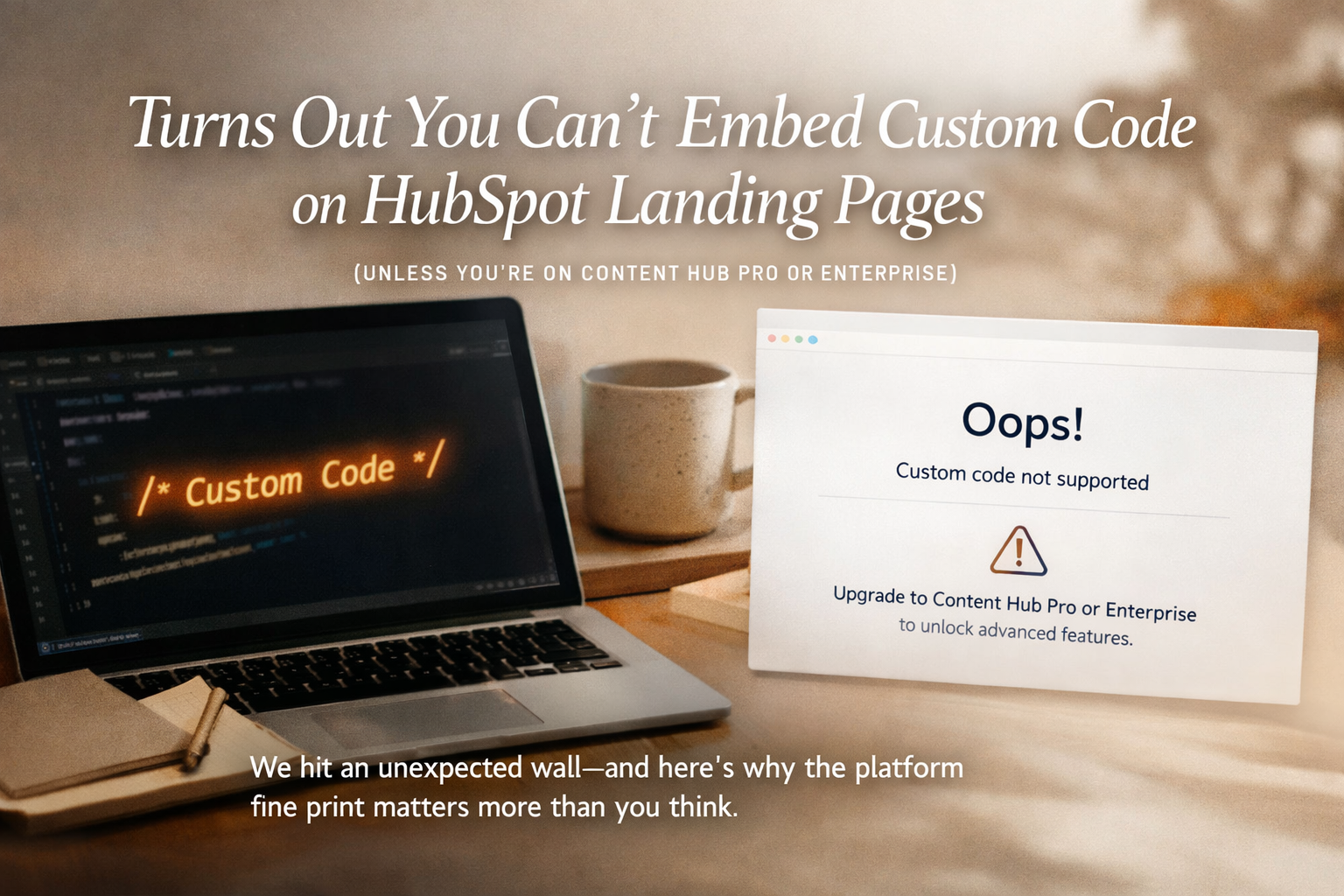
Turns Out You Can't Embed Custom Code on HubSpot Landing Pages (Unless You're on Content Hub Pro or Enterprise)
We tried to embed custom code on a HubSpot landing page and hit an unexpected wall. Here's what Content Hub doesn't make obvious — and why platform fine print matters more than you think.
Read More →Get Started
Ready to make HubSpot actually work?
Tell us where you are with HubSpot — brand new, existing mess, or somewhere in between. We'll respond within one business day.