Turns Out You Can’t Embed Custom Code on HubSpot Landing Pages (Unless You’re on Content Hub Pro or Enterprise)
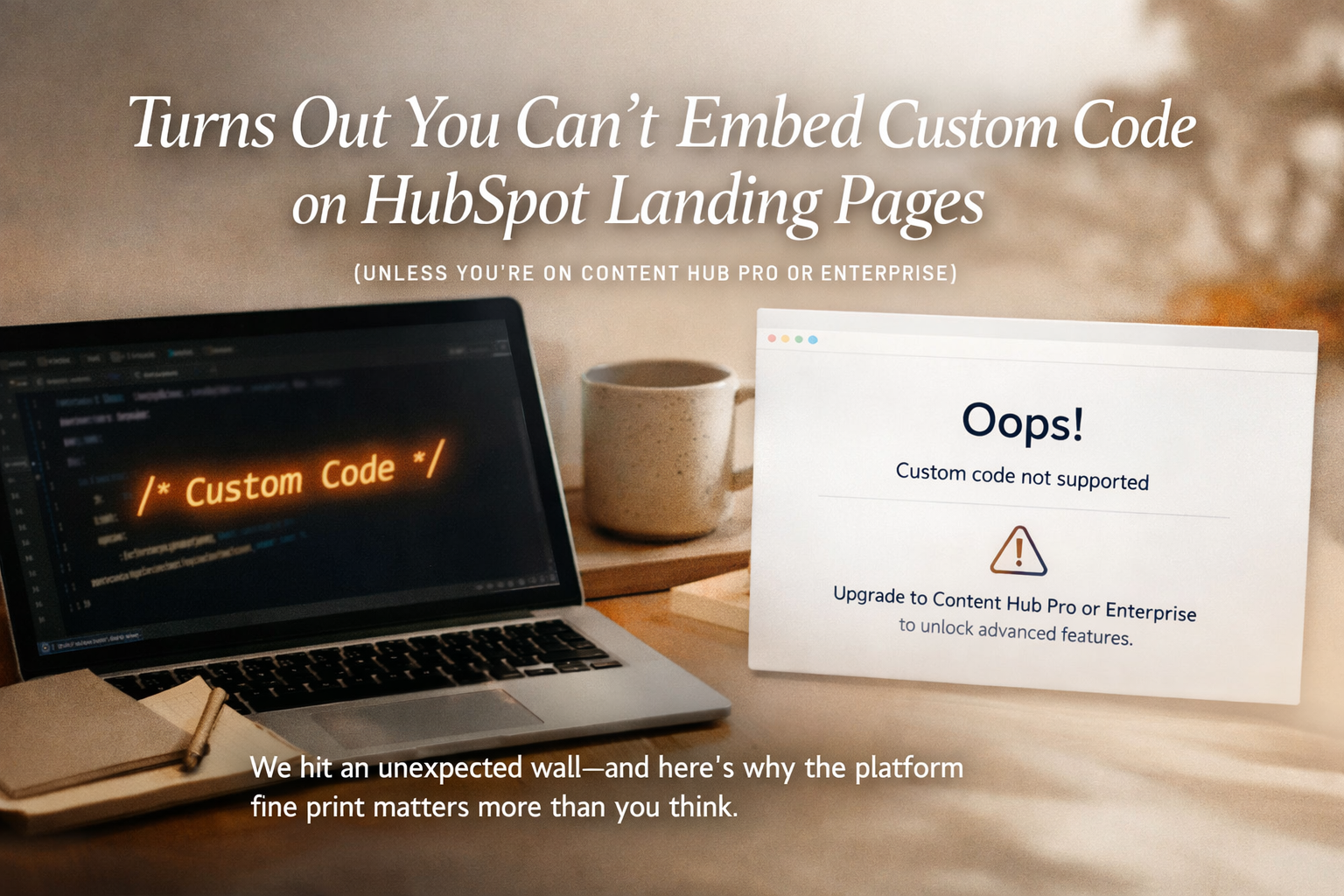
This was supposed to be boring.
Open HubSpot.
Build a landing page.
Paste embed code.
Move on.
Instead, HubSpot politely informed us:
You can’t embed custom code on landing pages unless you’re on Content Hub Professional or Enterprise.
Not a warning during setup.
Not a callout in the sales deck.
A hard stop… once we were already building.
Welcome to the weeds.
The Reality of Marketing Platforms (No One Warns You About)
On the surface, most marketing platforms look the same:
Landing pages? ✔️
Forms? ✔️
Customization? ✔️
But the real story lives in the fine print:
Feature gating by tier
“Basic” functionality locked behind upgrades
Capabilities you only discover when you actually try to use them
And in this case, the realization came mid-build.
The HubSpot Content Hub Catch
To be clear: HubSpot Content Hub is a strong product.
But here’s the nuance many teams don’t find out until later:
Starter: Great for simple pages, fast setup, minimal customization
Professional / Enterprise: Required if you want to embed custom code on landing pages
That matters if your landing pages rely on:
Third-party widgets
Advanced tracking
Custom forms
Embedded tools or scripts
If you don’t need that flexibility, Starter might be fine.
If you do—and many growing teams eventually do—this becomes a surprise upgrade conversation.
This Isn’t a HubSpot Problem (It’s a Visibility Problem)
Nothing here is deceptive.
HubSpot isn’t hiding anything.
But marketing decisions rarely happen in a vacuum. They happen fast, with budgets, timelines, and expectations attached.
And sometimes you don’t realize what you actually need until:
The campaign is live
The landing page is built
The code is ready to ship
That’s when “standard stuff” suddenly isn’t so standard.
Why This Is Where Agencies & Partners Earn Their Keep
This is the unglamorous part of marketing:
Knowing where platforms draw the line
Understanding how tiers affect real-world execution
Spotting friction before it becomes regret
At Ritner Digital, this is exactly where we help.
Not by pushing one platform over another—but by helping teams:
Understand the real trade-offs
Compare tools honestly
Decide what’s worth paying for (and what isn’t)
Go in informed instead of surprised
Sometimes the win isn’t avoiding an upgrade.
It’s knowing it’s coming.
The Bigger Lesson
Marketing platforms don’t fail teams.
Surprises do.
And most surprises don’t show up in demos—they show up mid-build, when timelines are tight and options are limited.
That’s why experience matters.
Because someone has already hit the wall before you—and can tell you where it is.
The Bottom Line
If you’re considering HubSpot Content Hub for landing pages, here’s the takeaway:
Starter works for simple use cases
Custom code requires Pro or Enterprise
You won’t always know this stuff until you’re building
If you want help evaluating platforms, tiers, and real-world limitations before you sign—or at least before you’re stuck—Ritner Digital can help.
Sometimes the best marketing decision is just being more aware.
And sometimes, it’s knowing who to call when HubSpot says no
Frequently Asked Questions
Can you embed custom code on HubSpot landing pages?
Yes—but only if you’re on HubSpot Content Hub Professional or Enterprise. HubSpot Starter does not allow custom code embeds on landing pages, which can limit advanced tracking, third-party tools, and custom functionality.
Does HubSpot Starter allow custom code at all?
HubSpot Starter allows limited customization, but custom code embeds are restricted on landing pages. This often surprises teams who assume embed code is a standard feature across all tiers.
Why does HubSpot restrict custom code to higher tiers?
HubSpot tiers are designed around use cases. Starter is meant for simple, fast deployment, while Professional and Enterprise unlock advanced customization, flexibility, and control—including embedded code on landing pages.
Is HubSpot Content Hub still worth it?
For many businesses, yes.
Content Hub Professional or Enterprise is worth considering if you:
Need custom embeds or third-party integrations
Rely on advanced tracking or scripts
Want more control over landing page behavior
The key is understanding these limitations before committing.
How does HubSpot compare to other landing page builders?
Platforms like Webflow, WordPress, or Unbounce typically allow custom code embeds by default. HubSpot trades flexibility at lower tiers for ease of use and tighter CRM integration—making tier selection especially important.
When do teams usually discover these limitations?
Most teams discover Content Hub limitations mid-build, not during sales calls or onboarding. This often leads to unexpected upgrade conversations after contracts are signed.
How can agencies help avoid platform regret?
Experienced marketing partners understand:
Feature gating by tier
Real-world build limitations
When platforms outgrow their starter plans
This helps businesses make more informed decisions—or at least avoid being surprised later.
How does Ritner Digital help with HubSpot decisions?
At Ritner Digital, we help teams:
Evaluate HubSpot tiers based on real use cases
Compare Content Hub to alternative platforms
Identify limitations before they impact campaigns
Make informed platform and upgrade decisions
The goal isn’t to sell software—it’s to avoid regret.
What should I do before choosing a landing page platform?
Before committing, consider:
Do you need custom code embeds?
Will you use third-party tools or scripts?
How flexible do your landing pages need to be?
Asking these questions early can save time, money, and frustration later.
Related Reads
〰️
Related Reads 〰️
How to Set Up a SurveyMonkey Integration in HubSpot (as a Connected App)
Survey data is only valuable if it actually goes somewhere. Learn how to connect SurveyMonkey to HubSpot as a native app—and turn survey responses into contacts, automation, and real revenue.
How to Split a HubSpot List (Even If You’re Not on Enterprise)
Need to split a HubSpot list for testing or campaign pacing? Here’s how to divide lists evenly—both with Marketing Enterprise and without paying for an upgrade.
How to Enroll Contacts in a HubSpot Sequence for Someone Else (Without Breaking Anything)
Need to enroll contacts into a HubSpot sequence for someone else? This guide shows HubSpot admins how to use workflows and lists to automate sequence enrollment, control email senders, and scale sales outreach—without manual enrollment or permission headaches.