Accessibility & ADA
An inaccessible website isn't just a missed opportunity — it's a legal liability. We build WCAG-compliant sites that work for everyone, protect your business, and open your doors to the 1 in 4 Americans living with a disability.
Start Your Project →What We Deliver
Accessibility isn't a checklist — it's a standard of quality. Every service we offer is built around making your site work for every visitor, every time.
WCAG Audit
A full accessibility audit against WCAG 2.1 AA standards — covering every page, every component, and every interaction with a prioritized remediation plan.
ADA Compliance
We bring your site into ADA Title III compliance — reducing your legal exposure and protecting your business from the surge in website accessibility lawsuits.
Screen Reader Optimization
Proper semantic HTML, ARIA labels, landmark roles, and reading order — so screen readers like JAWS, NVDA, and VoiceOver navigate your site the way you intend.
Keyboard Navigation
Every interactive element reachable and operable without a mouse — full tab order, visible focus indicators, and skip navigation links for keyboard-only users.
Color & Contrast
Text, UI elements, and graphics tested against WCAG contrast ratios — ensuring readability for users with low vision, color blindness, or bright screen conditions.
Alt Text & Media
Descriptive alt text for every image, captions for video, transcripts for audio — so no content is locked away from users who experience it differently.
Form Accessibility
Properly labeled inputs, error messages that are clear and programmatically associated, and form flows that work correctly with assistive technologies.
Accessibility Statement
A published, legally-informed accessibility statement for your site — documenting your compliance posture, known limitations, and how users can request accommodations.
Ongoing Monitoring
Accessibility isn't a one-time fix. As your site grows and changes, we monitor for new issues and keep your compliance posture current — so you stay protected over time.
Sound Familiar?
These are the most common reasons businesses come to us for accessibility help. If any of these hit close to home, you're in the right place.
You received a demand letter or lawsuit threat
ADA website accessibility lawsuits have surged — over 4,000 are filed every year in federal court alone. If you've received a demand letter, the clock is ticking and you need a remediation plan now, not later.
You're not sure if your site is actually compliant
Running an automated scanner and getting a green checkmark doesn't mean you're compliant. Automated tools catch about 30% of accessibility issues. The rest require human review — and those are the ones that end up in lawsuits.
Your site is unusable with a screen reader
If a blind user lands on your site and can't navigate the menu, fill out your contact form, or understand what your images say, you've locked out a significant portion of your potential customers.
Your brand colors fail contrast requirements
Light gray text on white. Low-contrast buttons. Decorative overlays on hero text. These look clean in a design file but fail WCAG contrast ratios — and make your site genuinely unreadable for millions of users.
Your site can't be used without a mouse
Keyboard-only users, people using switch controls, and anyone who can't operate a pointing device are completely locked out if your site doesn't support proper tab order and focus management.
You have a government or enterprise contract requirement
Section 508, EN 301 549, and many enterprise procurement policies require demonstrable accessibility compliance before a contract can be signed. Without it, you're disqualified before the conversation starts.
What Is Web Accessibility — And Why Does It Actually Matter?
Accessibility is about making sure your website works for everyone — including the 61 million Americans living with a disability. It's also about making sure your business is legally protected.
Web accessibility means building sites that can be perceived, understood, navigated, and interacted with by people of all abilities — including those who are blind or have low vision, deaf or hard of hearing, have motor impairments, or experience cognitive disabilities. The technical standard is WCAG (Web Content Accessibility Guidelines), currently at version 2.1, with Level AA being the accepted legal benchmark in the US.
The ADA (Americans with Disabilities Act) has been increasingly interpreted by courts to apply to websites as places of public accommodation. This has fueled a wave of accessibility lawsuits against businesses of all sizes — from solo operators to Fortune 500 companies. You don't need a physical location to be a target. If your website serves the public, it can be sued.
Beyond the legal angle, accessibility is good business. Accessible sites perform better in search engines, load faster, work better on all devices, and reach a market segment with over $490 billion in disposable income. Building accessibly isn't just the right thing to do — it's the smart thing to do.
Screen Reader Optimization
A site that looks perfect visually can be completely unusable for someone relying on a screen reader. We audit and fix the underlying code — semantic structure, ARIA labels, landmark roles, and reading order — so the experience is as intentional for blind users as it is for sighted ones.
Tools That Power the Work
Automated scanners catch about 30% of accessibility issues. We combine the best tooling in the industry with manual expert review to find the other 70%.
axe DevTools
Deque's industry-leading browser extension for accessibility auditing — catches critical, serious, moderate, and minor WCAG violations with zero false positives and direct WCAG criterion references.
WAVE
WebAIM's WAVE tool overlays accessibility icons directly on your page — making errors, alerts, and structural elements immediately visible in their page context, not just in a list.
JAWS
The world's most widely used screen reader — we test with JAWS on Windows to validate real-world experience for blind and low-vision users navigating with keyboard and virtual cursor commands.
VoiceOver
Apple's built-in screen reader on iOS and macOS — we test with VoiceOver on both iPhone and Mac to ensure your site works for the millions of Apple users who depend on it daily.
Colour Contrast Analyser
TPGI's precision contrast checker — tests foreground/background combinations against WCAG AA and AAA thresholds, with color blindness simulations for deuteranopia, protanopia, and tritanopia.
Lighthouse
Google's built-in auditing tool scores your site across performance, accessibility, SEO, and best practices — giving a quick baseline with specific, actionable audit items to fix.
Accessibility Statement
An accessibility statement is one of the most underutilized tools in ADA defense. It signals good faith, documents your compliance posture, and gives users a direct channel to request accommodations — all of which matter significantly if you ever face a lawsuit or demand letter.
From the Blog
View All Posts →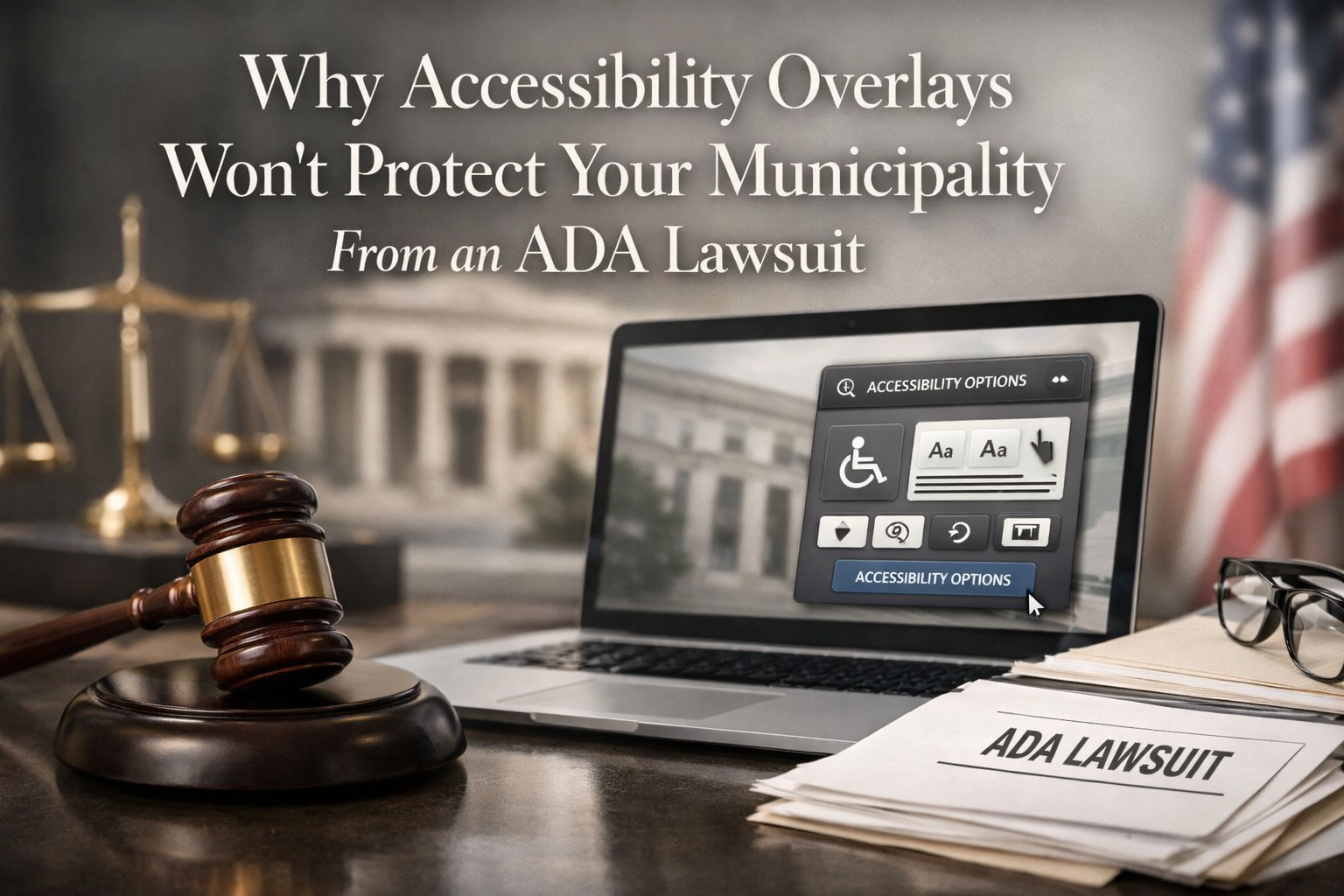
Ready to Make Your Site Accessible?
Tell us about your project and we'll be in touch shortly.
Accessibility & ADA FAQs
Common questions from businesses navigating web accessibility compliance, legal exposure, and WCAG requirements.