What Is a High-Fidelity Wireframe? (And When You Actually Need One)
If you've ever sat in a kickoff meeting where someone said "let's just do a quick wireframe" and three weeks later the team is debating button colors and copy hierarchy — you've already lived the answer to this question.
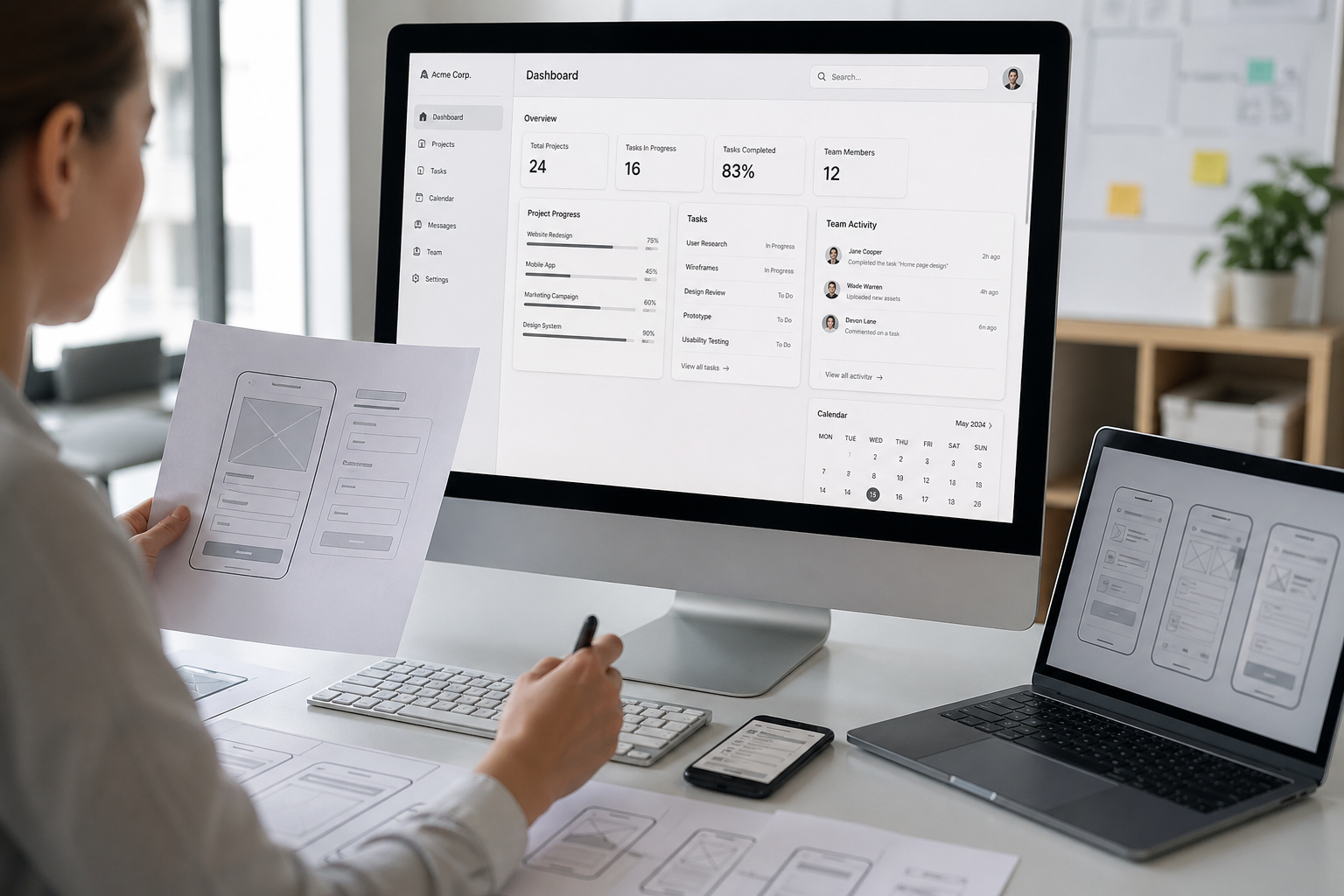
Wireframes exist on a spectrum. At one end, a low-fidelity wireframe is basically a sketch. Boxes, placeholder text, rough layout. It communicates structure without pretending to communicate anything else. At the other end, a high-fidelity wireframe is close enough to the real thing that most people outside the design process can't tell the difference.
Understanding where on that spectrum you actually need to be — and why — saves projects from the two most common failure modes: moving too fast on the wrong assumptions, and moving too slow on decisions that don't need that much scrutiny.
What Makes a Wireframe "High Fidelity"
Fidelity in wireframing refers to how closely the document represents the finished product. Low fidelity is intentionally rough. High fidelity is intentionally precise.
A high-fidelity wireframe typically includes:
Real or near-real copy. Not "lorem ipsum" or "headline goes here" — actual proposed text, headlines, CTAs, and microcopy. This matters because copy drives layout. A two-word button and a seven-word button require completely different design solutions.
Accurate spacing and proportions. Elements are sized and positioned the way they'll actually appear. You can evaluate hierarchy, breathing room, and visual weight because the relationships between elements are truthful.
Interaction states. Hover states, active states, error states, empty states. High-fidelity wireframes show what happens when a user does something — not just what the default state looks like.
Component-level detail. Form fields, navigation patterns, modals, dropdowns — represented accurately enough that a developer could begin making technical decisions based on what they're looking at.
Annotated behavior. Notes that explain what isn't visually obvious: what triggers an animation, what happens when a form is submitted, what the fallback looks like on mobile.
What a high-fidelity wireframe typically does not include is final visual design. No brand colors, no photography, no typography polish. It lives in grayscale or a neutral palette by design — the absence of visual noise keeps the focus on structure, flow, and function.
Low vs. High Fidelity: What Each Is Actually For
The distinction matters because the two serve completely different purposes in a project.
Low-fidelity wireframes are for exploration. They're fast, disposable, and intentionally imprecise. You use them to test whether an idea makes structural sense before investing in it. The roughness is a feature — it signals to everyone in the room that nothing is decided yet, which makes disagreement cheaper and iteration faster.
High-fidelity wireframes are for alignment. They're used when the structural decisions have been made and the next step is getting specific enough that engineering, product, and stakeholders can all be looking at the same thing and answering the same questions. At this stage, precision isn't pedantry — it's what makes handoff possible.
The mistake most teams make is skipping one or conflating the two. Going straight to high-fidelity before the structure is validated is expensive. Staying in low-fidelity when the team needs specificity creates a gap that everyone fills with their own assumptions — which surfaces as rework in production.
When You Actually Need a High-Fidelity Wireframe
Not every project warrants them. Here's when they earn their place:
Complex user flows. If a user has to make sequential decisions — a multi-step checkout, an onboarding sequence, a configuration tool — high-fidelity wireframes let you stress-test the logic before a single line of code is written. Edge cases that seem theoretical in a conversation become obvious when you're looking at an accurate representation of what the screen actually has to communicate.
Stakeholder or client approval. When the people signing off aren't designers and aren't used to reading rough sketches, low-fidelity wireframes create confusion. A high-fidelity wireframe gives non-design stakeholders something they can actually react to — which makes feedback more specific and approval more meaningful.
Developer handoff on custom builds. If you're building something custom rather than configuring an existing platform, developers need precision. High-fidelity wireframes reduce the volume of back-and-forth during build because the decisions are documented before the questions get asked.
Usability testing before visual design. Testing a prototype with real users before investing in visual design is one of the highest-ROI activities in the design process. High-fidelity wireframes are close enough to the real experience that users can give you meaningful feedback — without locking you into design decisions you haven't made yet.
Redesigns with high organizational stakes. When you're redesigning something that a lot of people have opinions about — a homepage, a product page, a checkout flow — high-fidelity wireframes let those opinions surface before they cost anything. Much easier to change a wireframe than to change a live page after someone's already built it.
When You Don't Need Them
High-fidelity wireframes are a tool, not a requirement. There are plenty of situations where spending the time on them is the wrong call.
If you're iterating on an existing design system where components and patterns are already established, you may not need wireframes at all — you can go straight to design files or even production. If the scope is small and the decisions are obvious, the overhead of building detailed wireframes can exceed the value they provide. And if your team has extremely high trust and shared context, you can often move faster by going straight to higher-fidelity design comps and treating them as the wireframe conversation.
The question to ask is: what decisions are still unmade, and what's the cheapest way to make them well? High-fidelity wireframes are the right answer when the decisions involve structure, flow, and content — and when the cost of getting those wrong in production is meaningful.
High-Fidelity Wireframes vs. Prototypes vs. Mockups
These terms get used interchangeably and they shouldn't. Here's the practical difference:
A wireframe — even a high-fidelity one — is a static document. It shows what a screen looks like and what it contains. It may show multiple states, but it doesn't move.
A prototype is interactive. It simulates the actual user flow — clicking a button takes you somewhere, filling out a form triggers a response. Prototypes are built from wireframes or design files and are used for usability testing and stakeholder demos.
A mockup is a high-fidelity visual design applied to a layout. It looks like the finished product visually but typically isn't interactive. Mockups come after wireframes, not before.
In practice, most modern design tools blur these lines — Figma files often function as wireframe, mockup, and prototype simultaneously. But understanding the conceptual difference matters for scoping projects and setting expectations about what you're delivering and why.
The Bottom Line
A high-fidelity wireframe is the document that bridges strategy and execution. It's specific enough that everyone involved can react to the same reality — but loose enough that changing it is still cheap compared to changing what it eventually becomes.
Used at the right moment, it's one of the most efficient investments in a design or build process. Used too early, it creates false precision. Used too late, it documents decisions that should have been made earlier.
The skill isn't knowing how to build one. It's knowing when one is actually what the project needs.
Want a design and build process that moves fast without the expensive rework?
We help brands build digital experiences with the right level of fidelity at every stage — from strategy through production.
→ Let's talk about your project
Frequently Asked Questions
What is the difference between a wireframe and a mockup?
A wireframe — even a high-fidelity one — focuses on structure, layout, and content. It's typically grayscale and intentionally stripped of visual design. A mockup is what comes after: the same layout with real brand colors, typography, imagery, and visual polish applied. Wireframes answer "what goes here and why." Mockups answer "what does it look like."
How long does it take to build a high-fidelity wireframe?
It depends heavily on the scope. A single landing page might take a day or two. A multi-step user flow with a dozen screens, multiple states, and detailed annotations could take a week or more. The honest answer is that the time investment is the point — the goal is to surface decisions and resolve them in the wireframe stage, where changes are cheap, rather than in development, where they aren't.
Do I need both low and high-fidelity wireframes on the same project?
Often yes, but not always. On most projects it makes sense to sketch the structure in low fidelity first, align on the approach, and then build out the detail in high fidelity. That sequence keeps early-stage exploration fast and cheap. On smaller projects or redesigns where the structure is already well understood, you may be able to skip low fidelity and go straight to high. It comes down to how many structural decisions are still open when you start.
Can high-fidelity wireframes be used for usability testing?
Yes — and this is one of the best uses for them. Because they're accurate enough in terms of layout and content, real users can navigate them and give you meaningful feedback before visual design is finalized. Testing at the wireframe stage means any structural problems you find can be fixed before they're baked into a polished design file or a production build. It's one of the highest-ROI steps you can take in a design process.
What tool should we use to build high-fidelity wireframes?
Figma is the industry standard at this point and for good reason — it handles wireframes, mockups, and interactive prototypes in the same file, which makes handoff and iteration significantly easier. Sketch is still used in some organizations. Adobe XD exists but has lost ground. For teams that want something simpler and faster for early-stage wireframing specifically, tools like Balsamiq or Whimsical work well for low-to-mid fidelity work. For high fidelity, Figma is almost always the right answer.
Who should be involved in reviewing high-fidelity wireframes?
At minimum: the person responsible for the product or experience, someone from engineering or development, and any key stakeholders who will have sign-off later in the process. Getting stakeholder eyes on wireframes — before visual design starts — is one of the best ways to avoid late-stage feedback that requires redesigning something that's already been built. The earlier opinions surface, the cheaper they are to act on.
What's the biggest mistake teams make with high-fidelity wireframes?
Skipping the low-fidelity stage and jumping straight to high fidelity before the structure is validated. It's an easy trap — high-fidelity work looks impressive and feels productive, so there's an organizational pull toward it. But if the underlying structure hasn't been stress-tested, you end up with a beautifully detailed wireframe built on a foundation that doesn't hold up. The other common mistake is using wireframes as a deliverable rather than a tool — building them to show a client rather than to make decisions. Wireframes should drive alignment, not perform effort.
Do we need wireframes if we're using a website template or existing platform?
Probably not in the traditional sense. If you're working within an established design system or configuring an existing platform, the structural decisions are largely made for you. What you might need instead is a content map or a page-by-page brief that documents what goes where and why — which serves a similar alignment function without the overhead of building detailed wireframe files.