What’s the Best CRM for a Small Independent Dealership?
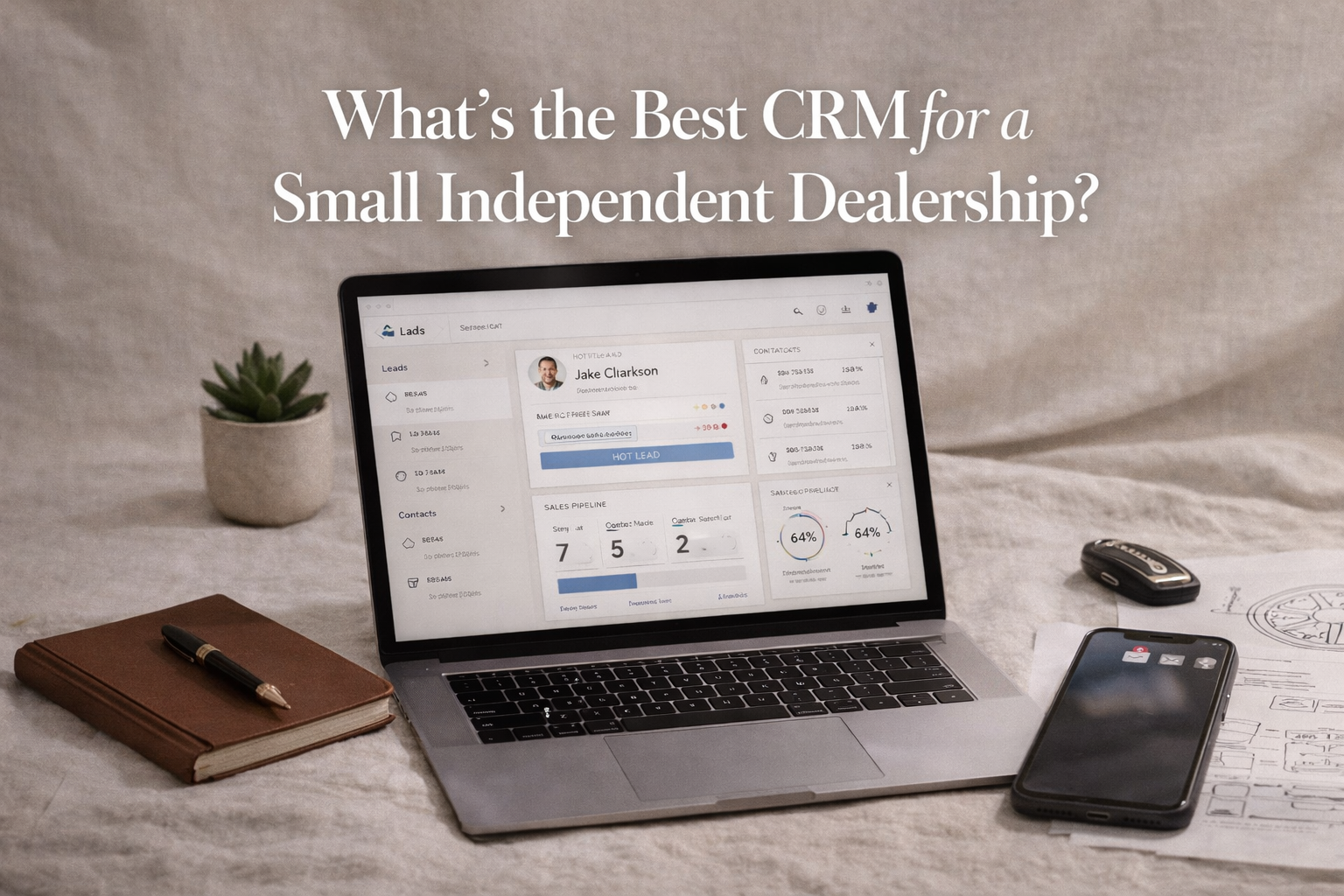
You’re running a small independent dealership.
Not a national franchise with deep ad budgets.
Not a giant brand with proprietary systems.
You’re local. You’re lean. You need systems that work today.
And at the center of every modern dealership that scales?
A CRM that actually helps you sell.
But with so many “best-of” lists and agencies pushing one platform or another, how do you decide what’s right for you?
This guide breaks down the top CRM options for small dealerships — what they do well, where they fall short, and who they’re really built for.
What a Dealership CRM Actually Needs
Before the recommendations, let’s be honest about the criteria:
A good CRM for a small independent dealership should:
✅ Centralize leads from multiple sources
✅ Track follow-up and reminders
✅ Support sales pipelines (not just contacts)
✅ Sync with email & SMS
✅ Integrate with automotive sources (if possible)
✅ Be easy to adopt and manage
✅ Provide reporting that connects activity to revenue
Most CRMs get one or two of these right. The best get all of them.
CRM Options That Actually Make Sense for Independent Dealerships
1. HubSpot — The All-Around Powerhouse
Best for: Dealerships that want ease of use + scalability
Why it’s great:
Extremely intuitive interface
Powerful pipeline management
Built-in email tracking & automation
Clean reporting dashboards
Free tier that actually works
Limitations:
Costs can escalate with add-ons
Automotive integrations may require third-party tools
If you want a CRM that grows with you — from small to midsize — HubSpot is hard to beat.
2. Salesforce — The Enterprise Standard (Scaled Down)
Best for: Dealerships that plan to grow quickly and need custom workflows
Why it’s great:
Highly customizable
Deep lead scoring and sales automation
Robust reporting and forecasting
Mature ecosystem of integrations
Limitations:
Steeper learning curve
Cost can be high without careful planning
Salesforce can be the “end game” CRM for a dealership that expects significant growth — but it’s overkill if you just need simple follow-up and pipeline tracking.
3. Zoho CRM — The Value-Focused All-Rounder
Best for: Dealerships on a budget needing full CRM features
Why it’s great:
Feature-rich at a lower price point
Good automation and lead scoring tools
Email & workflow automation
Mobile app for on-the-go updates
Limitations:
UX isn’t as polished as some competitors
Setup can take a bit of time
Zoho CRM gives you serious capability without a premium price tag.
4. DealerSocket — Automotive-Centric CRM
Best for: Independent dealerships that want industry-specific features
Why it’s great:
Built for dealerships
Inventory and lead source tracking
F&I and service workflows
Integrates with automotive lead providers
Limitations:
Costs are typically higher
Some dealer-specific complexity may be unnecessary for very small teams
If you want a CRM that speaks auto without glue tools, DealerSocket is a serious contender.
5. AutoRaptor — Simple, Automotive-Focused CRM
Best for: Small teams that want automotive workflows without complexity
Why it’s great:
Built specifically for car dealerships
Simple pipeline views
Lead management is straightforward
Easy adoption for small sales teams
Limitations:
Fewer advanced features than larger CRMs
Less extensible for growth
If simplicity and automotive focus matter more than enterprise features, AutoRaptor delivers.
Choosing the Right CRM — Questions to Ask
Instead of “What CRM is best?”, ask:
1. What problem am I solving?
Lead visibility?
Sales process consistency?
Reporting and forecasting?
Customer follow-up automation?
Your answer here should guide tool selection.
2. How many users will be active?
Some CRMs become expensive when you add multiple seats.
3. What integrations matter most?
Do you need:
Email sync?
SMS automation?
Call tracking?
Website lead forms?
DMS sync?
Not all CRMs connect natively.
4. How much support do you need?
Ease of setup is critical for small teams without a dedicated admin.
The Real KPI: Adoption > Choice
The “best” CRM is the one your team actually uses.
A perfect CRM with zero adoption = database full of stale leads and zero accountability.
When evaluating options:
Try before you buy
Map your sales process first
Start with clean, defined stages
Train your team early
A simple, adopted CRM beats a complex, ignored one every time.
Need Help Choosing the Right CRM for Your Dealership?
If you’re unsure which CRM fits your workflows — or how to implement it so your team actually uses it — we can help you map it to your business.
👉🏼 Let’s assess your CRM needs:
https://www.ritnerdigital.com/contact
FAQs
1. Do small independent dealerships really need a CRM?
Yes — especially small teams.
Without a CRM, leads typically live in:
Email inboxes
Text threads
Sticky notes
Memory
A CRM centralizes:
Lead sources
Follow-up history
Appointment tracking
Deal stages
Even a two-person dealership benefits from structure and visibility.
2. What’s the biggest mistake dealerships make when choosing a CRM?
Choosing based on features instead of workflow.
Many dealerships sign up for powerful systems like Salesforce — then use 10% of the functionality.
Or they choose something simple but never define:
Sales stages
Follow-up cadence
Lead assignment rules
The CRM should match your sales process — not replace it.
3. Is a dealership-specific CRM better than a general CRM?
It depends on your needs.
Automotive-specific platforms like:
DealerSocket
AutoRaptor
Offer:
Inventory-related workflows
Automotive lead integrations
Built-in dealership processes
General CRMs like:
HubSpot
Zoho CRM
Offer:
Broader automation
Stronger marketing integrations
Scalability beyond auto
If your needs are primarily sales-focused and auto-specific, a dealership CRM may be ideal. If you want marketing + automation + long-term flexibility, general CRMs may win.
4. How much should a small dealership expect to pay for a CRM?
Costs vary widely:
Entry-level CRMs: Free to low monthly fees per user
Mid-tier systems: Per-seat pricing + add-ons
Automotive-specific CRMs: Often higher monthly costs
The real cost isn’t the subscription — it’s lost deals from poor follow-up.
Evaluate ROI, not just price.
5. Can a CRM help increase close rates?
Absolutely.
A properly configured CRM:
Tracks every lead
Enforces follow-up
Prevents leads from going cold
Provides visibility into stalled deals
Improves accountability
Most dealerships don’t lose deals because of inventory — they lose them because of inconsistent follow-up.
6. How long does it take to implement a CRM properly?
Basic setup can take days.
Proper implementation — including:
Pipeline mapping
Lead routing
Automation setup
Team training
Often takes a few weeks.
The key is not just installing the software — but designing the process.
7. Should the CRM integrate with our website and ads?
Yes.
Your CRM should capture:
Website form leads
Paid ad inquiries
Third-party marketplace leads
Call tracking data
If your CRM doesn’t connect to your lead sources, you lose attribution and tracking visibility.
8. What reports should a dealership CRM provide?
At minimum, you should be able to track:
Leads by source
Appointment set rate
Show rate
Close rate
Revenue by rep
Follow-up compliance
Data turns activity into accountability.
9. What’s more important — CRM or marketing?
They work together.
Marketing generates leads.
CRM converts them.
Strong marketing without CRM structure creates chaos.
Strong CRM without marketing creates an empty pipeline.
Alignment creates growth.
Not Sure Which CRM Fits Your Dealership?
Choosing a CRM is less about brand and more about process fit.
If you want help mapping your sales workflow to the right system — and making sure your team actually uses it — we can guide you.
Related Reads
〰️
Related Reads 〰️
Your Marketing Is Generating Leads — But Is Your CRM Losing Them? 5 Handoff Failures That Kill Deals
If your ads and SEO are generating leads but revenue isn’t growing, the issue may not be marketing — it could be your CRM. This article breaks down five common handoff failures that quietly kill deals and lower close rates.
Why Are My Google Ads Leads Not Turning Into Showroom Visits?
If your Google Ads are generating leads but not showroom visits, the problem likely isn’t traffic — it’s friction. This guide explains the most common breakdowns in dealership follow-up, targeting, and CRM processes that prevent leads from turning into sales.

How Auto Dealerships Can Stop Losing Leads to CarGurus and Carvana
Your potential buyers are finding their next car on CarGurus and Carvana — not your website. That's not a traffic problem. It's a dependency problem. Here's the playbook for building a direct acquisition strategy that makes third-party platforms less necessary and puts your dealership back in control of the customer relationship.