Before You Launch a New Blog Post, Google Your Company Name and Your Title First
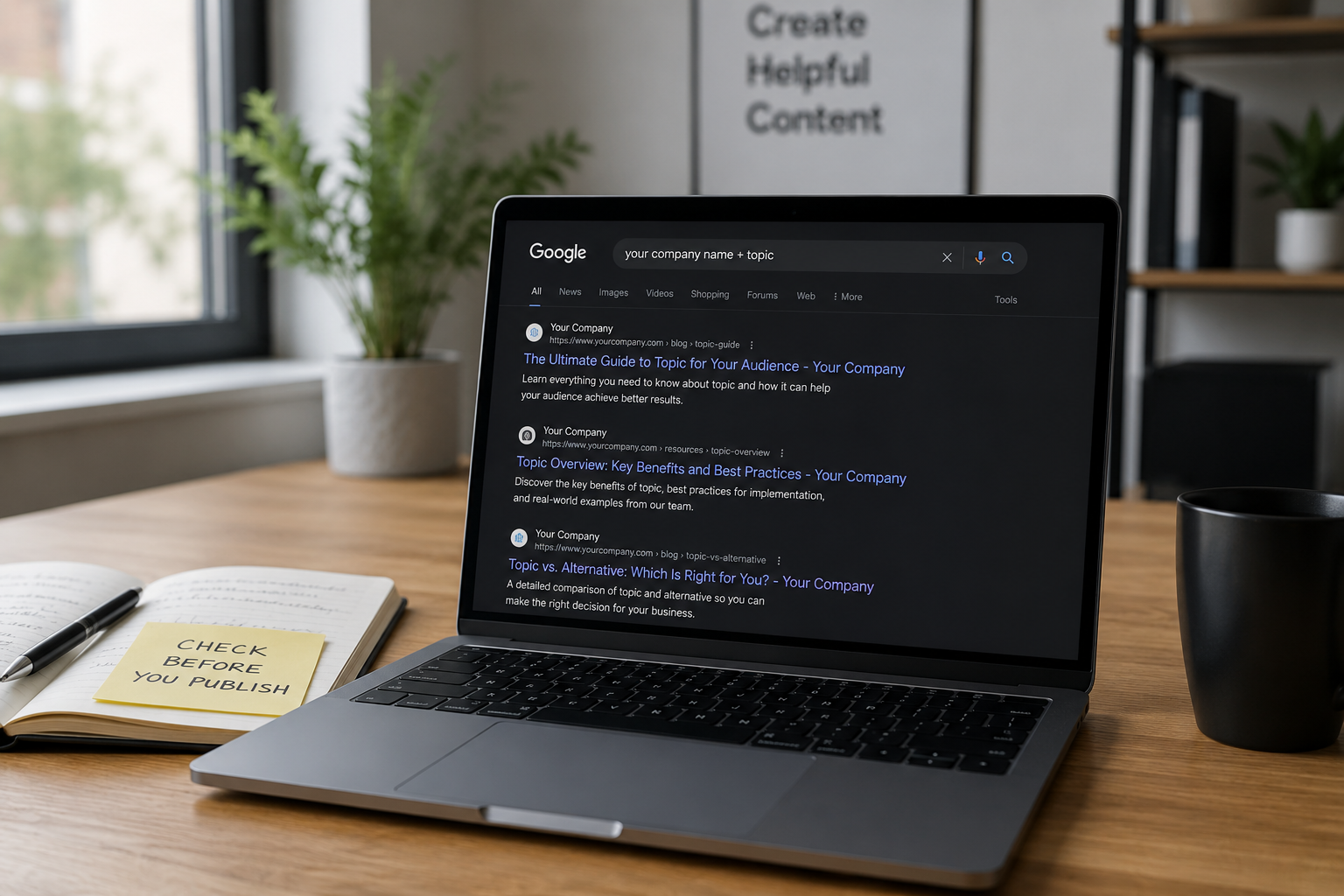
You've written the post. You've edited it. It's sitting in draft, formatted and ready. Before you hit publish, open an incognito window and do one thing: type your company name and the topic of your new post into Google and see what comes back.
It takes thirty seconds. Most content teams skip it entirely. And it's one of the highest-leverage habits in content marketing — the difference between building compounding search authority and quietly undermining yourself post after post, month after month, without ever knowing why the numbers won't move.
This post walks you through exactly what to look for, what the results mean, when to worry, when not to, and what to do about it when the answer isn't clean.
Why This Check Exists: The Problem With Growing Content Libraries
When a blog is new, every post is a fresh entry into a relatively empty space. There's little risk of overlap because there isn't much to overlap with. But as content libraries grow — and they grow fast when organizations are publishing consistently — the risk of internal conflict increases with every piece.
Keyword cannibalization happens when two or more pages on your website target the same keyword. Instead of helping your site rank better, these pages compete with each other, splitting authority and confusing Google about which page is the best match. Quantumitinnovation
The cruel irony is that this usually isn't the result of bad intentions. Keyword cannibalization tends to happen when content grows fast but strategy doesn't keep up. Too much overlapping content, duplicate keyword targeting — sometimes two writers independently picking the same target keyword or refreshing an old post that accidentally overlaps with a newer piece — and poor internal linking are all common triggers. Neil Patel
None of that is reckless. It's just what happens when you're producing content at volume without a system in place to track what you already own. The pre-publish Google check is the simplest version of that system. It's not a substitute for a full content audit or a keyword map — but it catches the most immediate risk before you make it worse.
Step One: The Incognito Search
Open an incognito or private browsing window. This matters because a regular browser session is personalized to you — it will surface pages you've visited frequently, which can skew the results and give you a false sense of where your content actually stands for someone who isn't you.
Search your company name alongside the core topic of the post you're about to publish. Then search the topic alone, without your company name. Look at both results sets separately — they tell you different things.
The company-name search shows you what Google already associates with your domain on that topic. The topic-only search shows you the competitive landscape you're entering and what kinds of content are currently satisfying that query.
What comes back determines your next move.
If One Similar Result Comes Up: Read It Before You Decide Anything
One result is not a crisis. It's a flag. The mistake is ignoring it because it feels like a small thing — one old post versus one new post, what's the harm. The harm is that publishing without addressing it means you're now splitting whatever authority your domain has on that topic across two pages instead of concentrating it on one.
When several of your pages try to rank for the same keyword, they could all underperform — especially when neither page is clearly better in content depth, backlinks, or relevance. Instead of one strong page getting all the backlinks, multiple weaker ones split the attention. If many pages discuss a similar topic, other sites may link to each inconsistently, meaning no one page accumulates strong authority. Yoast
When you find that one overlapping result, ask yourself three specific questions before you decide what to do.
First: Is it actually competing for the same search intent? Two posts can sound similar on the surface and serve completely different queries. Even though two pages both mention "best hiking boots," one might be informational — targeting people in the research phase — and the other transactional, targeting people ready to buy. Those pages serve different intents and are not truly cannibalizing each other. The surface-level topic overlap is not what matters. What matters is whether someone searching the same phrase would be equally satisfied by both posts. If yes, you have a real conflict. If no, you're likely fine — but you should still make the distinction unmistakably clear in the titles, meta descriptions, and introductory content of both pieces. Surfer
Second: Is the existing piece doing anything in search? Pull up Google Search Console and filter by that URL. Look at its impressions, clicks, average position, and which queries it's receiving traffic from. If it has zero organic impressions over the past three months, no backlinks, and no referral traffic, it's essentially invisible. Publishing over it with a stronger, better-optimized piece will rarely cause a problem — and in many cases is exactly the right move. If it's quietly generating a few hundred visits a month from a longtail query you weren't even aware of, that changes everything. You don't want to accidentally cannibalize a page that's performing.
Third: Is the new post clearly better? Better structured, more current, more thorough, more specifically optimized for the right query. If the answer is a confident yes, then the old piece is almost certainly a candidate for one of the fixes outlined below. If the answer is "not really — they're about equal," consider whether you should finish strengthening the new post before publishing it rather than launching into a fight your new content might not win.
If Multiple Similar Results Come Up: Slow Down
Multiple similar results surfacing from your own domain is the scenario that deserves real attention. Keyword cannibalization occurs when two or more pages from the same domain target the same or similar keywords and search intent, causing the pages to compete with each other in search engine rankings. When left unchecked, keyword cannibalization can become a roadblock for your SEO strategy. Search Engine Land
The reason this is so dangerous is that it compounds quietly. When multiple pages target the same keyword, search engines struggle to decide which one to rank. Google might rank the wrong page, pushing an outdated or less relevant one higher. Rankings can also fluctuate as search engines switch between competing pages, making traffic unpredictable. Writesonic
That fluctuation is what makes cannibalization so hard to diagnose from inside the organization. You look at traffic reports and see that a post is getting some traffic, so it seems like it's working. But you're not seeing the traffic it should be getting if authority weren't being split three ways. The aggregate looks mediocre; the cause stays hidden.
Research into revenue potential as it relates to search visibility for a large e-commerce site found that about 40% of the search visibility struggles were due to cannibalization issues. One specific example showed a major retailer appearing in search results only 50% of the time for a key query — the culprit being three very similar product pages sending conflicting signals to Google. As one SEO analyst put it: "The whole domain loses out." Lumar
This isn't just a blog problem. It's a business problem. Every percentage point of search visibility that leaks to a competing internal page is a percentage point that isn't working for you.
The Fixes: What To Actually Do About It
There is no single right answer here. The fix depends on the specifics — how differentiated the pages are, how much authority and traffic each carries, and what the search intent actually requires. Here are the four approaches, in order of how commonly they apply.
Consolidate and Redirect
This is the most common and usually most effective fix. Choose a primary page — usually the one with the most backlinks or the most established history — and then merge overlapping content and 301-redirect weaker URLs to consolidate authority. If merging isn't an option, reoptimize each page around a distinct keyword intent. Neil Patel
The consolidation approach works because it does two things simultaneously: it removes the internal competition, and it makes the surviving page stronger by pulling together the best elements of everything you previously had scattered across multiple posts. One comprehensive, authoritative piece almost always outperforms three average ones.
A concrete example: two articles on the same site had cannibalization issues. After consolidating them with a 301 redirect, the site saw a 466% increase in clicks year over year. The fix was low effort but high impact. Backlinko
Reframe the Positioning
If both posts have meaningful backlinks or traffic and you don't want to kill either of them, the answer may be to sharpen how clearly distinct they are — not just in content but in framing. If you have two blog posts titled "How to Build an SEO Strategy" and "SEO Strategy: A Complete Guide," both targeting the same keyword or search intent, they could end up competing with each other, causing both pages to rank lower. This sends mixed signals to search engines about which page should be considered the authoritative source. Upward Impact
Reframing means more than changing the title. It means genuinely repositioning one post around a clearly distinct audience, use case, or search intent — and then updating the internal linking between them so that one is clearly the primary resource and the other is clearly the supporting piece.
Use Canonical Tags
For pages with overlapping content that cannot be merged for various reasons — distinct target audiences or specific use cases — adding a canonical tag on the less important pages pointing to the main page tells Google which version is the authoritative one, ensuring that link equity is transferred to the primary page. webapex blog
Canonicalization is especially relevant for content that needs to exist in multiple forms for legitimate reasons — regional variations, platform-specific versions, or content syndicated across partner sites. It's a technical signal, not a content fix, so it should be paired with genuine effort to differentiate where possible.
Retire and Redirect
Sometimes the right call is simply to cut. If a post is old, thin, covering the exact same ground your new post covers more thoroughly, and generating no meaningful organic traffic — redirect it and move on. A leaner site often ranks higher. "Pruning" involves intentionally removing or blocking low-quality pages to concentrate link equity on high-performance assets. Regular audits can help identify pages with zero traffic over the last twelve months for potential removal. Yotpo
The instinct to keep every piece of content you've ever produced is understandable but counterproductive. Every weak page on your site is a page that Google has to evaluate and decide what to do with. Fewer, stronger pages send clearer signals.
A Note on What Google Itself Says About This
It's worth giving some nuance here. Google's John Mueller has noted that different pages ranking for the same search query is not inherently a problem, and that you need to look at the details and know your site and your potential users. Having three different pages appearing in the same search result doesn't automatically seem problematic to Google just because it's "more than one." Search Engine Journal
This is an important counterweight to panic. Not every instance of topic overlap is a crisis requiring emergency action. What you're looking for is evidence of real performance impact — ranking volatility, split traffic across two underperforming URLs, backlinks divided between similar pages. When two of your URLs rank closely together outside the top spots, it's often a sign that neither is performing optimally. That's the signal that a fix is warranted. Yoast
The pre-publish check isn't about achieving zero overlap across your entire content library. It's about not actively making a confirmed problem worse by adding another competing piece on top of one that already exists.
What the Search Also Tells You About the Competitive Landscape
Beyond your own results, the incognito search gives you a snapshot of the full competitive environment for that topic right now — and that context matters for how you approach the post you're about to publish.
Look at who's ranking. If the first page is dominated by publications with domain authority far above yours and content teams that publish daily, you're unlikely to crack the top three with a freshly published post regardless of how good it is. That doesn't mean you shouldn't publish — but it should inform your distribution strategy, your link-building priorities, and your realistic timeline for traction.
Look at what's ranking. Free tools like Google Trends and Google Search Console are useful starting points for spotting demand and query data, while tools like Ubersuggest, AnswerThePublic, and Moz Keyword Explorer can go deeper into keyword ideas and competitive gaps. If the top results are shallow, outdated, or clearly not answering the question well, that gap is your opportunity. Neil Patel
Look at the format. In 2026, 70% of searches contain more than three words — meaning the queries people are actually using are specific, intent-laden, and often conversational. If every top result is a structured listicle with clear headers and the post you've written is a narrative essay, consider whether you're serving the format that Google is telling you this audience actually wants. Incremys
The most effective SEO tools in 2026 use natural language processing and semantic analysis to understand content context beyond simple keyword matching, identifying semantic similarities, related terms, and user intent overlaps that might not be immediately obvious through manual analysis. You don't need those tools for a pre-publish check. But knowing they exist — and using them for quarterly audits — means your content program is operating with much better information than most. Topical Map AI
Building It Into Your Workflow
The pre-publish Google check doesn't need to be a formal process. It needs to be a habit — something that happens automatically before every post goes live, the same way proofreading happens before a client email goes out.
An SEO checklist answers the question: "What do we verify on every release, every publish, every sprint?" Used properly, it acts as a safety net so you miss nothing, a prioritization tool for what to do first, and an execution framework for who does what and when. Incremys
A useful pre-publish content checklist looks something like this:
Incognito search: Company name plus topic. Topic alone. Note what comes back. Make a conscious decision about whether it requires action before publishing.
Google Search Console check: Search the exact phrase you're targeting. Which URLs from your domain are currently receiving impressions for that query? If it's a URL that isn't the one you're about to publish, that's an immediate flag.
Internal link audit: Before publishing, identify at least two to three existing pages that should link to the new post and one to two pages the new post should link out to. This is how you signal topical relationships to search engines and start building authority into the new page from day one.
Intent confirmation: Read the top three organic results for your target query one more time, right before you publish. Does your post serve the same intent better, or differently enough to justify coexisting? If neither is true, stop and rethink.
Title and meta uniqueness check: Run a quick site:yourdomain.com search in Google. Using site:yourdomain.com "keyword" in Google surfaces all pages relevant to a particular term. If you see two or more of your URLs targeting the same term, they may be in conflict. If your new title is too close to something already indexed, either the title needs to change or the existing post does. Yoast
The Bigger Picture: Content as Infrastructure
The teams that build durable organic growth don't just produce more content. They produce content with a clear understanding of what they already own, where they have authority, and where each new piece fits into the broader architecture of their site.
According to Semrush's 2025 Website Health Benchmark Report, 72% of websites fail at least one critical technical SEO factor, directly impacting crawlability, indexation, and search visibility. Content cannibalization is rarely captured in that technical audit — it lives at the strategy layer. But its impact is just as real. 6sMarketer
In 2026, Google enforces stricter site diversity. Having five pages answering the exact same question doesn't make you look like an expert — it can make you look like a spammer. A single, comprehensive, consolidated piece of content will outrank a collection of scattered, competing ones almost every time. Data Enrich
The thirty-second incognito search before every publish is the minimum viable version of content governance. It doesn't replace a quarterly content audit, a keyword map, or a content calendar built around clear topical ownership. But it prevents the most avoidable form of self-sabotage in content marketing — the kind where you put in all the work to write something good, and then immediately make it harder for that content to succeed by publishing it into a conflict you could have seen coming.
Open a new window. Search before you publish. Every time.
Want to Know What Your Content Library Is Actually Doing?
Before you publish more, it's worth understanding what you already own — what's ranking, what's cannibalizing, where authority is being split, and where the real gaps are hiding.
At Ritner Digital, we help marketing teams audit their existing content and build the infrastructure that makes every new post work harder from day one.
Let's take a look at what you're working with →
Sources: Quantum IT Innovation (2026), Yoast (2026), Neil Patel / NP Digital (2026), Search Engine Land (2025), Backlinko (2026), Topical Map AI (2026), Lumar, Search Engine Journal, Semrush 2025 Website Health Benchmark Report, Incremys (2026), The HOTH (2026)
Frequently Asked Questions
Why do I need to use incognito mode for this search — can't I just Google it normally?
A regular browser session is personalized to you. Google factors in your search history, the sites you visit frequently, and your location when it decides what to show you. If you've been visiting your own website dozens of times a week — which most content creators and marketers have — your regular results will surface your pages more prominently than they would appear to someone with no prior relationship to your domain. Incognito mode strips that personalization out and shows you something much closer to what a first-time searcher actually sees. That's the version of reality that matters for SEO.
What's the difference between keyword cannibalization and duplicate content — aren't they the same thing?
Related but distinct. Duplicate content is when two or more pages are largely identical in wording — the same copy appearing in multiple places, either internally across your own site or externally across different domains. Keyword cannibalization is specifically about search intent: multiple pages targeting the same query even if the content itself is written differently. You can have keyword cannibalization without duplicate content — two well-written, original posts that both answer the same question in their own words will still compete against each other for the same search position. The duplicate content problem is about the words. The cannibalization problem is about the intent.
How do I know if my existing post is actually performing in search before I decide what to do with it?
Go into Google Search Console and navigate to the Performance report. Filter by URL to pull data specifically on the page in question. Look at impressions, clicks, average position, and — most importantly — which queries the page is receiving traffic from. An impression count above zero means Google is at least considering showing that page. Consistent clicks from organic queries means it's earning real traffic. If the page has had fewer than 100 impressions over the past three months and zero clicks, it's effectively invisible and unlikely to be harmed by a redirect or consolidation. If it's generating steady impressions or clicks even at a low volume, factor that in before you make a decision.
What is a 301 redirect and when should I use one?
A 301 redirect is a permanent redirect that tells both browsers and search engines that a page has moved to a new URL. When you use a 301, Google transfers the vast majority of the ranking signals — backlinks, authority, crawl history — from the old URL to the new one. You should use it when you're retiring a post and want all of its accumulated SEO value to pass to a stronger, more authoritative page. The important distinction is between a 301 (permanent, transfers authority) and a 302 (temporary, does not transfer authority). When consolidating content for SEO purposes, always use a 301.
If two of my posts cover the same topic but were written differently, is that still a problem?
It depends entirely on search intent, not writing style. If a reader searching the same phrase would be equally satisfied by either post — meaning both posts are trying to answer the same question for the same type of person at the same stage of their journey — then yes, you have a cannibalization risk regardless of how differently they're written. If one post is clearly for a beginner audience and the other is for an advanced practitioner, or one is informational and the other is commercial, they're likely serving genuinely different intents and can coexist. The test is: would the same person, with the same question, find both posts equally useful? If yes, consolidate. If no, make that distinction unmistakably clear in the positioning of each post.
How often does this kind of content overlap actually happen — is it really that common?
It's extremely common, especially on sites that have been publishing regularly for more than a year. Topic overlap tends to compound quietly: one writer publishes on a subject, another writer covers a related angle six months later without realizing the earlier piece exists, a refresh gets written a year after that, and suddenly there are three posts pulling in three directions on the same query. It's especially prevalent in fast-growing content teams without a centralized keyword map or content inventory, and on sites where multiple people are contributing posts without a consistent editorial review process. Most mature content libraries have at least some cannibalization hiding in them — the question is whether it's isolated or systemic.
Can I just change the title of my new post to make it sound different enough?
No. The title is one signal among many — and it's not the most important one. Google evaluates the full content of a page, its internal links, its backlinks, the queries it receives impressions for, and the overall intent it satisfies when deciding what to rank it for. Two posts with different titles that both answer the same question in the same depth for the same audience will still compete against each other regardless of what you name them. If you need to differentiate two posts, the differentiation has to run all the way through — the angle, the audience, the content itself, the internal linking context, and the meta description — not just the headline.
What tools beyond Google Search Console can help me find cannibalization issues?
For teams doing this at any scale, Ahrefs and Semrush both have dedicated cannibalization and site audit features that cross-reference which URLs from your domain are ranking for the same keywords and flag conflicts automatically. Screaming Frog is useful for crawling your full site and identifying pages with duplicate or near-duplicate title tags and meta descriptions, which is often the most visible surface-level indicator of a deeper problem. For a free starting point, a site:yourdomain.com "your topic" search in Google takes about ten seconds and surfaces which of your pages Google associates with a particular topic — which is more useful than most people realize before they try it.
Should I be doing this check for every single blog post I publish, even short ones?
Yes, every post — length doesn't change the risk. A short post targeting a high-intent phrase can cannibalize a long post on the same topic just as effectively as another long post can. If anything, shorter posts are more likely to create cannibalization problems because they tend to cover a topic at a high level without enough differentiation to clearly claim a unique piece of the search landscape. The pre-publish check takes thirty seconds. There's no post length threshold below which the check stops being worth doing.
What's a keyword map and should we have one?
A keyword map is a document that assigns one primary target keyword and one clear search intent to each URL on your site. It's the organizational system that makes cannibalization prevention systematic rather than reactive. Instead of checking for overlap post by post, a keyword map lets you see at a glance which topics your site already owns, where there are gaps, and whether a new post idea is genuinely additive or redundant before you write a single word. It doesn't have to be complicated — a spreadsheet with URL, target keyword, intent category, and publishing date is enough to get started. For teams publishing more than two or three posts per month, a keyword map is one of the highest-leverage SEO investments you can make.
We have a large existing blog with a lot of old posts — where do we even start with an audit?
Start with Google Search Console's Performance report filtered by page, sorted by impressions. Pull the top fifty pages by impression volume and look at which queries each page is appearing for. Then look for query overlap — if two pages are both appearing for the same three or four queries, that's your first cluster to investigate. From there, a site:yourdomain.comcrawl using Screaming Frog can flag duplicate title tags across your whole site in one pass, which is usually a reliable proxy for deeper cannibalization issues. Work from highest-traffic pages downward. You don't need to fix everything at once — you need to fix the conflicts that are costing you the most visibility first.