Best Dotdigital Consultancy for Mailchimp Migration — Without Losing Your Segments
You've spent months — maybe years — building segments inside Dotdigital. Purchase behavior. Engagement tiers. Geographic targeting. Lifecycle stages. Preference-based groups. All of it wired into automations and campaign logic that drives real revenue.
Now you need to move to Mailchimp. And the first question isn't how — it's what happens to all of that?
The honest answer: if you do this wrong, you lose it. All of it. Dotdigital segments don't export as segments. They export as flat CSV files full of email addresses with no structure, no rules, and no logic attached. Mailchimp has no idea what a Dotdigital address book is. It doesn't know what your segment rules meant. And unless someone rebuilds the entire architecture on the other side, your "migration" is really just a contact dump with a fresh coat of paint.
That's where most agencies stop. We don't.
Why Dotdigital-to-Mailchimp Migrations Break Segments
The core problem is structural. Dotdigital and Mailchimp handle segmentation in fundamentally different ways, and a straight export-import doesn't translate between them.
In Dotdigital, your contacts live in address books — essentially static lists you manually assign contacts to. On top of that, you build segments using a drag-and-drop rule builder that can reference data fields, engagement history, list membership, purchase data, RFM scores, and more. Those segments refresh dynamically. They're powerful, and they're the backbone of most Dotdigital accounts.
Mailchimp works differently. Contacts live inside audiences (formerly called lists), and within those audiences you organize contacts using a combination of tags, groups, and segments. Mailchimp segments can filter on up to five conditions (or more on premium plans), using merge fields, subscriber data, tags, and group membership. Tags are manual labels. Groups are subscriber-facing preference categories. Segments are dynamic filters — but built on a completely different rule engine than Dotdigital's.
Here's what that means in practice:
Dotdigital address books don't map 1:1 to anything in Mailchimp. If you had 15 address books organizing contacts by product interest, geography, or acquisition source, those need to become a combination of tags, groups, or custom merge fields inside a single Mailchimp audience — not 15 separate audiences (which would balloon your billing and break cross-list segmentation).
Dotdigital segment rules can't be exported. The rule logic — "opened Campaign X in the last 90 days AND is in Address Book Y AND has a data field value of Z" — stays behind in Dotdigital. You get the output (the list of contacts who matched), but not the logic. Someone has to reverse-engineer every segment and rebuild equivalent conditions inside Mailchimp's segment builder.
Personalization markers break. Dotdigital uses @FIRSTNAME@ syntax. Mailchimp uses *|FNAME|* merge tags. Every template, every automation, every dynamic content block that references a personalization field needs to be rewritten.
Automation workflows don't transfer. Dotdigital's program builder and Mailchimp's Customer Journeys are different systems entirely. Trigger logic, branching, wait steps, decision nodes — all of it has to be rebuilt from documentation you create before you leave Dotdigital.
What a Proper Segment-Preserving Migration Looks Like
A migration that actually preserves your segmentation isn't a one-afternoon CSV import. It's a structured project with distinct phases. Here's how we approach it at Ritner Digital.
Full Segmentation Audit
Before we touch an export button, we document everything. Every address book, every segment, every rule, every automation that depends on that segment. We map out the logic tree — what triggers what, what feeds where, what data fields are in play. This is the blueprint that makes the rest of the migration possible.
Data Architecture Planning
We design the Mailchimp-side architecture before importing a single contact. This means deciding how Dotdigital address books translate into Mailchimp's system — which become tags, which become groups, which become merge field values. We plan the audience structure to avoid duplicate billing and ensure cross-segment targeting still works.
Contact Export & Enrichment
We export contacts from Dotdigital with all associated data fields, suppression lists (unsubscribes, hard bounces, complaints), and engagement history where available. Suppression data is critical — importing contacts without it puts your sender reputation and deliverability at risk from day one.
Segment Reconstruction
This is the phase most agencies skip entirely. We take the documented segment rules from Dotdigital and rebuild equivalent segments inside Mailchimp. Some translate cleanly. Others require creative workarounds — using tag combinations, custom merge fields, or conditional logic that replicates what Dotdigital's rule builder was doing. We validate each rebuilt segment against the original contact counts to confirm accuracy.
Template & Personalization Migration
We convert email templates from Dotdigital's EasyEditor format to Mailchimp-compatible designs, replacing all personalization markers, updating dynamic content blocks, and ensuring responsive rendering across clients. This isn't a drag-and-drop — it's a manual rebuild with QA testing.
Automation Rebuild
Every Dotdigital program gets rebuilt as a Mailchimp Customer Journey or classic automation. We replicate trigger conditions, timing, branching logic, and segment-based entry criteria. Each flow is tested end-to-end before going live.
Warm-Up & Validation
After migration, we don't just flip the switch. We run a controlled warm-up period — sending to your most engaged segments first, monitoring deliverability metrics, and validating that Mailchimp's infrastructure is treating your domain and IP reputation correctly. We compare post-migration engagement against your Dotdigital benchmarks to catch any issues early.
Why Teams Migrate from Dotdigital to Mailchimp
We're not here to tell you which platform is better — that depends entirely on your business. But we see consistent reasons why teams make this move.
Cost. Dotdigital uses custom enterprise pricing that often starts around $150/month and scales steeply. Mailchimp's tiered pricing gives growing businesses more flexibility, especially when they don't need Dotdigital's heavier B2B features like advanced RFM modeling or built-in SMS.
Simplicity. Dotdigital is powerful, but it's complex. If your team has outgrown the need for a full-scale CXDP and just wants to send great email campaigns with solid automation, Mailchimp's interface is more approachable — and you'll spend less time training new team members.
Ecosystem. Mailchimp integrates natively with nearly everything — Shopify, WordPress, WooCommerce, Squarespace, hundreds of SaaS tools. Dotdigital has strong integrations too, but Mailchimp's breadth is hard to match for small and mid-size teams.
Team size. Dotdigital was built for marketing teams with dedicated ops support. If you're a lean team of one to three people running email alongside everything else, Mailchimp is often the more practical choice.
What to Look for in a Dotdigital Migration Consultancy
Not every agency that "does email" can handle a platform migration — especially one where preserving segmentation is the priority. Here's what separates a real migration partner from someone who'll hand you a CSV and wish you luck.
They audit before they migrate. If someone quotes you a flat fee without seeing your Dotdigital account first, they're guessing. A proper migration starts with understanding what you have, not just moving it.
They understand both platforms deeply. Knowing Mailchimp isn't enough. Your consultancy needs to understand how Dotdigital's address books, segments, programs, and data fields work — because that's what they're translating from.
They rebuild segment logic, not just contact lists. Anyone can export a CSV and import it into Mailchimp. The value is in reconstructing the segmentation architecture so your targeting, automations, and personalization keep working on the other side.
They handle suppression data. If your migration partner doesn't ask about unsubscribes, bounces, and complaint lists, walk away. Importing without suppression data is how you tank your deliverability on a brand-new platform.
They test before launch. Every rebuilt segment should be validated. Every automation should be tested end-to-end. Every template should be QA'd across email clients. Migrations that skip testing create problems that take months to surface.
Ritner Digital Handles Dotdigital-to-Mailchimp Migrations the Right Way
We're a full-stack digital marketing agency based in Philadelphia, and email platform migration is one of the things we do best. We've built our email practice around the hard stuff — the migrations that other agencies call "too complex" or quote six weeks for and deliver a spreadsheet.
We handle the full scope: segmentation audit, data architecture, contact migration, segment reconstruction, template conversion, automation rebuilds, deliverability warm-up, and post-migration validation. One team. One process. Nothing falls through the cracks.
If you're sitting on a Dotdigital account full of segments you can't afford to lose and you need to get to Mailchimp without breaking everything, that's exactly the kind of project we were built for.
Get Your Free Migration Audit →
Frequently Asked Questions
How long does a Dotdigital-to-Mailchimp migration take?
It depends on the size and complexity of your account. A straightforward migration with a handful of address books and segments can wrap in one to two weeks. Accounts with dozens of segments, complex automation programs, and heavy personalization typically take three to six weeks. We scope the timeline during your free audit so there are no surprises.
Will I lose my engagement history when I migrate?
Dotdigital doesn't let you export full campaign-level engagement history (opens, clicks, send dates) in a way that Mailchimp can ingest natively. However, we can export key engagement data points — like last open date, last click date, and total campaign sends — as custom merge fields in Mailchimp. That way your engagement-based segments still have something to work with on the other side.
Can I keep both platforms running during the transition?
Yes, and we recommend it. We typically run a parallel period where Dotdigital stays live while we build and validate everything inside Mailchimp. Once the Mailchimp environment is fully tested and warmed up, we cut over. You're never in a position where neither platform is working.
What happens to my unsubscribes and bounces?
We migrate all suppression data — unsubscribes, hard bounces, soft bounces, and spam complaints — into Mailchimp before any sends go out. This is non-negotiable. Skipping suppression data is the single fastest way to destroy your sender reputation on a new platform.
Do my Dotdigital templates work in Mailchimp?
Not directly. Dotdigital's EasyEditor templates use a different structure than Mailchimp's drag-and-drop editor. We rebuild your templates inside Mailchimp, matching the design and layout as closely as possible while replacing all Dotdigital personalization markers with Mailchimp merge tags. Every template is tested across major email clients before launch.
What if my Dotdigital segments use data that Mailchimp doesn't support?
This comes up more often than people expect. Dotdigital supports segment rules based on RFM scoring, program enrollment status, and advanced ecommerce data that Mailchimp may not replicate natively. In those cases, we find workarounds — custom merge fields, tag-based logic, or third-party integrations — that approximate the same targeting. If a segment truly can't be rebuilt with equivalent accuracy, we flag it during the audit so you can make an informed decision before migration begins.
How much does a migration like this cost?
Every account is different, so we don't do flat-rate pricing for migrations. The cost depends on the number of segments, automations, templates, and contacts involved. We scope everything during a free audit and give you a clear proposal — no surprises, no hourly billing that balloons without warning.
Can you migrate from Mailchimp to Dotdigital instead?
Yes. The process works in both directions. The same principles apply — audit, architecture planning, segment reconstruction, template conversion, automation rebuild, and deliverability warm-up. If you're moving to Dotdigital, we handle that too.
Do I need to be in Philadelphia to work with you?
No. Most of our migration work is done remotely. We work with businesses across the country. If you're local to Philly, great — but geography has never been a barrier for this kind of project.
How do I get started?
Get your free migration audit → We'll review your Dotdigital account, document what you're working with, and give you a clear plan for getting to Mailchimp without losing what you've built.
Related Reads
〰️
Related Reads 〰️
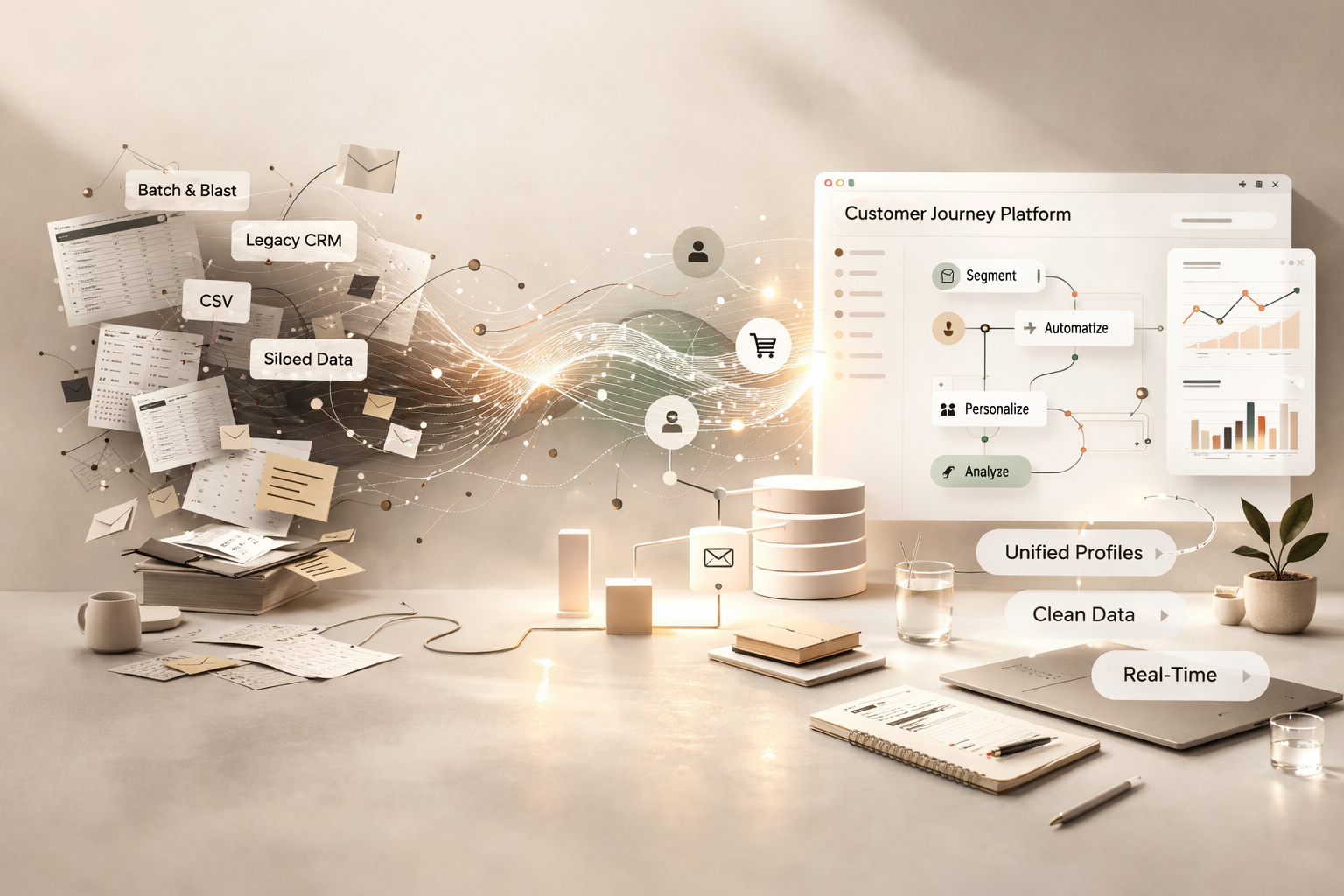
Migrating from Batch-and-Blast Email to a Customer Journey Platform — And Who Actually Handles the Data Migration
The gap between a batch-and-blast tool and a customer journey platform isn't just a feature gap — it's a data architecture gap. If nobody bridges it properly during migration, you end up with a shiny new platform running the same lazy emails with a more expensive subscription. Here's what the migration actually involves and who should handle it.
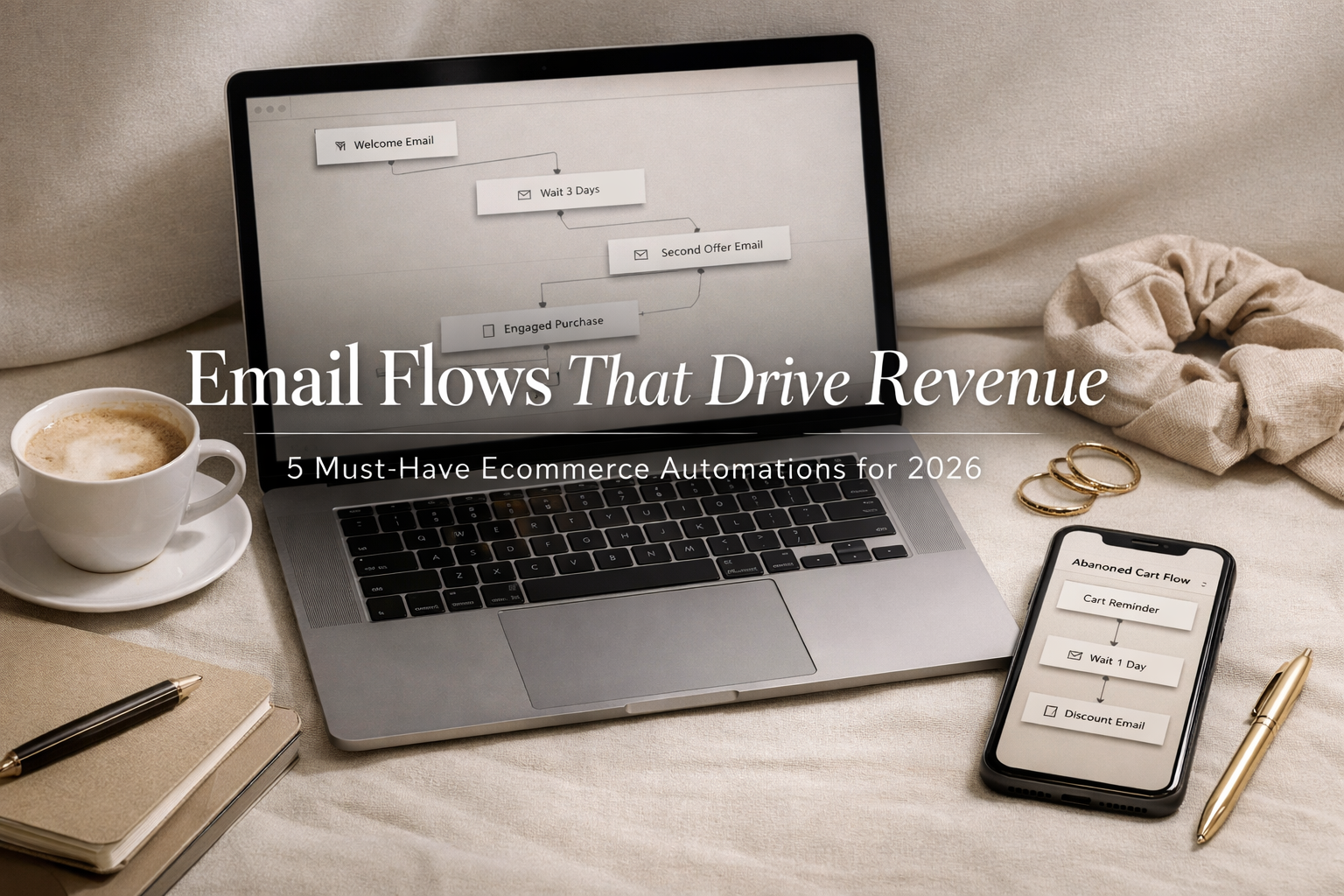
Email Flows That Actually Drive Revenue: The 5 Automations Every Ecommerce Brand Needs in 2026
Most ecommerce brands are still sending campaigns. The smart ones are building revenue engines. In this post, we break down the five essential email automations that convert subscribers, recover lost sales, increase LTV, and drive predictable revenue in 2026.

Email Marketing for Home Services: How to Turn One-Time Jobs Into Repeat Customers
You fixed the leak, replaced the unit, and sent the invoice. Then the customer disappeared. Most home services businesses spend heavily to acquire new customers while ignoring the database of past customers who already trust them. Automated email marketing changes that — with seasonal reminders, post-job follow-ups, and re-engagement sequences that bring customers back at exactly the right time without adding work to your plate.